
Export a tech-log PDF
Produce a formatted tech-log report, or a spreadsheet-ready CSV of the same data, for one asset over a date range you choose.
Before you start
Section titled “Before you start”- You must be an admin of the syndicate. The export is hidden from regular members.
- The report combines usage logs, squawks, and logged maintenance completions for the chosen asset, in one chronological list. It covers exactly the date range you set.
- Open the syndicate and go to the Assets tab.
- Tap the aircraft you want to export.
- Scroll to the Activity card and tap Export Tech Log.
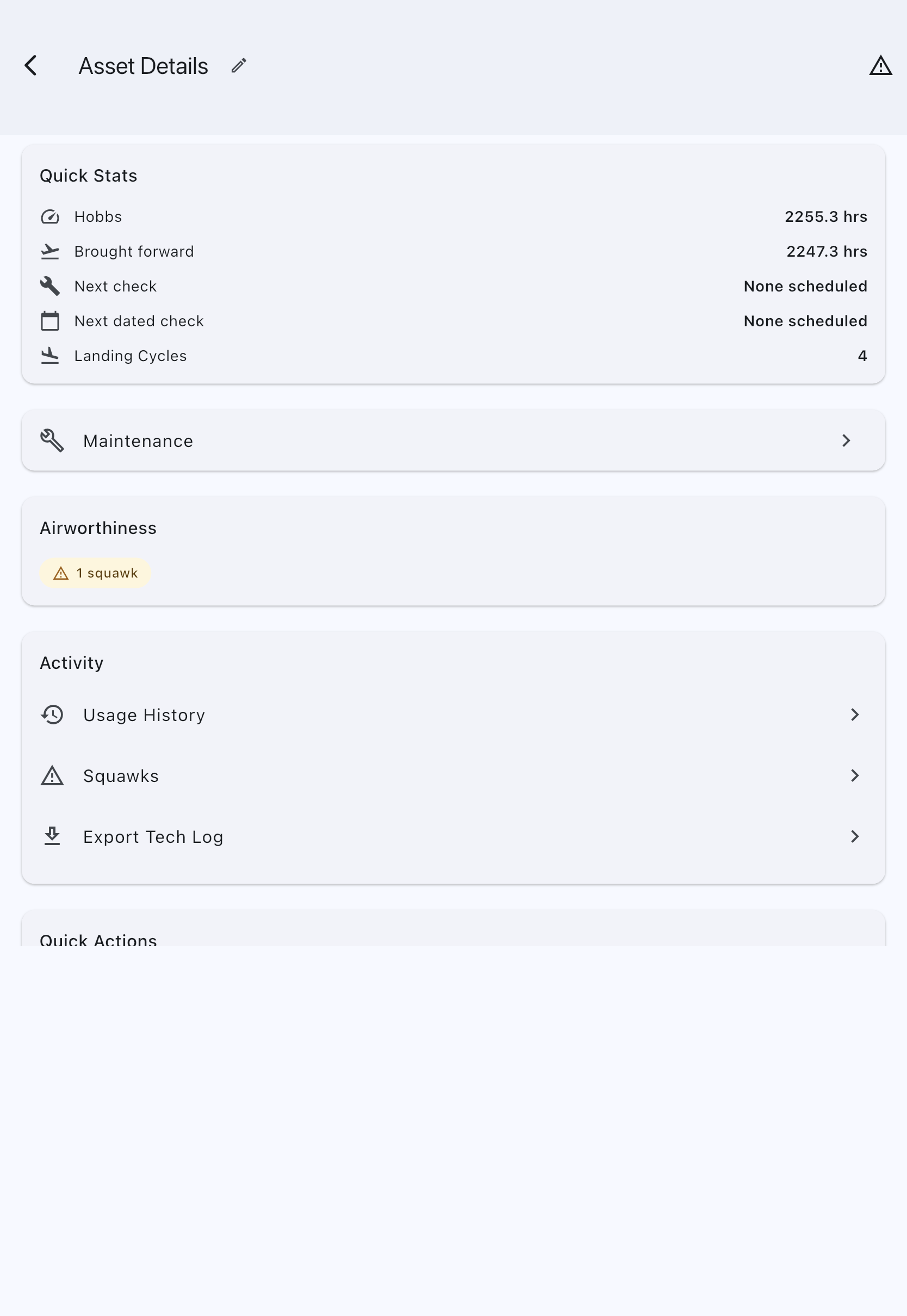
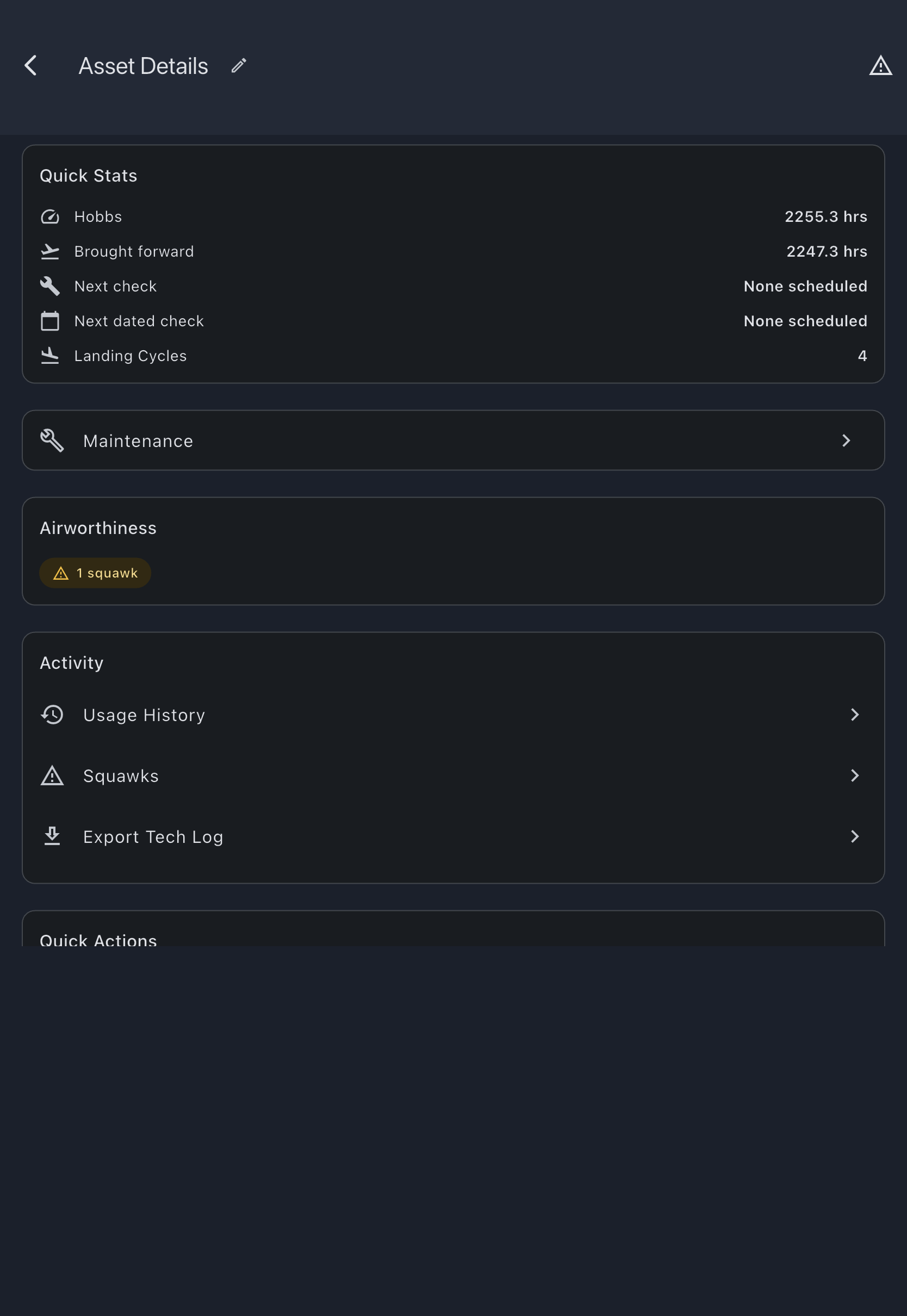
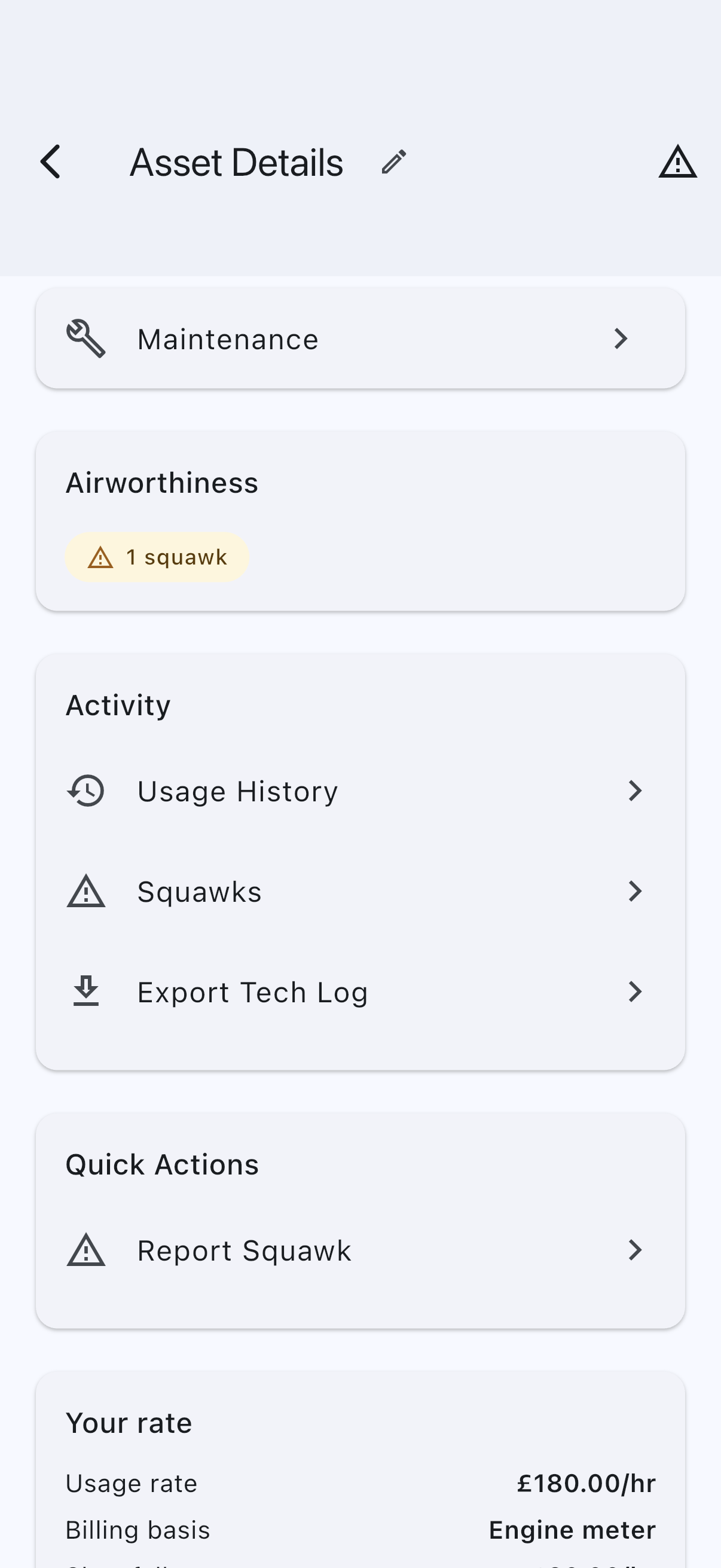
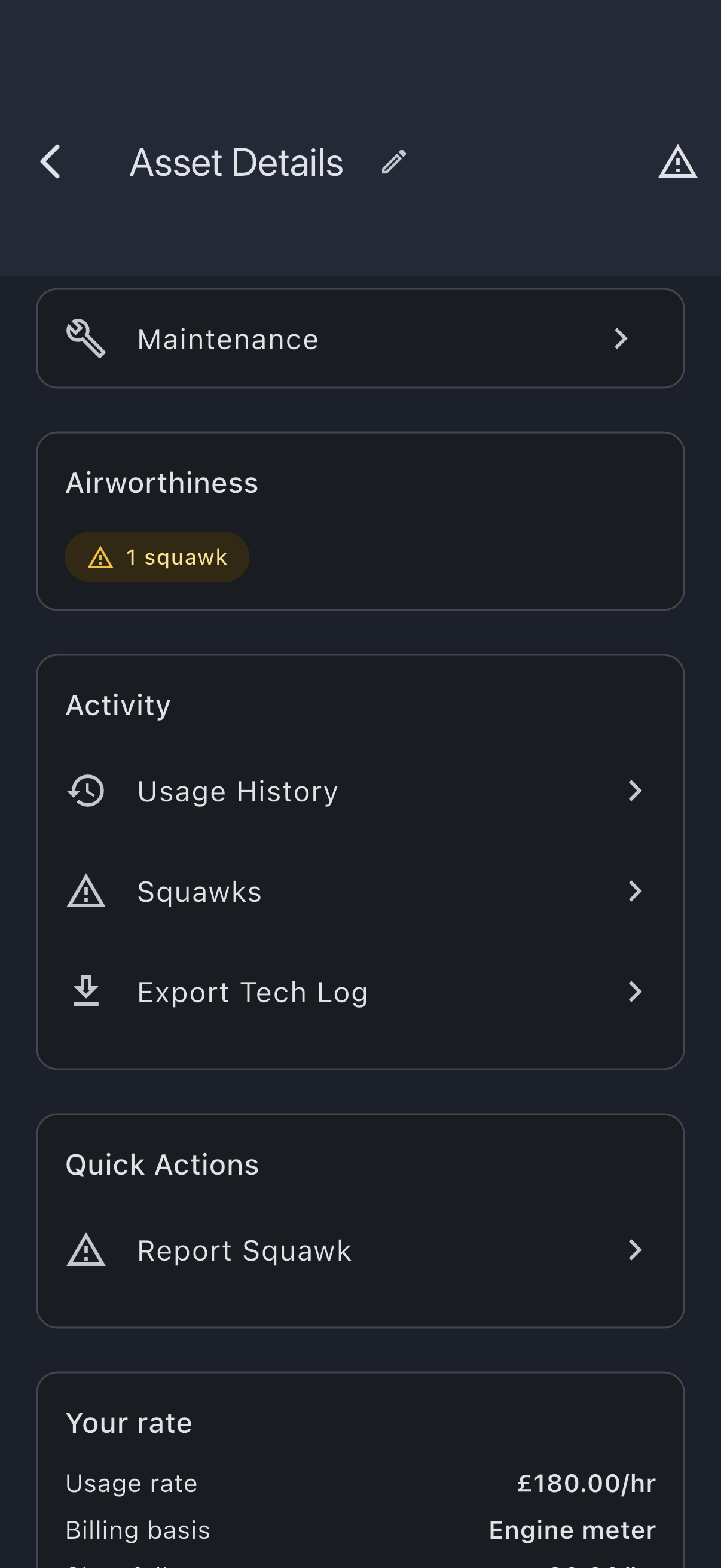
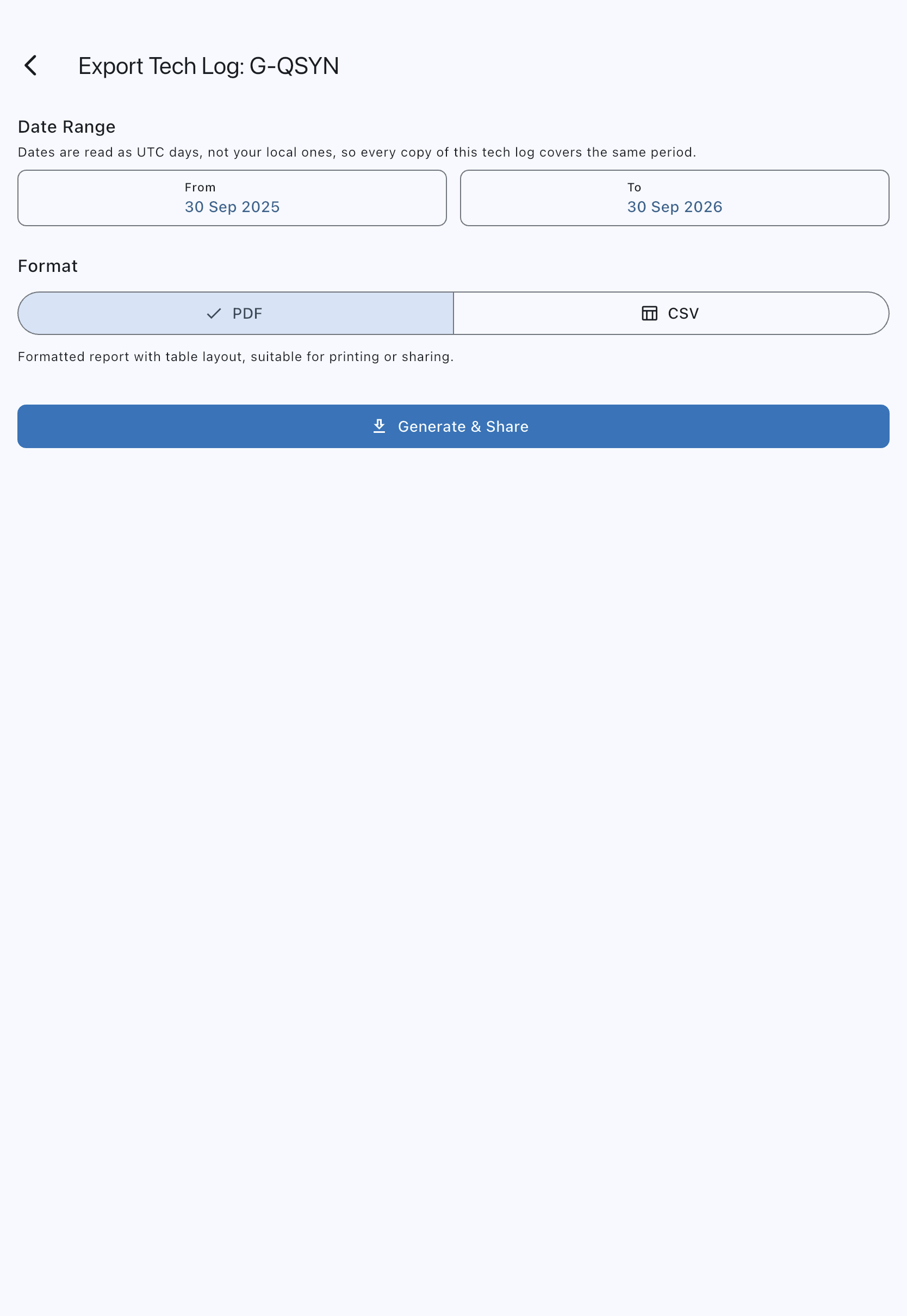
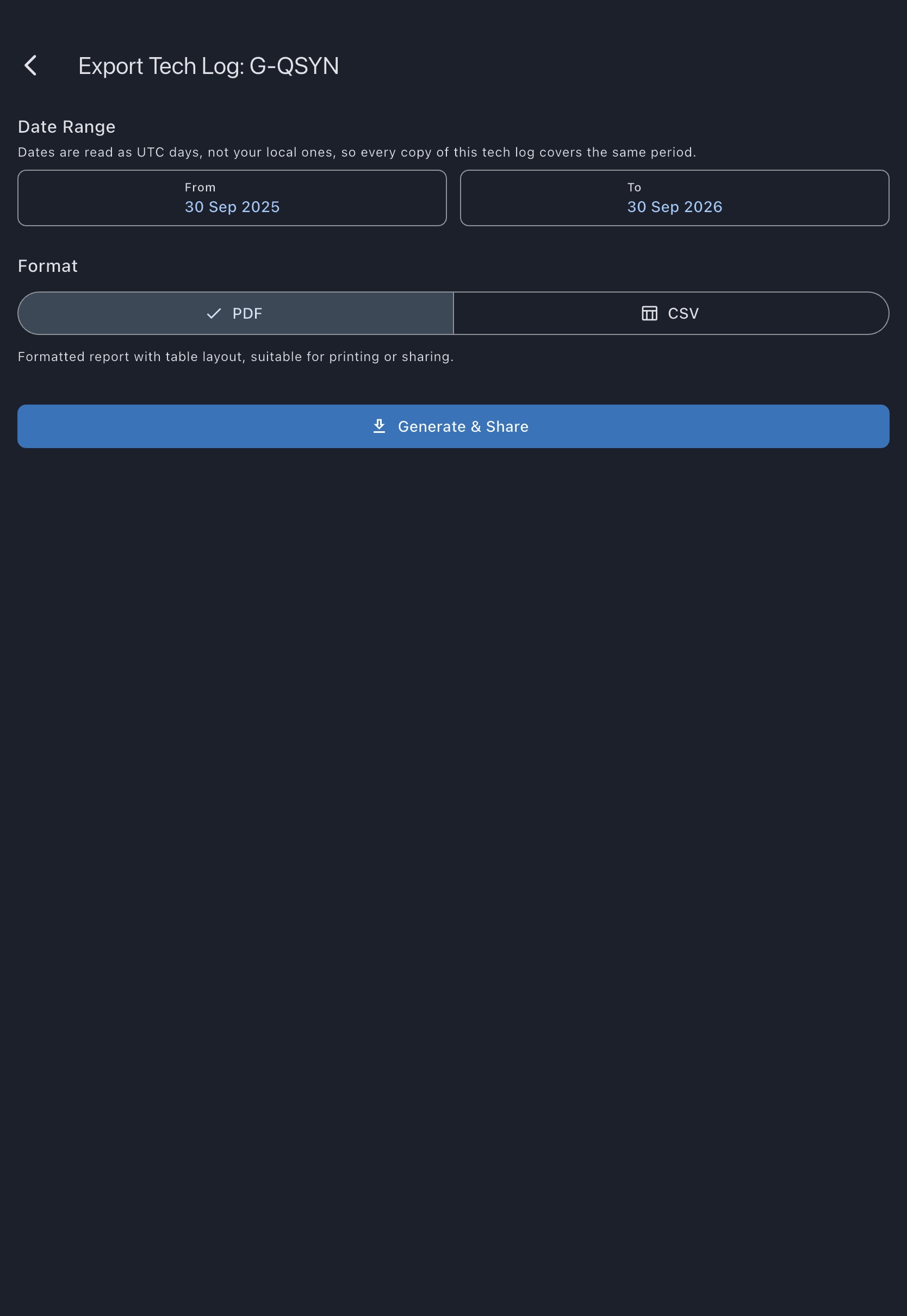
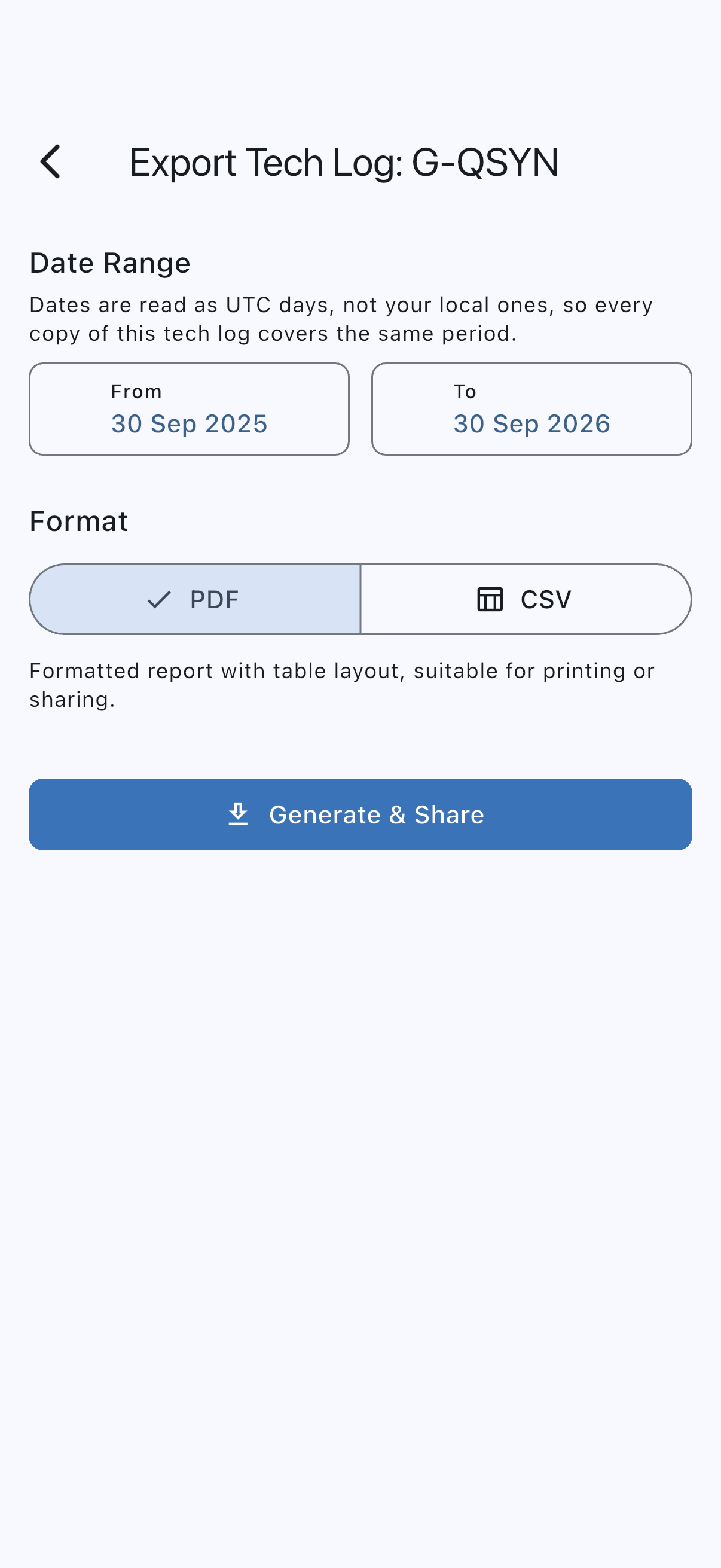
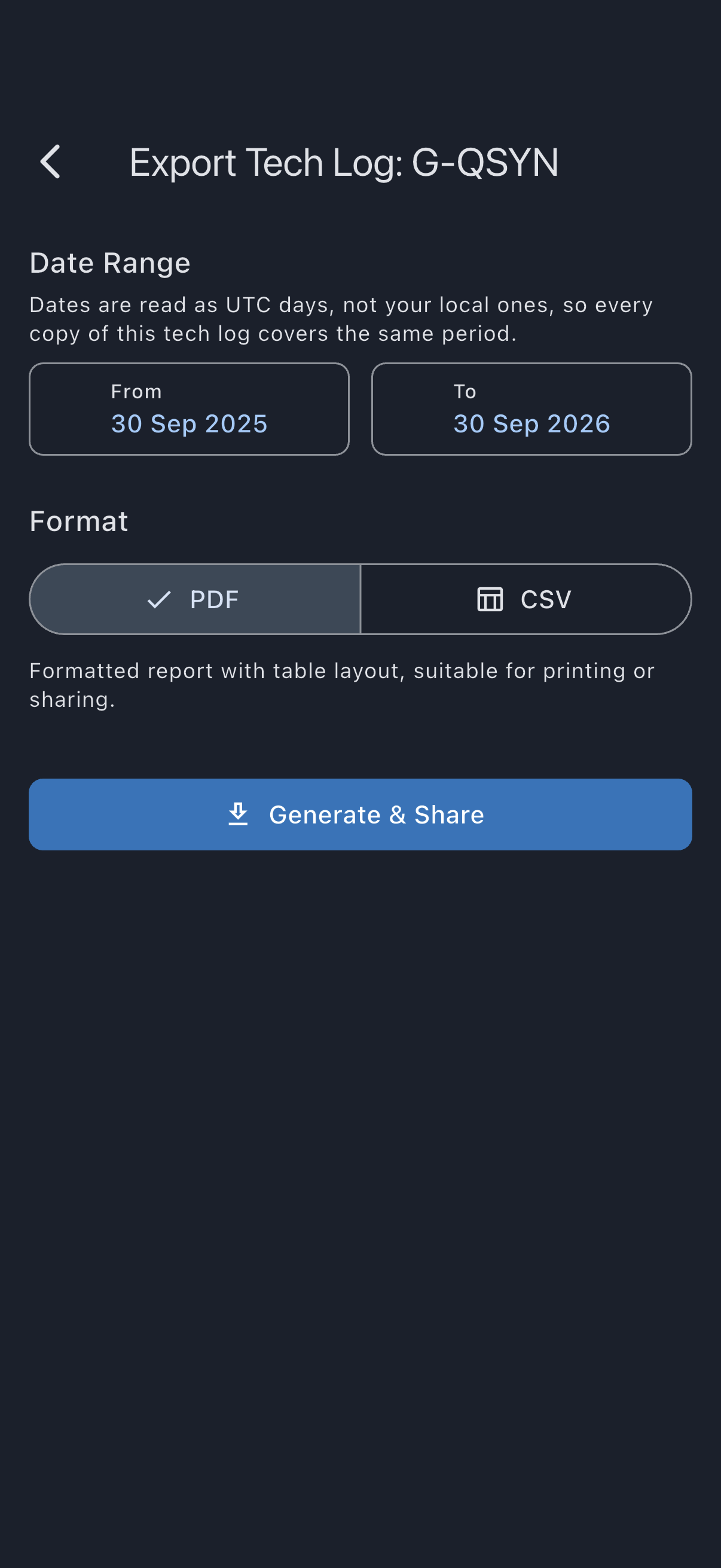
The export screen opens, titled Export Tech Log: {aircraft name}. That is the asset’s name as you set it, which may or may not be its registration; the registration appears in the filename, not the title. 4. Under Date Range, set the From and To dates. The defaults are one year back to today, as a UTC day. Tapping either opens a date picker; the range auto-corrects if you set From after To. 5. Choose Date format. It starts with your normal date preference; you can select ISO or another available format for this export without changing your profile. This changes date presentation; the tech log still uses UTC days and a 24-hour clock. 6. Choose the Format: PDF for a formatted report suitable for printing or sharing, or CSV for a spreadsheet-compatible file. 7. Tap Generate & Download on web, or Generate & Share on mobile.
- On web, the file downloads directly. The filename looks like
techlog_G-QSYN_202504-202604.pdf. - On mobile, the system share sheet opens so you can pick email, AirDrop, a messaging app, or a file location.
Times on the export
Section titled “Times on the export”Every time on the export is UTC, and the document says so in its header, next to the period it covers. The From and To dates you pick are read as UTC days as well, so the same range produces the same tech log whoever runs the export and wherever they are.
This is deliberate: the tech log belongs to the aircraft, not to the person who exported it, and an engineer reading the page months later has no way to know what your phone’s clock was set to. It also means two admins in the same syndicate cannot produce two different logs for the same period.
A flight is listed under the UTC day it took off, which is also the date printed on its row. Where no take-off time was recorded, its off-blocks time decides the day, and failing that the start of its booking. A moment more than a day away from the date the flight was logged on is not used: on a trip of several days, the booking’s start says when the trip began, not when this flight flew. A flight with none of those is listed under the calendar day it was logged on.
For a pilot east of UTC this can be a day earlier than the date they logged. A flight taking off at 22:30 UTC on 3 October is logged as 4 October in Tokyo, and the tech log lists it under 3 October. Because To defaults to today in UTC, that flight is in the export straight away. Charges and statements still use the day the pilot logged.
Flights on the same day are listed in the order their bookings end, and the meter-reading check below walks them in the same order, by the same UTC day. Two flights on the same booking are listed in the order they were logged.
Column names
Section titled “Column names”The PDF repeats its document title and column headings on each page of flight records, so a printed continuation page can be read on its own.
The flight columns follow what your syndicate records, and each start and end column is headed with your syndicate’s own name for that moment, the same words the Log Flight form uses: “Tacho Start” and “Tacho End”, “Brakes off” and “Brakes on”, “Takeoff” and “Landing” by default. The hours columns are <meter> Hours (for example “Tacho Hours” or “Hobbs Hours”), Block Hours and Airborne Hours. The PDF and the CSV use the same headings. The CSV opens with accented and non-Latin names and remarks intact in Excel, Numbers, Google Sheets and LibreOffice.
Readings that do not follow on
Section titled “Readings that do not follow on”Each flight should start on the meter reading the previous flight finished on. When a flight’s start reading is different from the previous flight’s end reading, the PDF prints an asterisk (*) beside that flight’s start reading. Readings that differ by 0.01 or less count as the same.
The first flight in the range is checked against the last flight before the range, so a break on the first day still shows.
When at least one flight is marked:
- A note at the foot of every page explains what the asterisk means. It is one general note for the whole document, so a page printed on its own still carries it.
- A line under the period totals says the totals include marked flights.
A marked flight is not necessarily wrong. A ground run nobody logged, a replaced meter or a mistyped reading all produce one. The mark shows you where to look. The CSV carries the same readings but no marks.
Defects, and the flights they came from
Section titled “Defects, and the flights they came from”The Defects column on a flight row carries the pilot’s per-flight declaration — “No known defects” or “Defect reported” — and, where a defect was reported, what it was. A defect raised on the Log Flight form is recorded against that flight, so the row names it rather than leaving you to find a squawk row elsewhere on the document and work out which flight it belongs to. The squawk’s own row says the same thing the other way round: “raised on the flight of” and the flight’s date.
Where a flight says a defect was reported and nothing describes it, the column reads “Defect reported, no squawk recorded”. That is a gap in the record stated outright rather than left to be inferred from a squawk row that is not there. Two things produce it: a flight logged before defects were written up on the form itself, and an admin correcting a declaration to “defect reported”, which records the declaration and no squawk.
A squawk reported against the aircraft rather than from a flight names no flight, which is correct: it did not come from one.
Lifetime totals
Section titled “Lifetime totals”The summary ends with Lifetime totals (since added to Syndik8). Each line runs from the brought-forward figure, which is the reading the aircraft was set up with when it was added to Syndik8, to the total to date. It is not the aircraft’s whole history unless the brought-forward figure was.
If it goes wrong
Section titled “If it goes wrong”- Export Tech Log is not visible on the asset. You are not an admin in this syndicate: the row is hidden from members, so the Activity card shows only Usage History and Squawks. Ask an admin to promote you if you need the export.
- The date range has no data. The PDF or CSV generates anyway with empty sections. Widen the range and regenerate.
- The share sheet does not offer email. Email availability depends on the apps installed on your phone. Choose Save to Files (iOS) or Save to device (Android) and attach the file to an email manually.
- The PDF looks unformatted. Opening the file in a PDF viewer with strict rendering is the most reliable check. Preview apps on older devices sometimes drop table borders; the content is still correct.
See also
Section titled “See also”- Delivery channels: sharing exports over email uses your own inbox; Syndik8 does not email tech-log exports automatically
- Maintenance items: signing a check off is what adds it to this export