
Close a syndicate
Close a syndicate when the partners are winding it down. Closing is a reversible soft-close, not an immediate deletion: it stops all activity, cancels the Direct Debit mandates at the payment provider and ends the subscription, but keeps your data read-only for a retention window during which you can reinstate it.
Before you start
Section titled “Before you start”- You must be an admin of the syndicate.
- Resolve a live Stripe account closure with its owner first. Stripe does not let Syndik8 delete a live full-dashboard account where Stripe carries payment losses. The account owner must arrange closure in Stripe or with Stripe Support. The app detects this restriction before cancelling mandates or the subscription; disconnecting an account is not the same as closing it.
- Resolve any money in flight first. Closing is refused while a Direct Debit collection is still clearing, or while any member still owes an outstanding balance. Settle these before you close.
- A cash call that is not due yet does not block the close, and closing cancels it. Members’ shares of it are not on anybody’s balance yet, and a closed syndicate’s ledger is frozen, so they could never be posted. Each waiting share is cancelled with the reason “Syndicate closed”. If you still need that money, collect it before you close: correct the call’s due date to today so the shares go onto members’ balances, then settle them. A share already on a member’s balance is money owed, and blocks the close like any other outstanding balance. The refusal says how much is owed and across how many members.
- Settle anything the syndicate owes a member. Closing is refused while a card refund that did not reach a member is still waiting for you and them to choose how they get the money. Money owed back is not part of anyone’s outstanding balance, so nothing else here would have caught it, and closing would freeze it on a ledger where neither choice can still be made. The refusal names each member owed and how much. Settle each one in Refunds & chargebacks, as credit they have agreed to or as a payment you record making to them, and the close then goes through. See Work Refunds & chargebacks. Ordinary credit sitting unspent on a member’s account does not block a close, and never has.
- Clear any bookings that still need attention. Closing is refused while anyone has a past booking that is confirmed but not yet finalised, or a future booking that already has a usage log against it. Finalise the past flights and sort out the future booking first.
- Once you close, the syndicate becomes read-only and its ledger is frozen. You can reinstate it within the retention window, but reinstating is refused if you already have another open syndicate on the free plan; you would need to make room first.
Close the syndicate
Section titled “Close the syndicate”- Open the syndicate and tap the pencil icon next to its name.
- Scroll to the Close this syndicate card and tap Close syndicate.
- The app checks whether the syndicate can be closed. If something is unresolved (an in-flight collection, an unsettled balance, money still owed back to a member, a past booking that still needs finalising, or a future booking with a usage log), it tells you what to fix and stops. For a balance it names the figure and how many members it is spread across; if the syndicate bills on a set day each month, charges not yet billed are named as owed but not yet billed rather than due now; for money owed back it names each member and what they are owed.
- Otherwise a confirmation appears explaining how long your data is kept. Tap Close syndicate to close it, or Cancel to back out without changing anything.
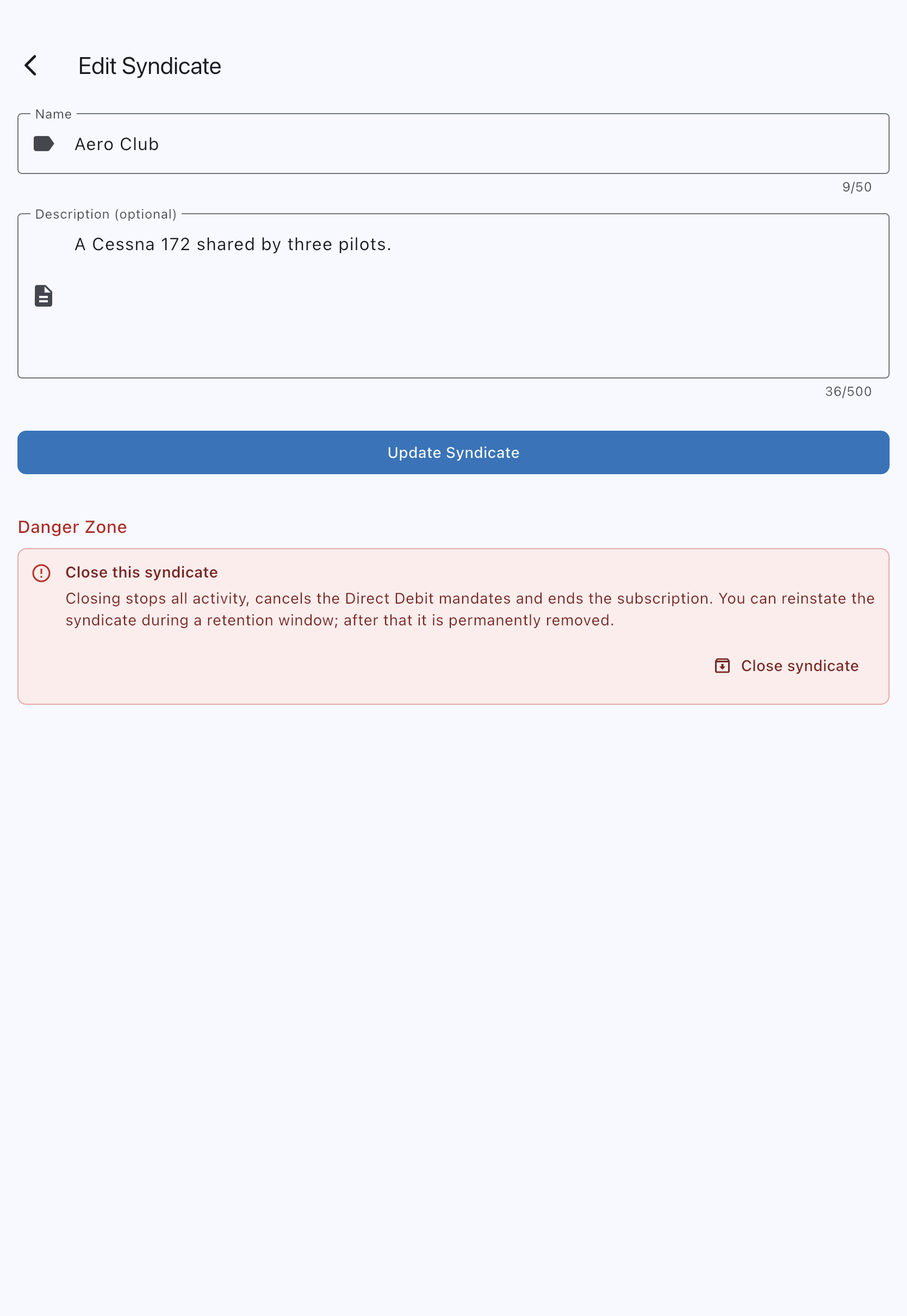
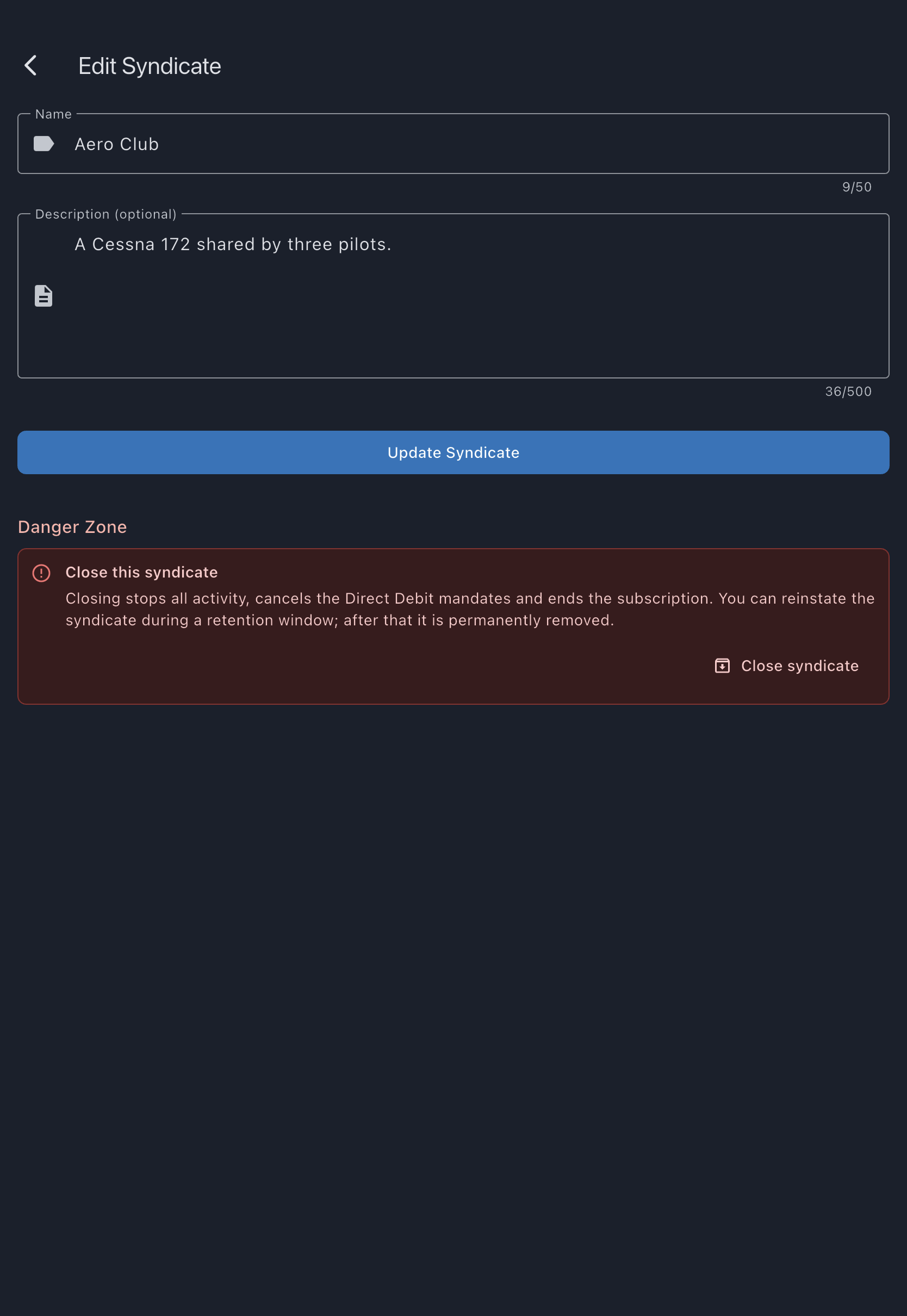
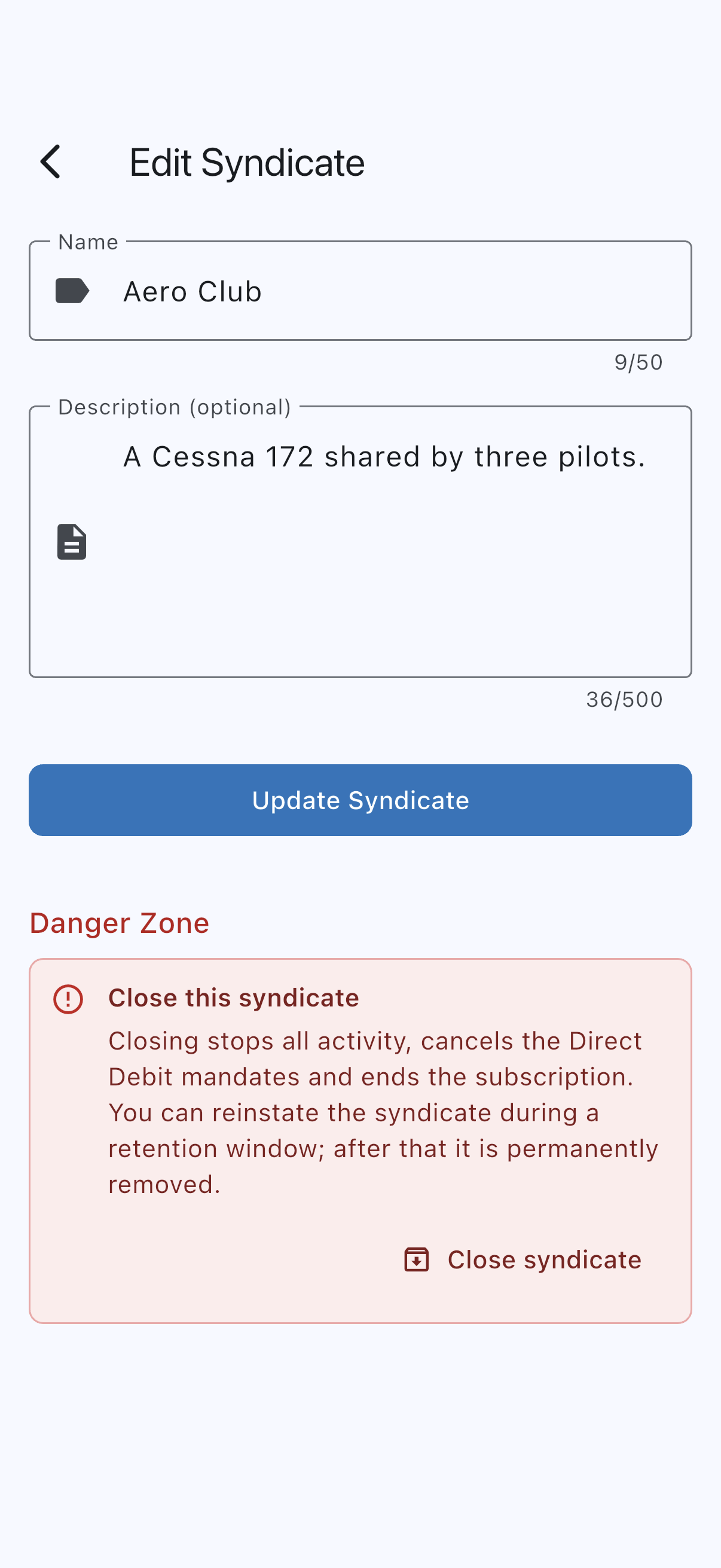
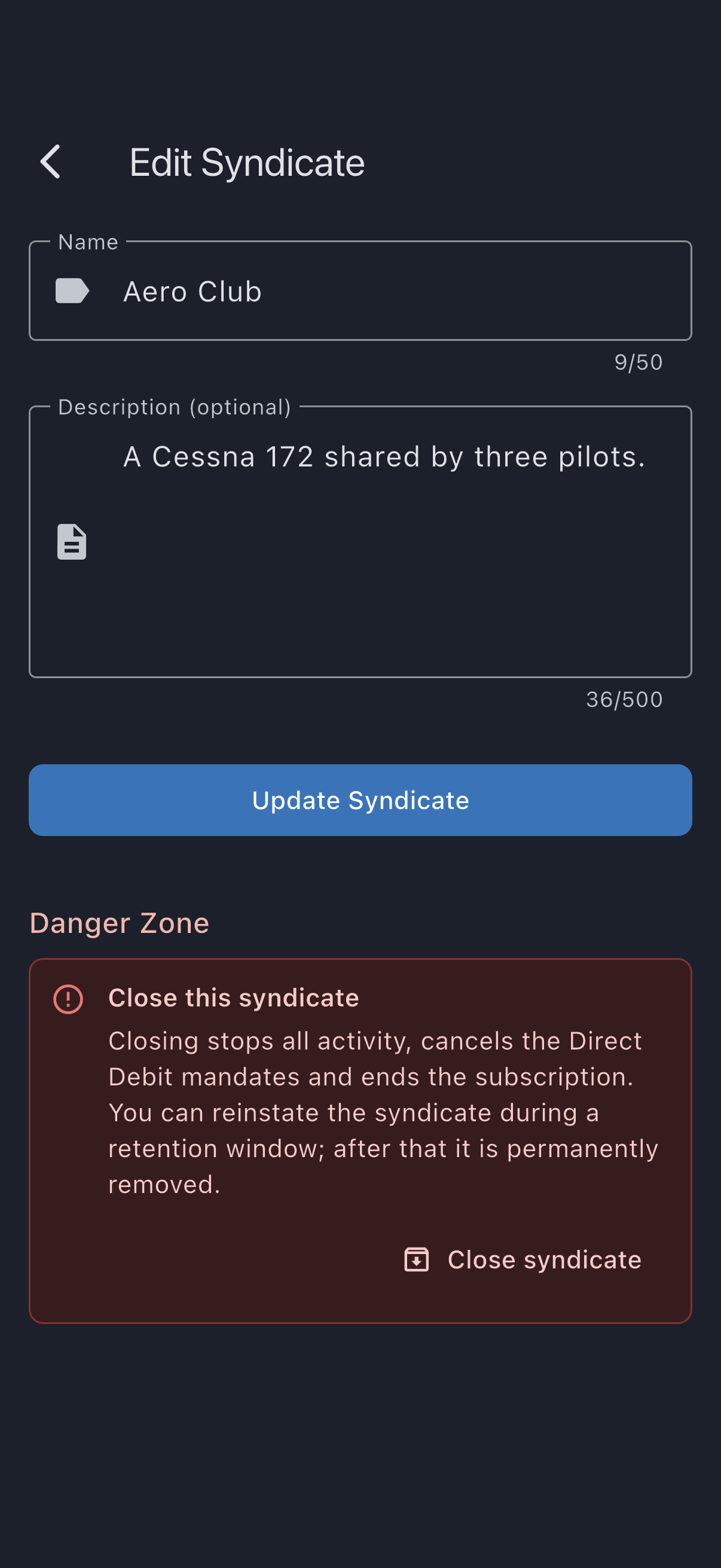
On close, Syndik8:
- cancels every member’s Direct Debit mandate at the payment provider, so no live mandate is left behind;
- ends the subscription;
- requests payment-account closure where the provider permits it; admins must resolve any provider restriction and confirm the account’s actual status;
- cancels all upcoming bookings;
- keeps the financial ledger, read-only, so balances and history survive.
If the payment account cannot be closed yet, the close is refused and the syndicate stays open. This can happen because of a balance, a payout in flight or a restriction on closing that account type through the platform; resolve that (or contact provider support) and try the close again. Account-type restrictions are checked before any cancellations. Other provider refusals discovered during the later deletion attempt are not a full rollback: the Direct Debit mandates and the subscription have already been cancelled by the earlier steps, so if you decide not to close after all, members will need to re-sign their mandates. In the rare case where the payment account was closed at the provider but the close still could not finish, simply try again; the retry picks up from where it stopped. A payment account you had already closed from the payment settings does not block the close, and a free syndicate that never connected one has nothing to close here, so this step is skipped.
The retention window
Section titled “The retention window”Your data is kept for a period that depends on whether payments went through the payment provider:
- If payments went through the provider (an active mandate, or a card or Direct Debit payment in the last 18 months), the data is kept until 18 months after the last such payment, so any late payment issue (for example a Direct Debit indemnity claim or a card dispute) can still be handled. The confirmation shows the exact period, rounded up to a whole month, and never shorter than 30 days.
- If none did, the data is kept for a flat 30 days, matching the account-closure window. Payments you recorded yourself, such as a bank transfer or cash you marked as paid, and charges you waived or offset, cannot be disputed through the provider, so they do not extend the window. Nor does a payment that never went through: a card checkout a member started and abandoned, or a Direct Debit the bank declined. A Direct Debit still waiting for the bank’s answer does count, from when it was sent.
Throughout the window the syndicate is read-only and you may be notified of any payment issue that needs attention.
Reinstate a closed syndicate
Section titled “Reinstate a closed syndicate”Within the retention window, any admin can bring the syndicate back:
- Open the closed syndicate and tap the pencil icon.
- On the closed banner, tap Reinstate syndicate. If the app can already see that reinstating would be refused (you have another open syndicate on the free plan), it tells you so straight away instead of asking. Otherwise tap Reinstate to confirm, or Cancel to back out.
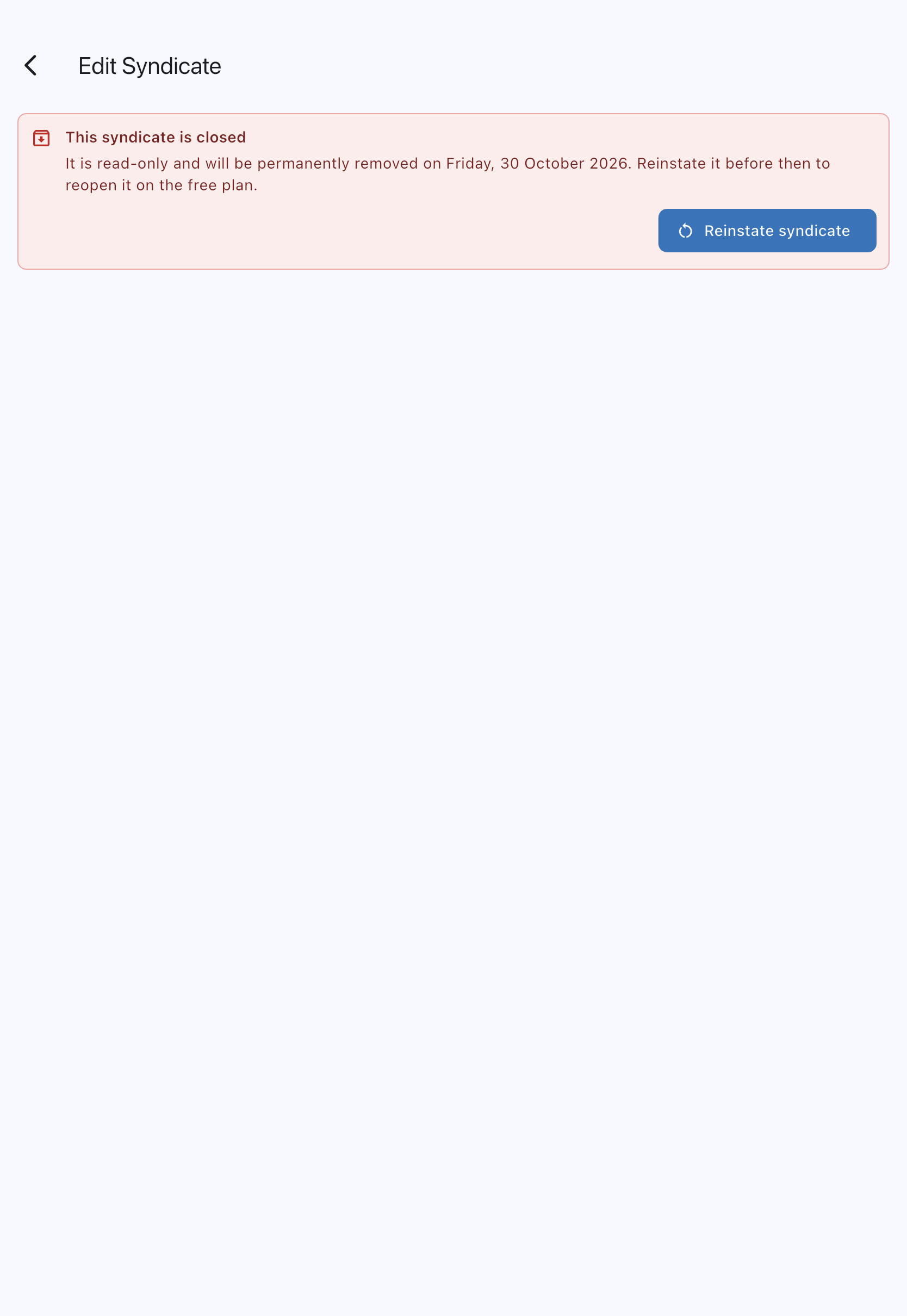

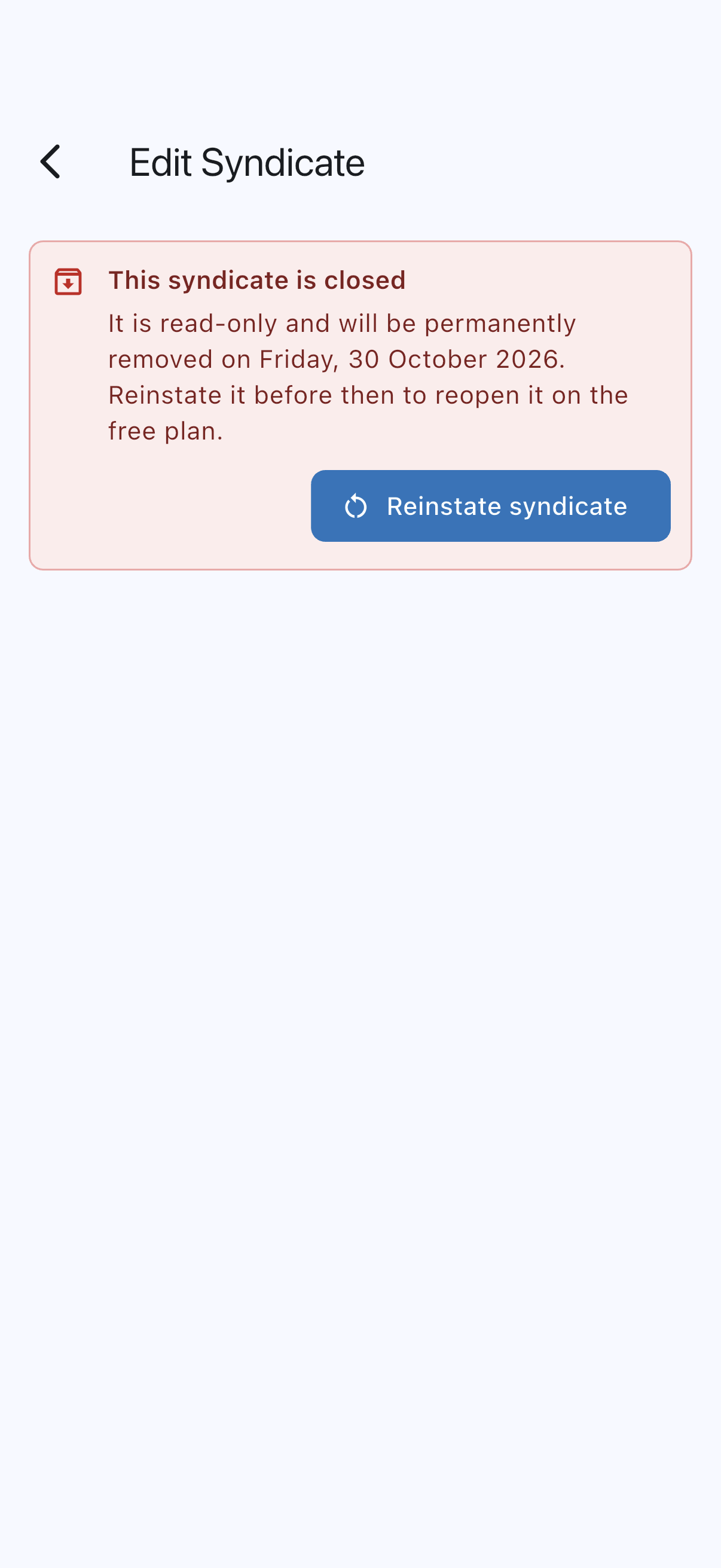
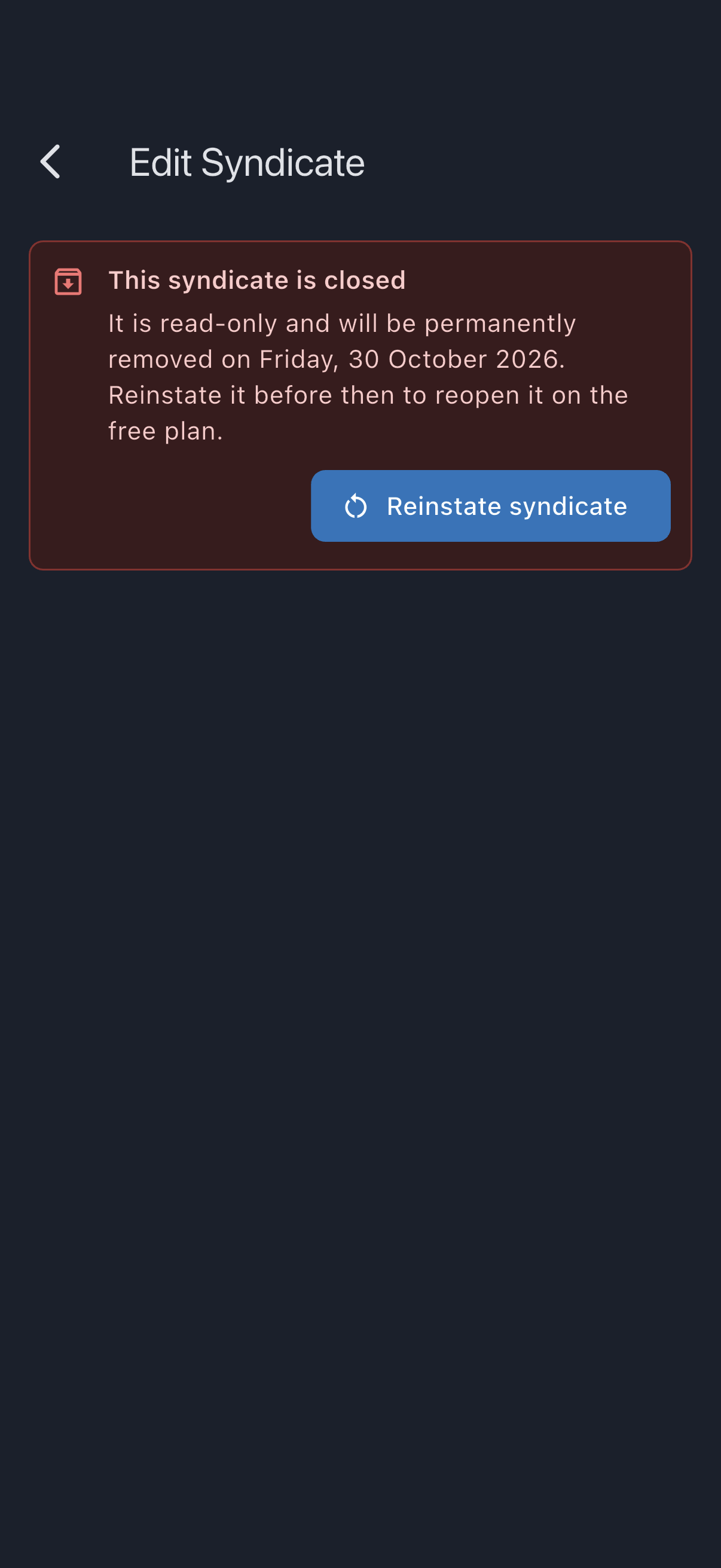
The syndicate reopens on the free plan. Because it comes back on the free plan, reinstating is refused if you already have another open syndicate on the free plan; you would need to make room first. Because provider cancellations are final, members must re-sign their Direct Debit mandates and, for paid features, re-subscribe. Bookings that were cancelled at close stay cancelled.
What other members see
Section titled “What other members see”Closing does not send members a notification — they find out the next time they open the syndicate. A member’s access to a closed syndicate has two phases:
- For 30 days after closing, every member (not just admins) sees a persistent banner at the top of every tab stating the syndicate is read-only, with the date their own access ends. History, the ledger and past bookings stay visible and readable during this time; anything that would create new activity, such as submitting an expense, is hidden. Any of the member’s own bookings that were still upcoming were cancelled at close.
- After those 30 days, an ordinary member loses the syndicate entirely — it disappears from their syndicate list, and none of its data can be read any more, even directly. This does not affect the underlying retention window: the data itself is still kept and can still be reinstated.
Admins are unaffected by this 30-day cutoff — they keep the full read-only view (with the eventual removal date, not the member access-end date) for the whole retention window, and can reinstate at any point within it.
Only an admin can reinstate a closed syndicate — the option lives behind the pencil icon on the syndicate, which only admins see. A member who wants a closed syndicate back needs to ask an admin to reinstate it within the retention window; reinstating restores every member’s access, including a member who had already been locked out.
After the window
Section titled “After the window”When the retention window elapses, a scheduled job removes the syndicate permanently. Where financial history exists, a reduced money trail is retained for justified accounting and late-dispute purposes for up to seven years from closure, then deleted automatically. Direct personal, bank and provider fields are removed where no longer needed, but historical text or retained references may still identify people; this is not a guarantee of complete anonymisation. A syndicate that never recorded anything financial is removed entirely.