
Correct an aircraft's meter readings
Correct an aircraft’s meter readings: airframe hours, the engine/tacho reading, and landing cycles. You set these when you add the aircraft; correct them here if one was mis-entered (the classic “the airframe was 2250, not 1250”), or record one for the first time.
You enter what the meter reads now. That figure is stored exactly as you typed it, along with the moment you typed it, and the total reads back as the number you gave.
Saving draws a line. Everything flown up to that moment is already inside your figure, so Syndik8 never counts it again — including a flight that had happened but nobody had entered yet, which is the ordinary case when members log their flying days late. Only flying dated after the line is added on top.
If you later learn of a flight that changes what the aircraft actually reads, just enter the reading again. Saving moves the line, so the figure you give becomes the new starting point and counting carries on from there.
One detail worth knowing: flight dates carry no time of day, so for a flight dated the same day as your reading Syndik8 goes by when it was entered. Already in the app when you read the meter, it is inside your figure. Entered afterwards, it is counted — it may well be flying you have not seen yet, and a check that comes due a little early is a nuisance where one that comes due late is not. (Flights that record actual takeoff and landing times are placed by those instead, with no guessing involved.)
This means saving the same reading twice changes nothing. Open the screen, change something else, tap Update Asset, and the meter figures stay where they are.
Before you start
Section titled “Before you start”- You must be an admin of the syndicate.
- You need to be online: the correction is an audited server action and cannot be made offline.
- Have the correct figure to hand (e.g. from the aircraft’s logbook or the meter itself).
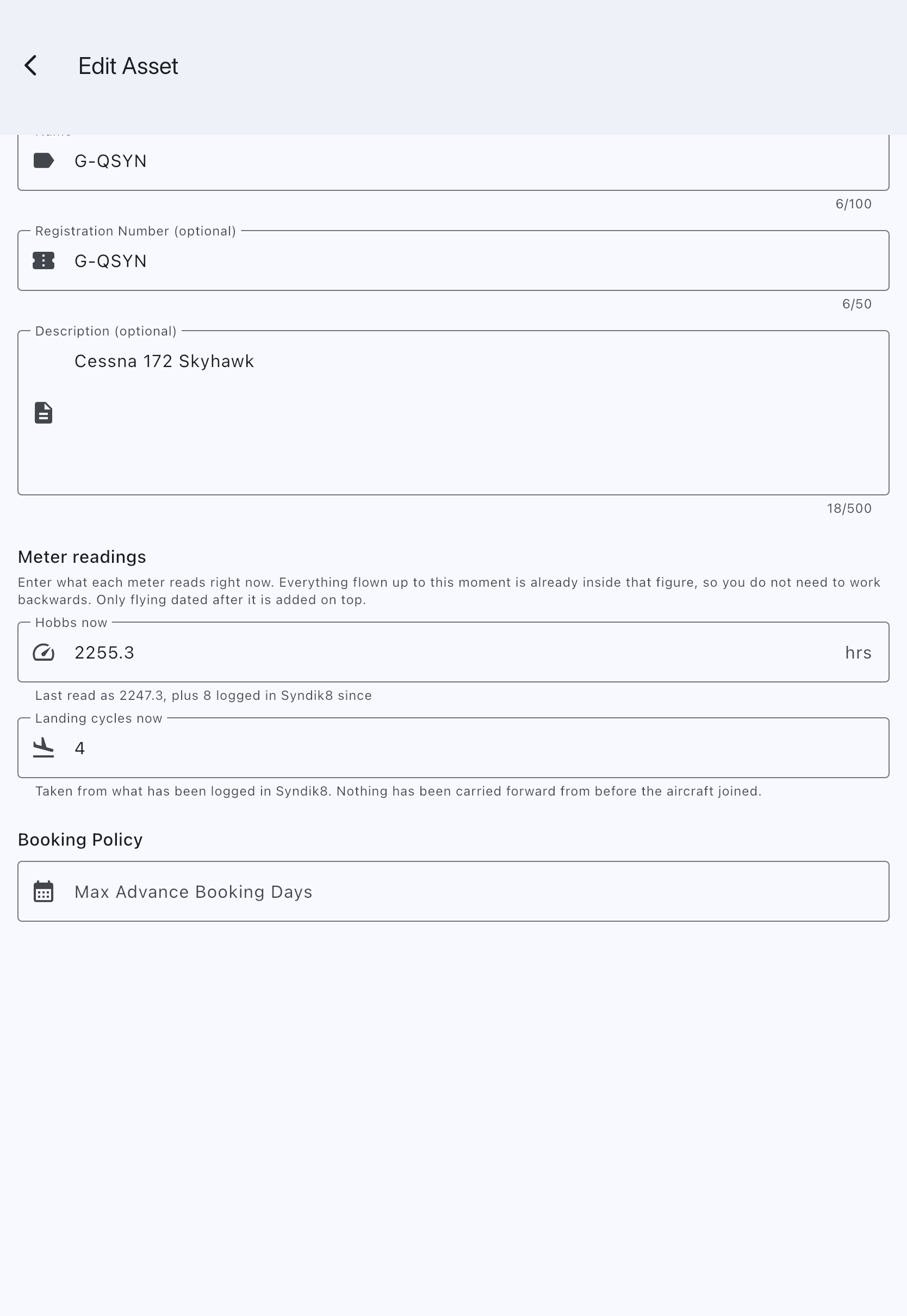
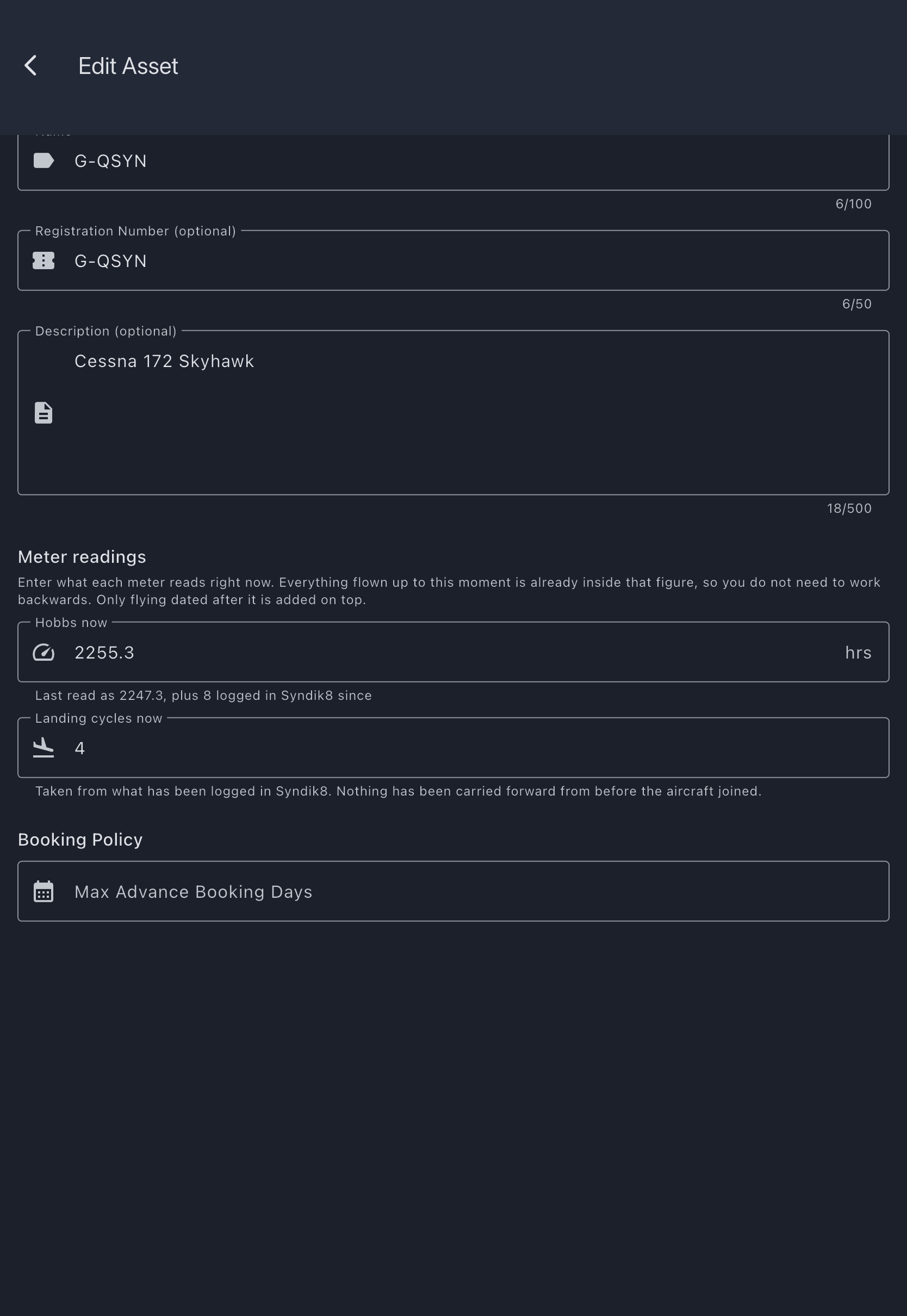
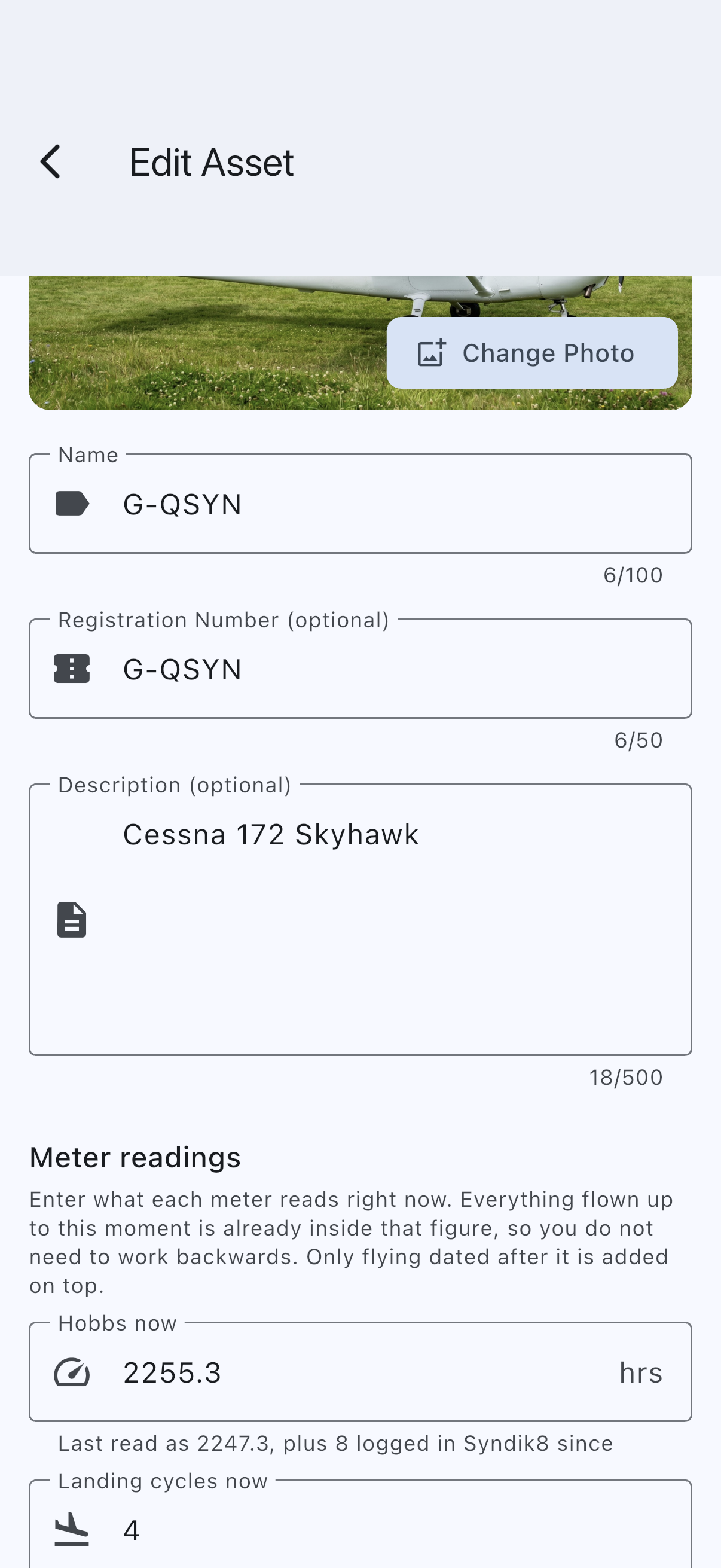
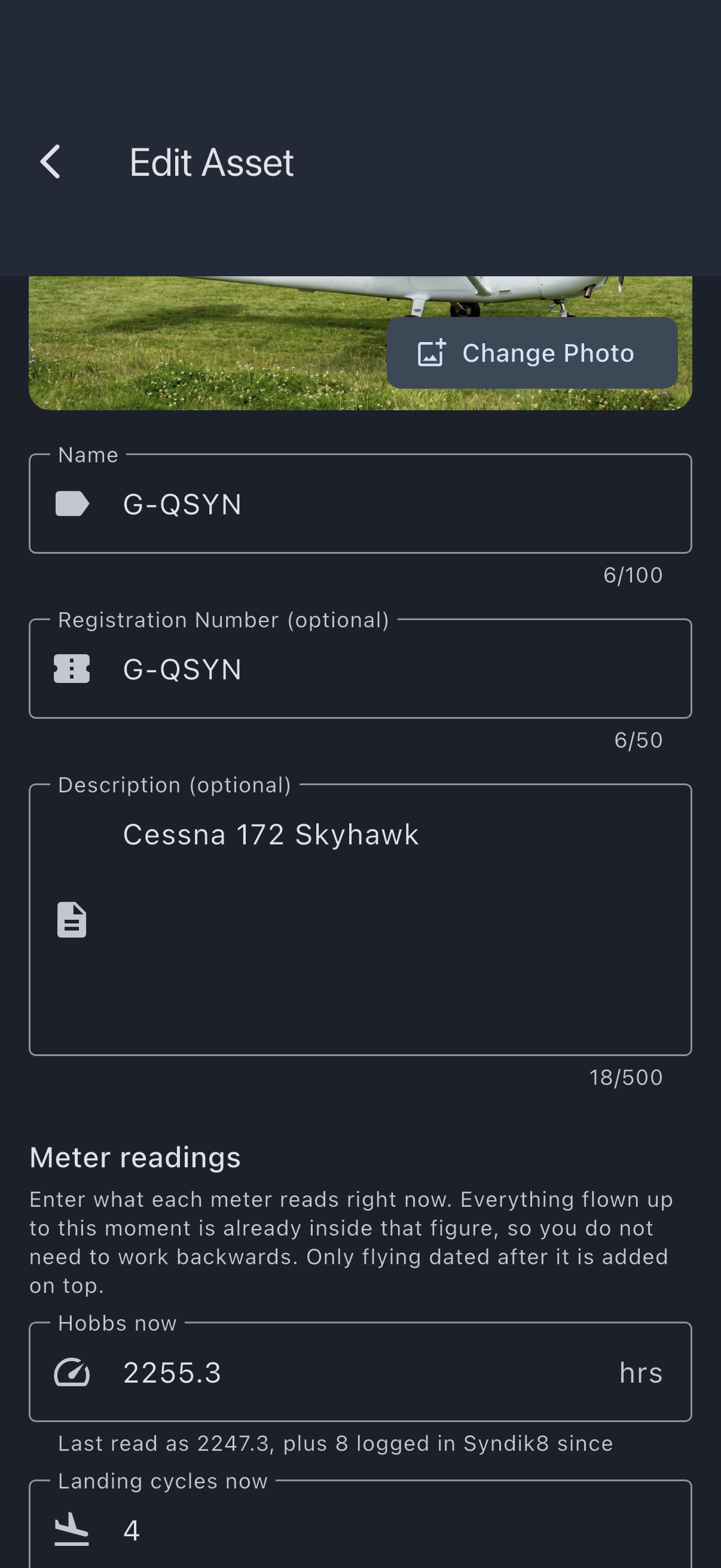
- Open the asset, then tap the Edit Asset pencil in the top bar.
- Scroll to Meter readings. Each captured measure shows a field for what it reads now and, beneath it, where that figure came from — for example Last read as 1250, plus 12.5 logged in Syndik8 since.
- Change the value(s) you need to correct. Leaving a field unchanged leaves that measure alone; a blank field means “leave it alone”, not “set it to zero”.
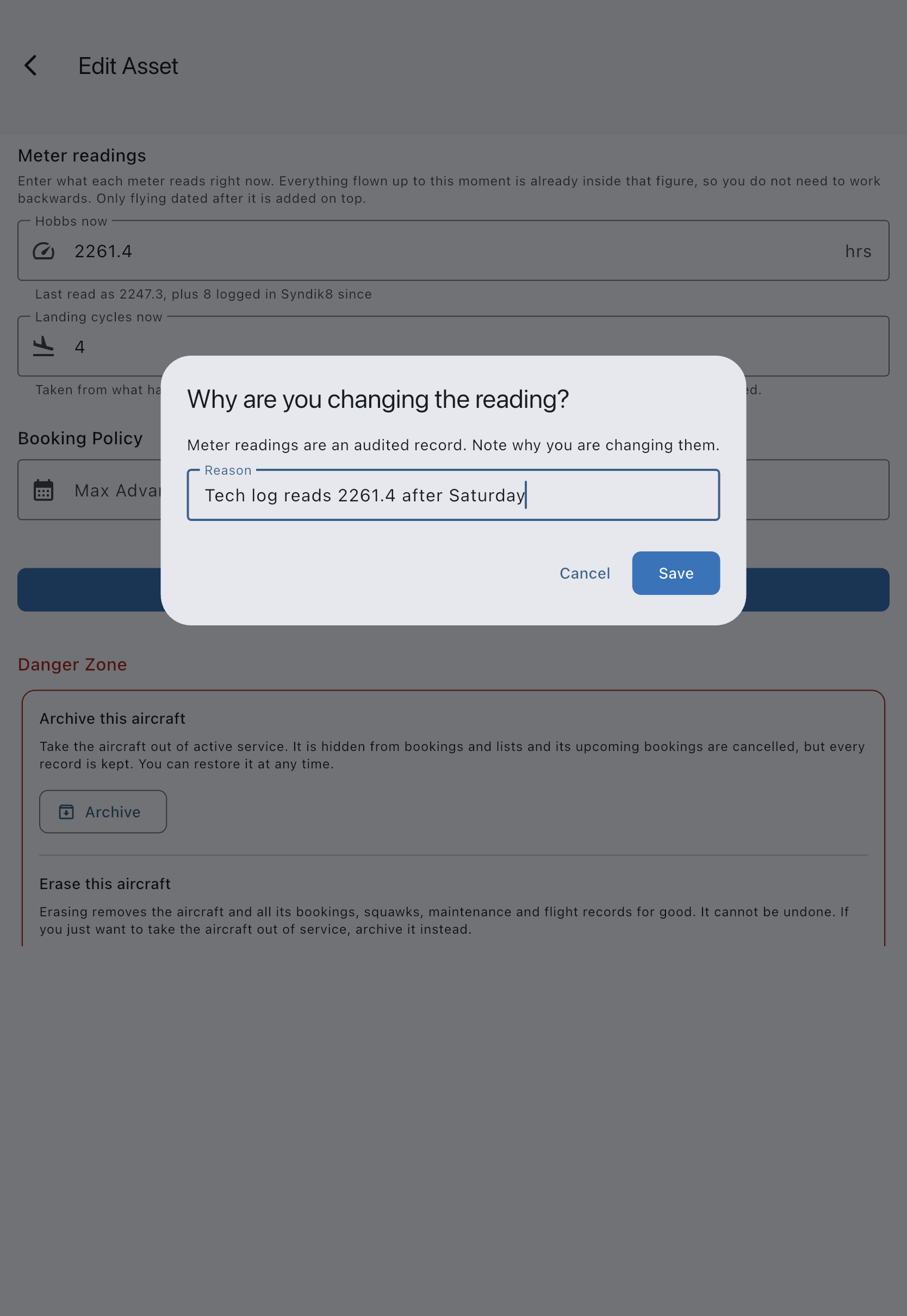
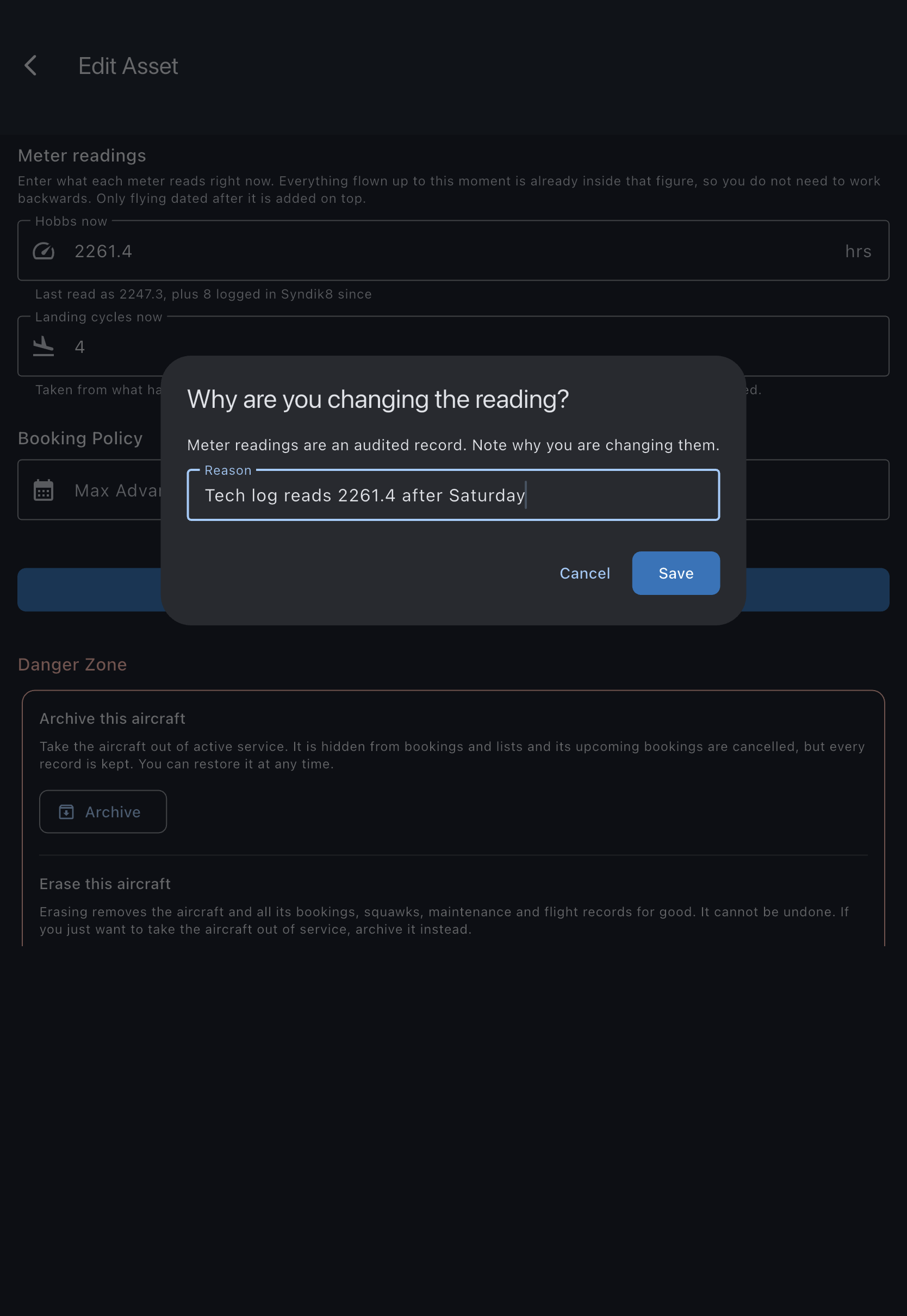
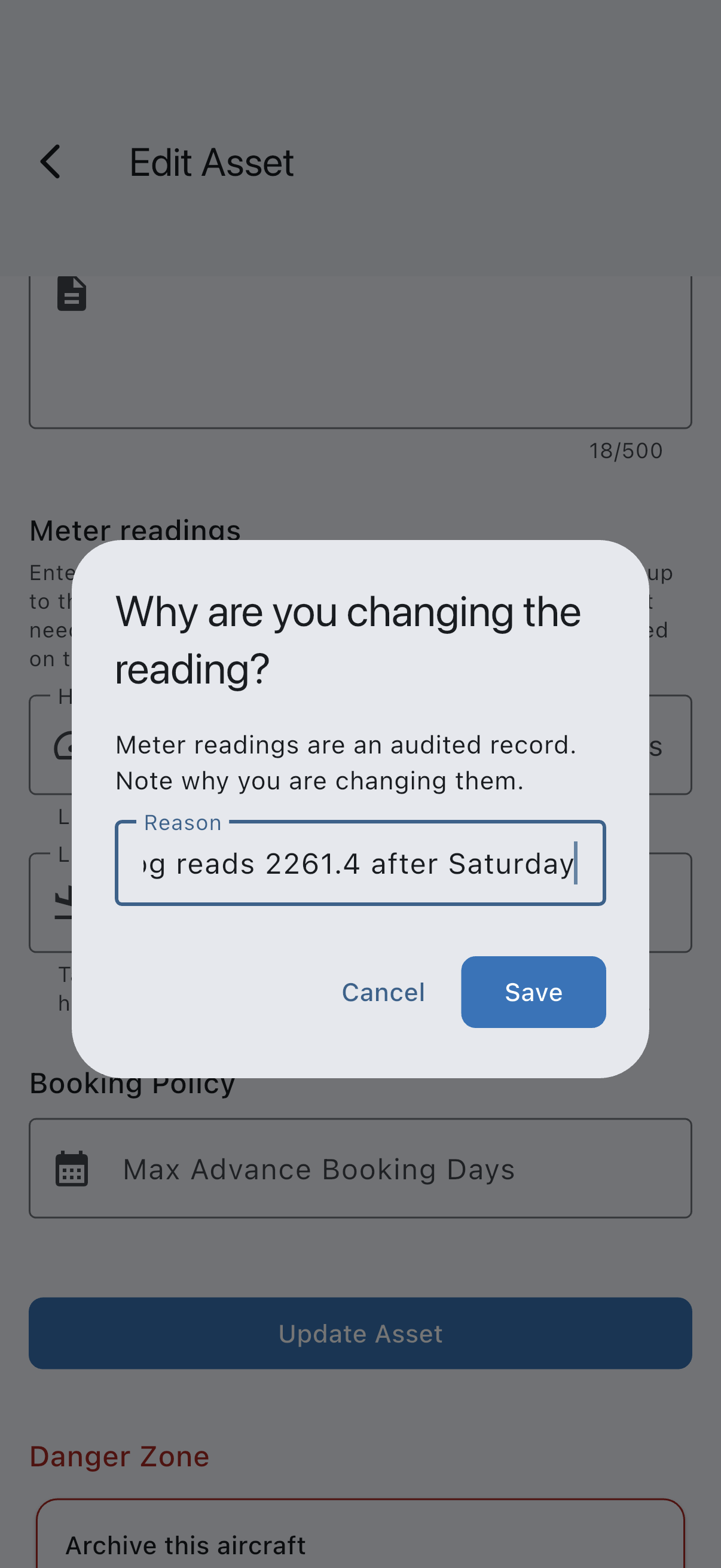
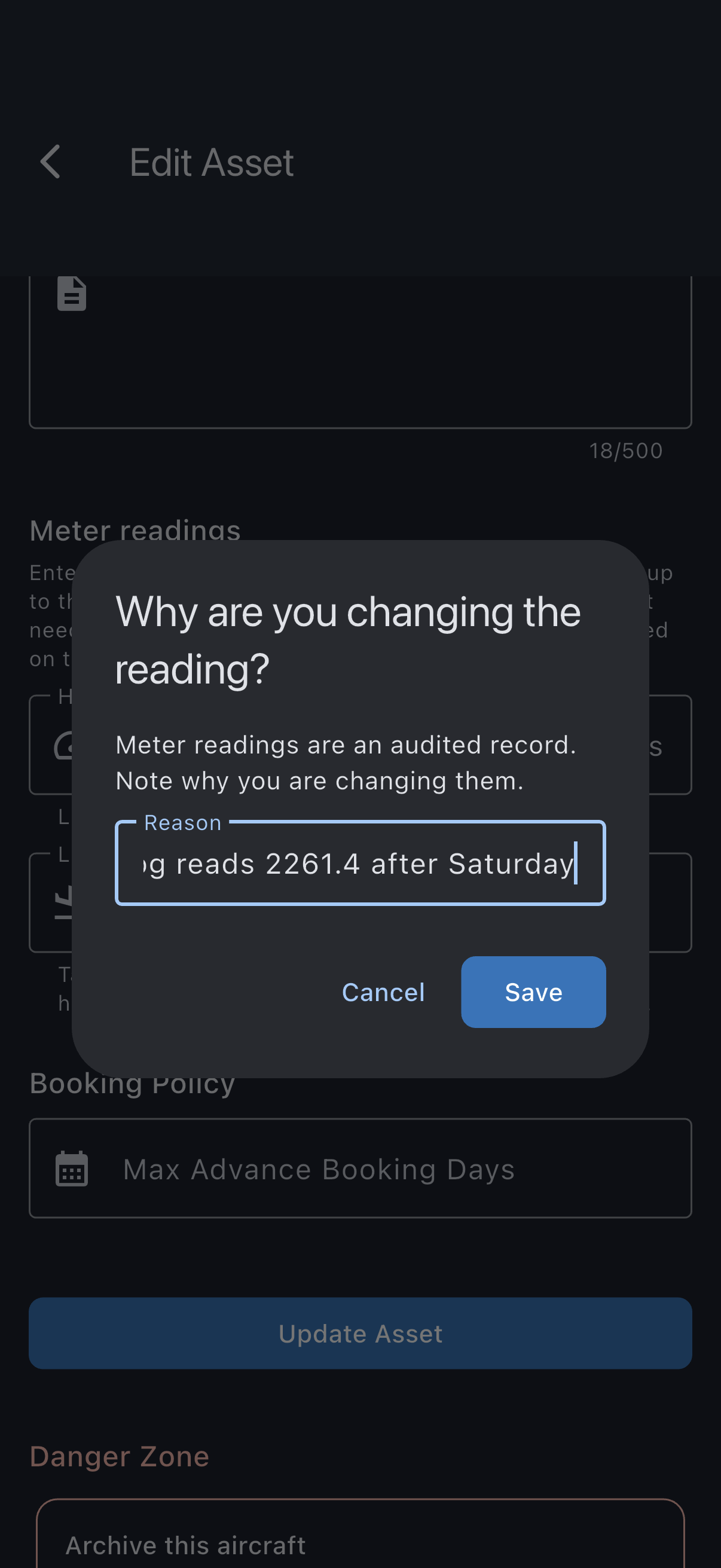
- Tap Update Asset at the bottom of the form. You are asked “Why are you changing the reading?”; type a short Reason (it is recorded on the audit trail). The prompt’s own button stays greyed out until you enter one.
- Tap Save on the prompt. The reading is updated and the maintenance “hours remaining” figures refresh.
A measure with no figure
Section titled “A measure with no figure”Airframe hours and landing cycles are counted up from a starting figure. Flying logged in Syndik8 tells the app how much has been added; it can never tell it what the total is. So until somebody states a figure, Syndik8 says Not recorded rather than showing a zero — an aircraft with three thousand hours on it must not read as brand new.
The engine meter is different, because a flight records it as an actual reading off the face (“landed with 1253.4 on the tacho”). One logged flight is enough to establish where it is, and a flight entered late states where the meter stood rather than adding to it — so no line applies to it. Where a flight has established the reading but nobody has entered a starting figure, the field shows the reading and the line beneath it says the figure came from what has been logged, with nothing carried forward from before the aircraft joined.
To start tracking a measure that says Not recorded, type what the aircraft reads into its field and save.
What gets recorded
Section titled “What gets recorded”Every change writes an audited old → new record with your reason, keeping the reading you gave and the moment you gave it, so the history of corrections is preserved and it is always clear which flying a figure was meant to include.
Readings must be finite and non-negative. Airframe hours and landing cycles have no other limit: a lower figure than before simply means the aircraft now reads lower, which is what you want when a logbook is being corrected downwards. The engine reading is the exception — it cannot be set below a reading already recorded on a logged flight, because a flight states the reading off the face of the meter. The message tells you the minimum the figure can be.