
Recover from a payment failure
Update your payment details and clear a past-due subscription before the syndicate drops to the free plan.
Before you start
Section titled “Before you start”- You must be an admin. Any admin can update payment details. Only admins are shown the warning.
- The card is retried for around two weeks. Our payment provider keeps trying it on its own schedule, and that schedule is not published, so there is no deadline shown anywhere in the app.
- Nothing is restricted while that runs. Bookings, flights, expenses, members and money all carry on exactly as normal.
- It is time to pay, not free time. The amount owed does not shrink because it is settled late, and the next billing date does not move.
- If the payment is never made, the retries stop and the syndicate moves to the free plan. If it is within the free plan (1 aircraft, up to 3 members) it simply carries on as a free syndicate; if it is larger, it becomes read-only until it is resubscribed or trimmed. See grace period and read-only.
- Read access is never revoked at any stage. You can always open bookings, usage logs, and financial history.
How you find out
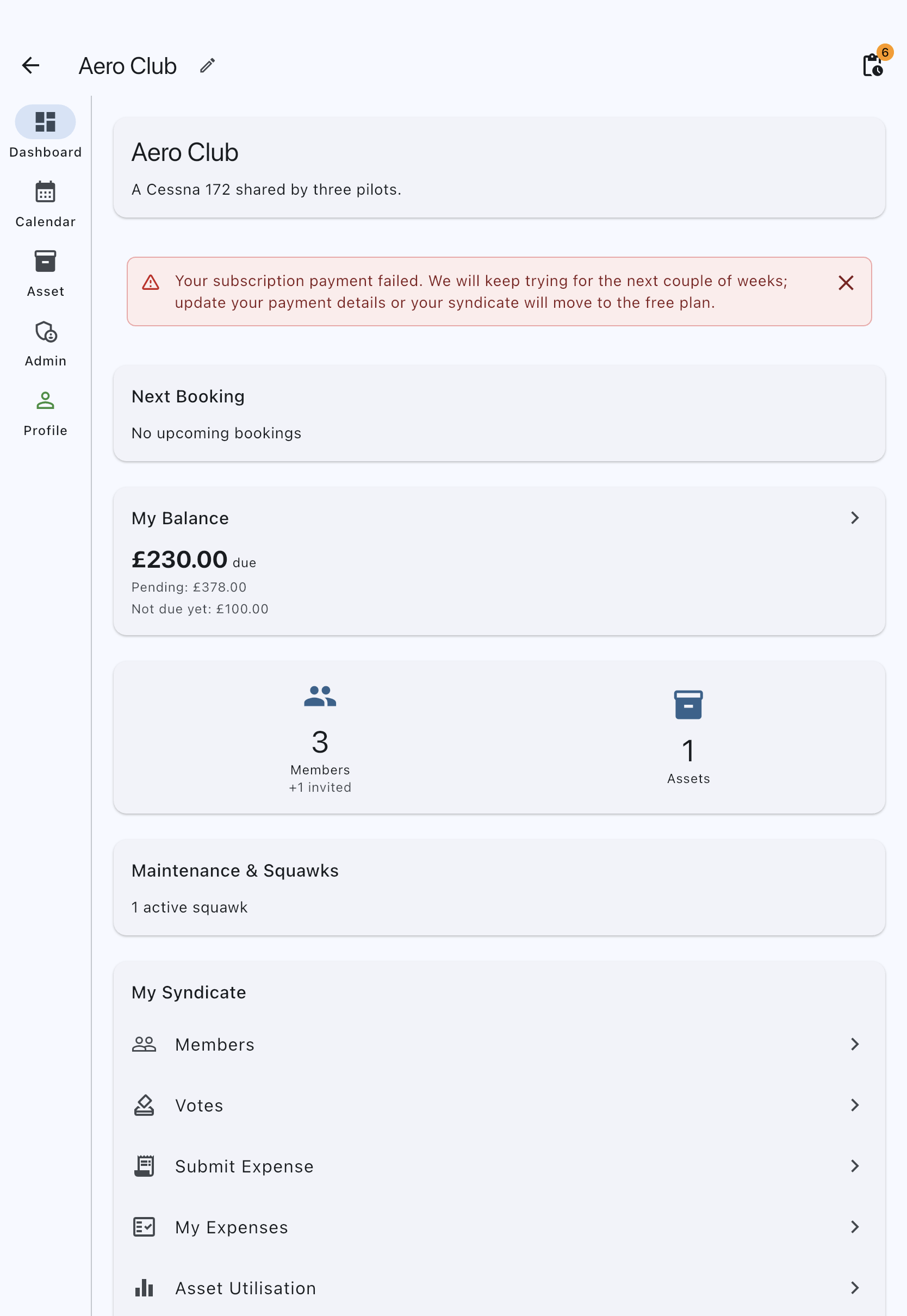
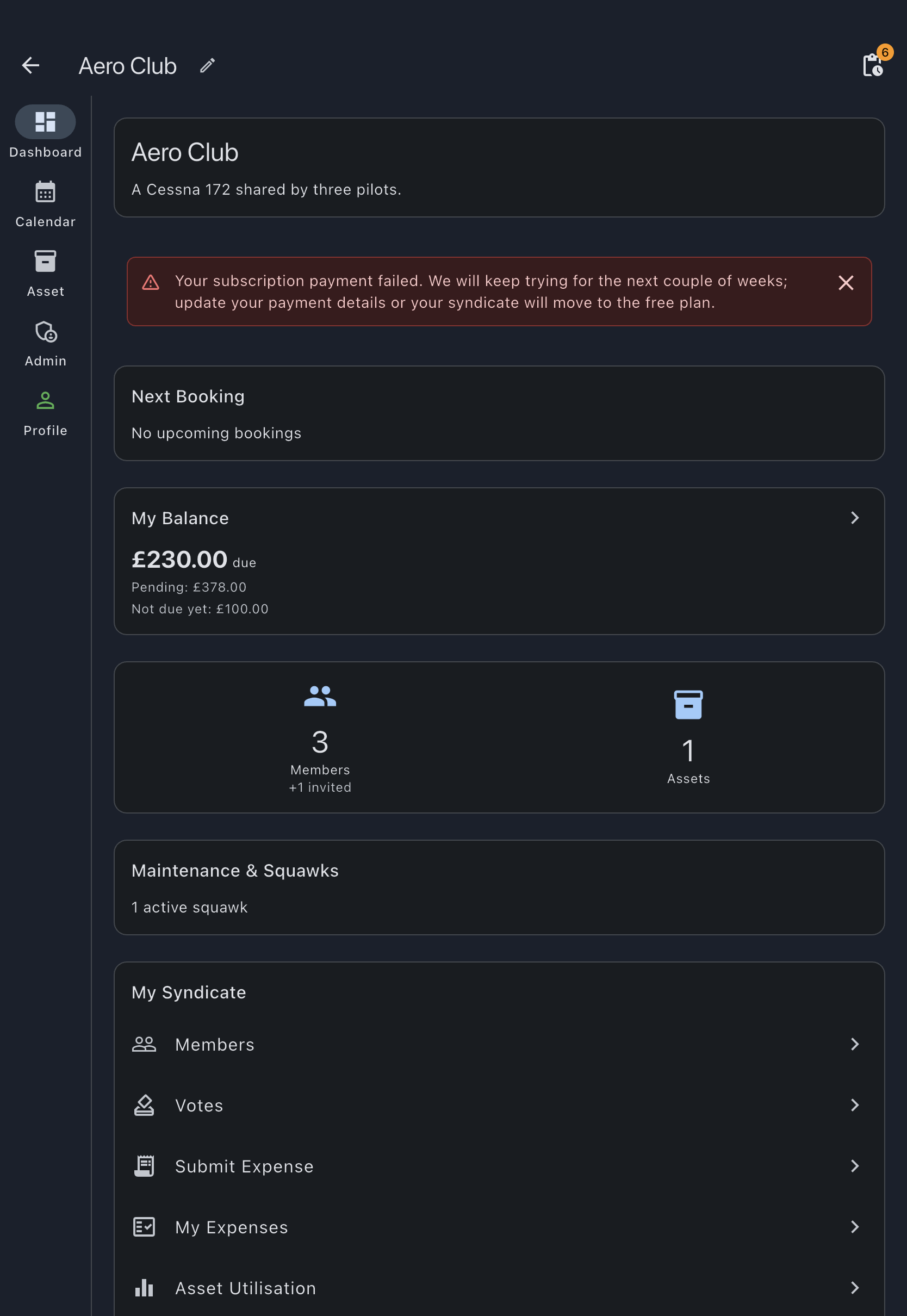
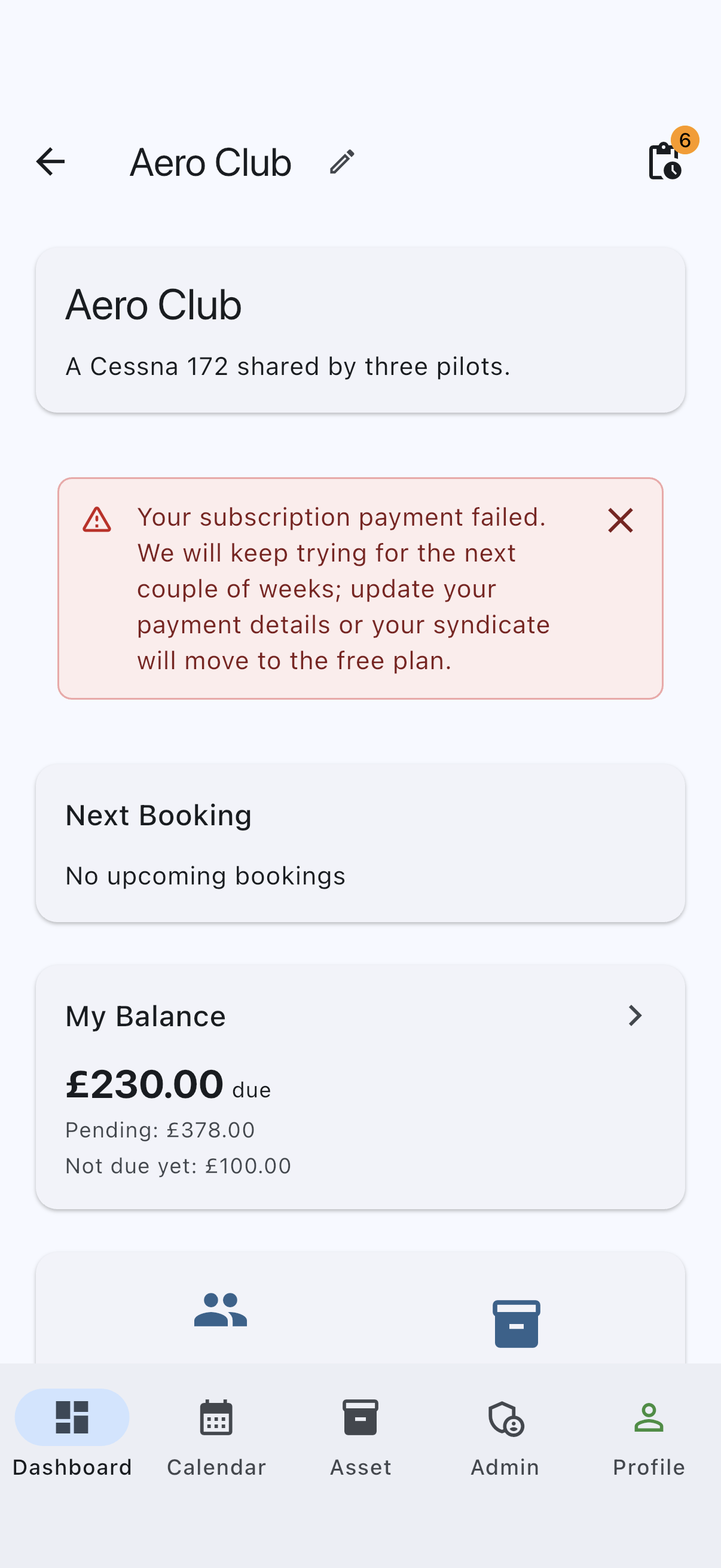
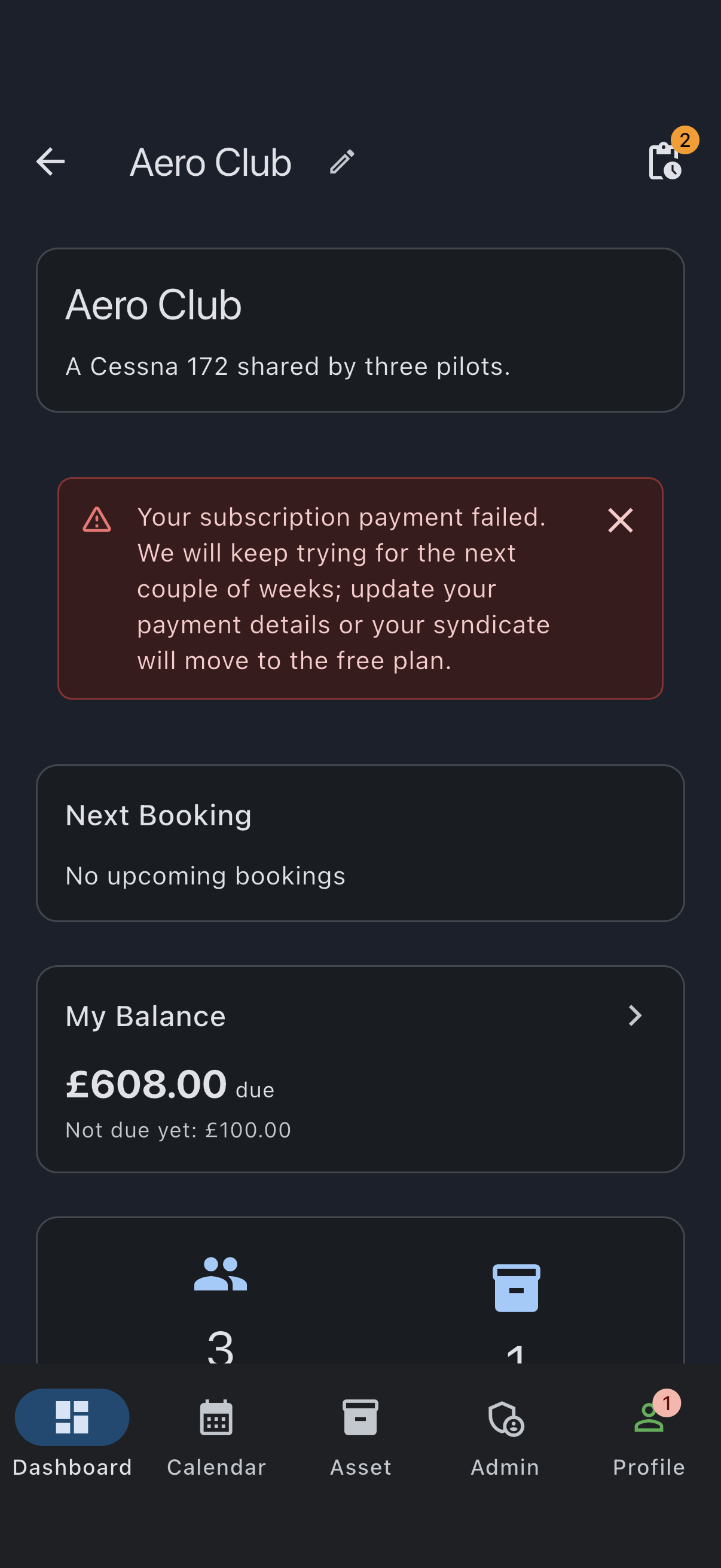
Section titled “How you find out”A red warning card, with a warning triangle and no heading, appears on the syndicate’s Dashboard tab. It reads: Your subscription payment failed. We will keep trying for the next couple of weeks; update your payment details or your syndicate will move to the free plan. It is shown to admins only, and it is the one place in the app the failure is announced. You can dismiss it for the current session and it returns next time you open the app. It goes once the payment clears, and it also goes if the syndicate ends up on the free plan, where the free-plan banners take over.
There is no countdown and no date on it. The card reads the same on the first day as on the last, because the retry schedule belongs to the payment provider and is not something we can show you. Treat it as urgent from the moment you see it.
Members are shown nothing, and are not meant to be: nothing they can do is affected while the payment is being retried.
The image below is the mobile view. On a desktop browser the same card carries an Update Payment button that goes straight to the billing portal, which saves you steps 1 and 2.
- On a desktop or laptop browser, sign in at syndik8.app and open the affected syndicate.
- Go to the Admin tab, then tap Subscription. The plan card shows the status. While the payment is being retried it reads Awaiting payment, in red. Unpaid and Payment not completed are also red, because they need you to act; Cancelled is grey, as are Paused and Unknown. The status is all this screen shows; the warning card itself lives on the Dashboard.
- Tap Open hosted billing portal. Stripe’s portal opens in the same browser tab.
- Update your payment details and settle the outstanding charge there. Follow Stripe’s instructions.
- Use the portal’s link back to return to Syndik8. When the payment clears, the paid plan is restored immediately and the Dashboard card disappears. This works just as well after the retries have stopped: if the syndicate has already dropped to the free plan, putting the payment right puts it straight back on the paid plan and lifts any restriction that came with the drop.
The portal is Stripe’s, and Stripe changes it as it sees fit, so we do not walk you through it here. Stripe describes what the portal covers in its customer management documentation.
If it goes wrong
Section titled “If it goes wrong”- You are on mobile. The Subscription screen on iOS and Android is read-only and cannot update payment details, and the Dashboard card carries no button. Use a desktop or laptop browser.
- You cannot see the warning. It is drawn on the Dashboard tab only, and only for admins. If your syndicate opens on the Calendar tab by default, switch to Dashboard. If you are a member rather than an admin, ask an admin: no warning is shown to members.
- The retries stopped before you fixed it. The syndicate is now on the free plan. If it is small enough for that plan, nothing is restricted and there is no hurry. If it is larger, it is read-only until you act. Either way the recovery path is the same: go back to the Subscription screen and put the payment right. It keeps Open hosted billing portal beside Upgrade for a syndicate that dropped to the free plan this way, and the paid plan returns as soon as it clears. You can also stay on the free plan deliberately by trimming down to 1 aircraft and 3 members: see bring a syndicate within the free plan.
- You can’t get the card to work. Stripe handles the card details; Syndik8 never sees them and support cannot adjust them. If a card is refused repeatedly, try a different card or bank, or take it up with Stripe or your own bank.
- The subscription has been cancelled outright. Resubscribe from the same screen using the Upgrade button. See upgrade from free to paid if the syndicate has dropped back to the free tier.
See also
Section titled “See also”- Grace period and read-only: what the retry window covers and what read-only blocks
- Bring a syndicate within the free plan: the other way to settle after a lapse
- Pricing: the recurring amount that is failing
- Upgrade prompt: resubscribing after a cancellation