
Cancel a booking
Cancel a booking you made so the time slot is freed up for other members.
Before you start
Section titled “Before you start”- You can cancel your own bookings at any status of
tentative,pending,confirmed, orsuspended, right up until the booking’s end time. Once that end time has passed a member is no longer offered Cancel booking: a booking that has ended goes on to be closed or finalised.completedbookings cannot be cancelled by anybody, because they have already been finalised. - Admins can cancel any member’s booking in their syndicate, including one that ended at least a day ago without a flight logged against it. See Cancel a booking that was never flown.
- Cancellation is a one-way transition. A cancelled booking cannot be un-cancelled. To reinstate, create a new booking.
- Open the booking you want to cancel. Tap it on the calendar, or find it in the Bookings tab.
- Tap Cancel booking at the bottom of the booking detail screen. It sits beside Edit (under it at a larger text size), in the lighter outlined weight, because it is the one that cannot be undone.
- The confirmation dialog reads “Are you sure you want to cancel this booking? This action cannot be undone.” Tap Cancel booking. To back out, tap Go back.
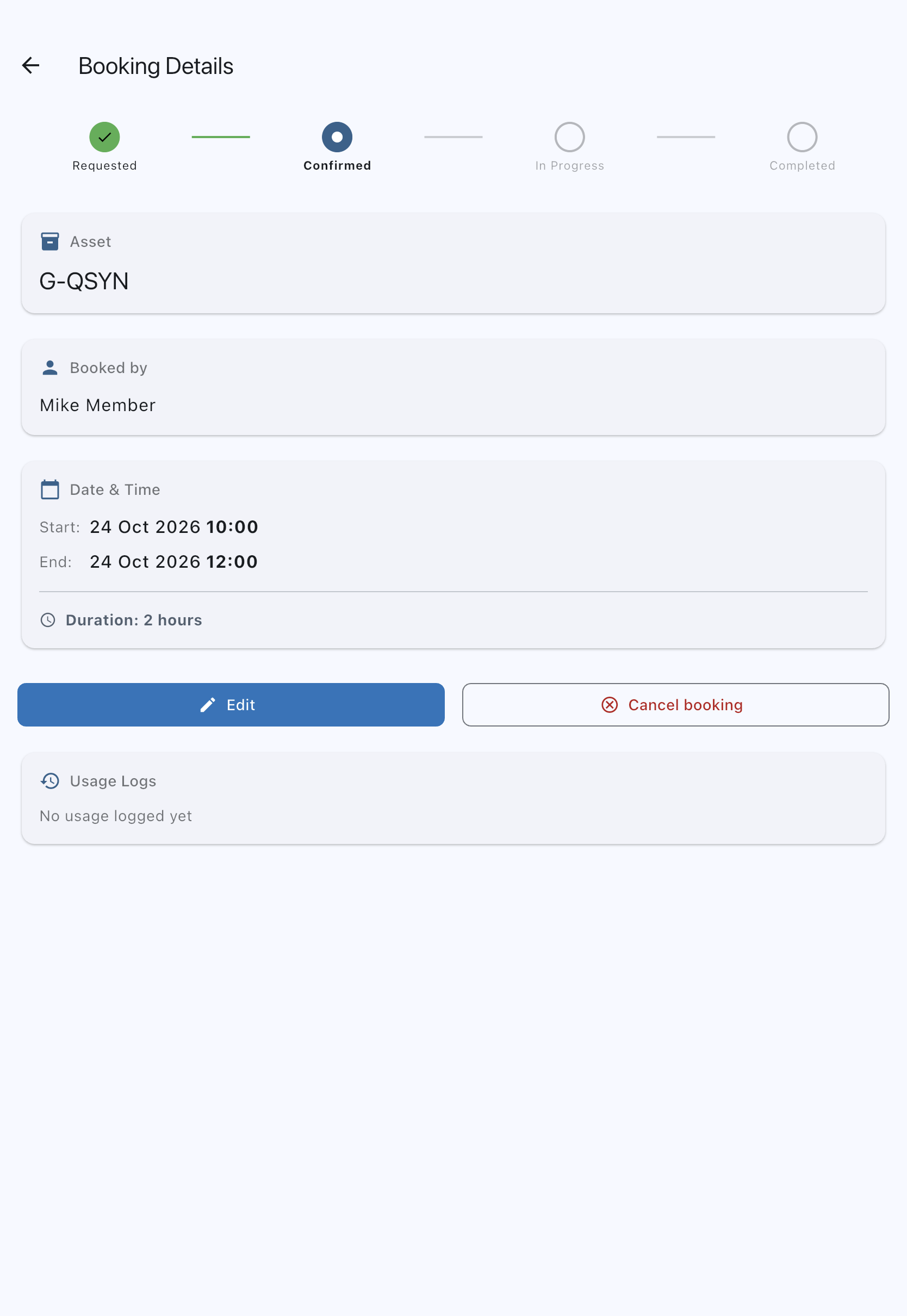
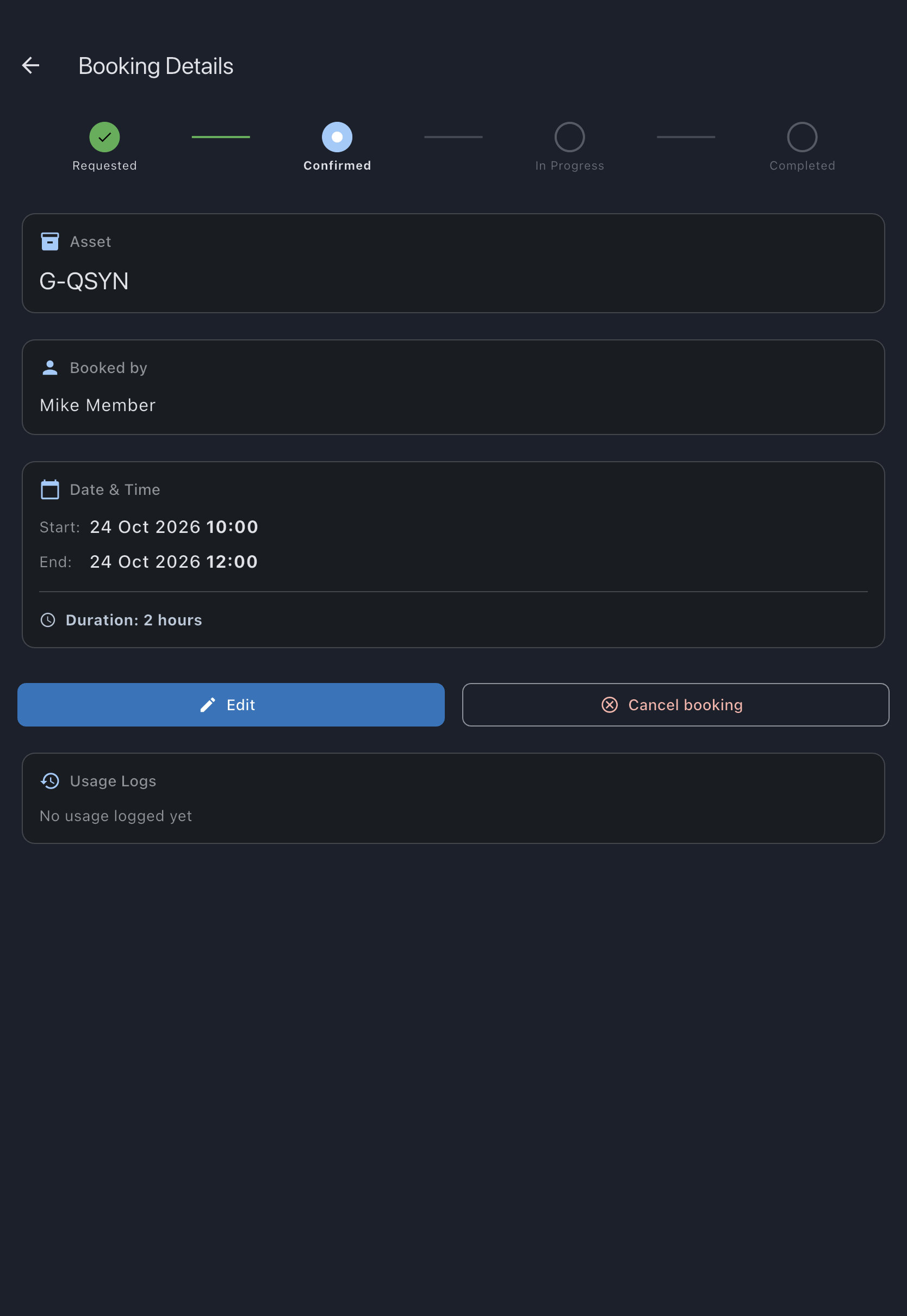
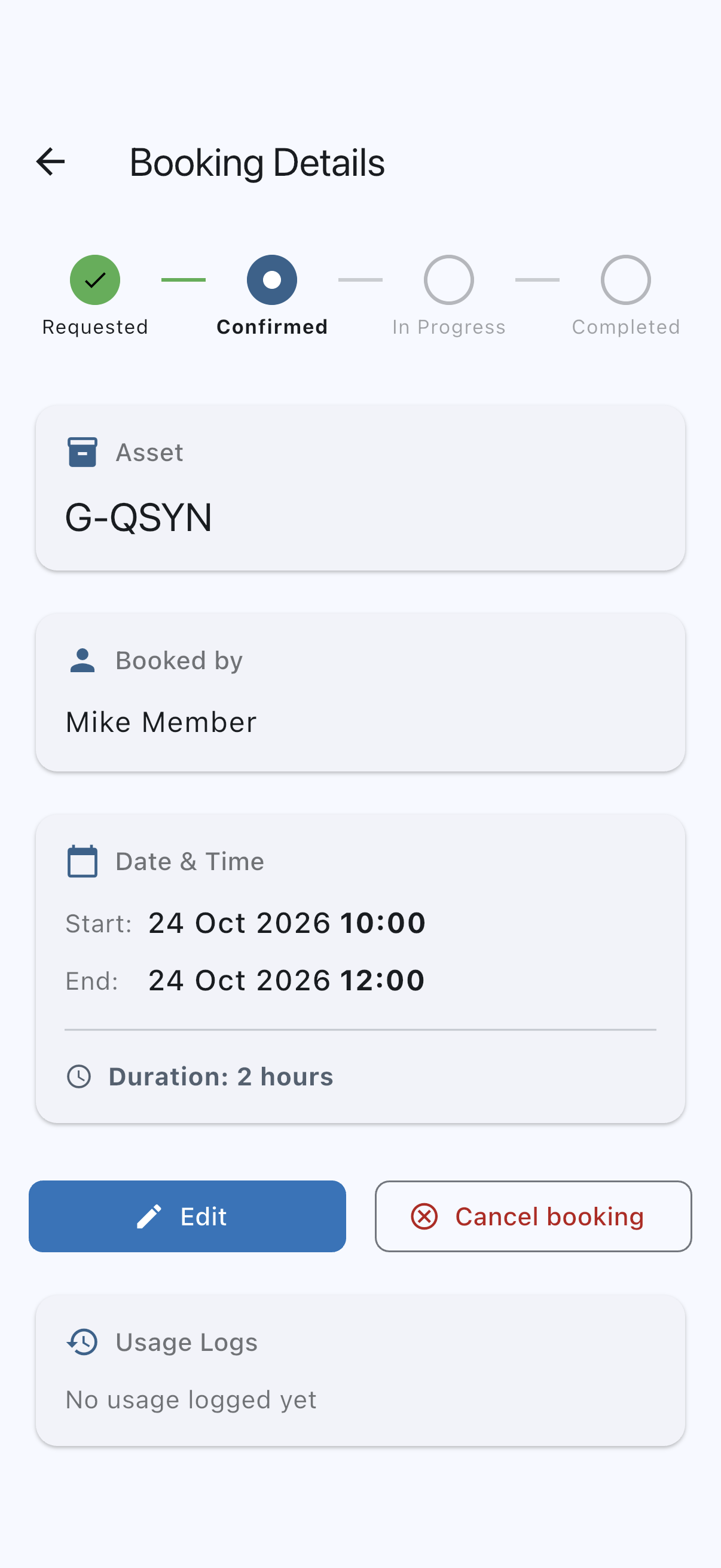
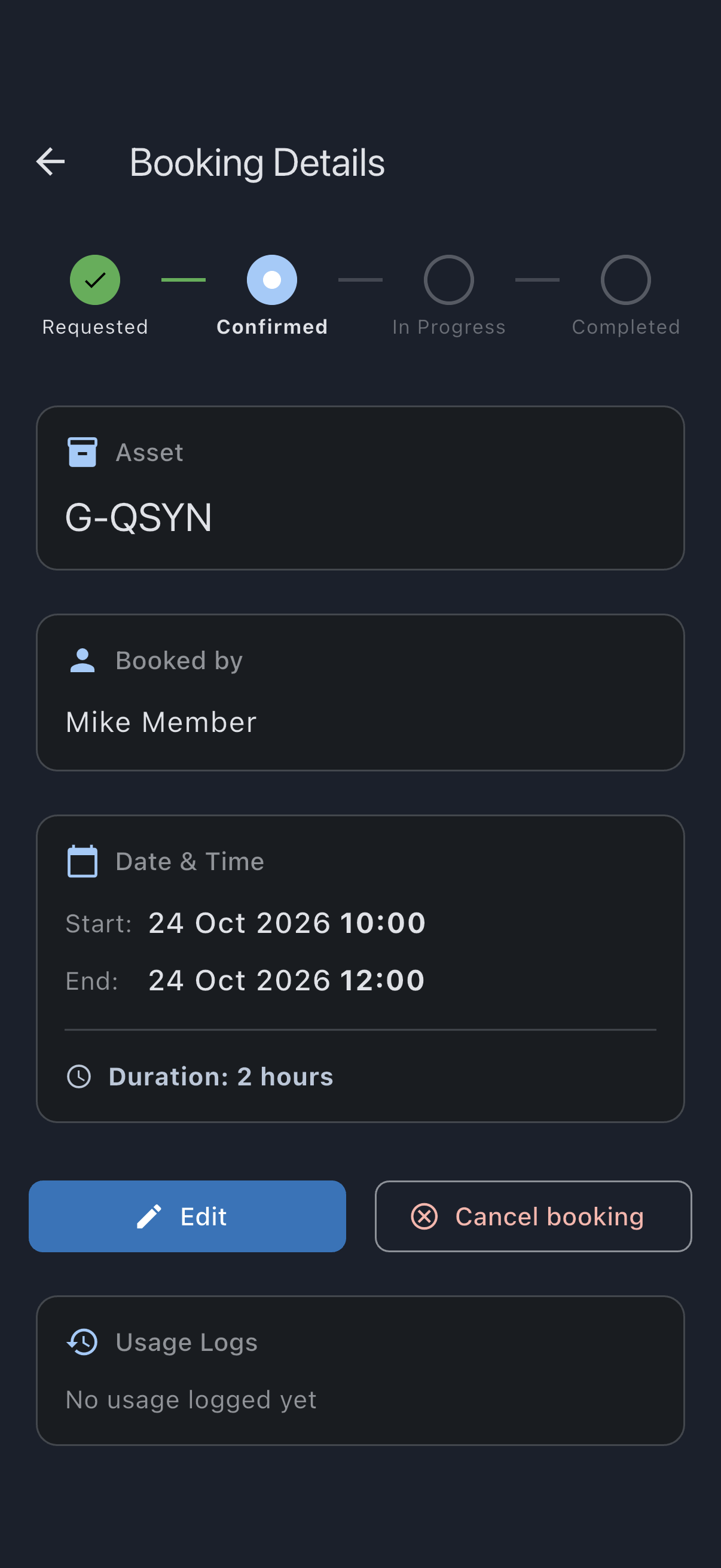
You’ll see a Booking cancelled successfully snackbar and you are returned to the previous screen. The booking’s status becomes cancelled and it no longer appears on the calendar (it is still retained in the audit trail). Offline the snackbar reads Booking cancelled successfully, followed by Will sync when you’re back online; the slot frees up locally immediately and the change reaches the rest of the syndicate when the app next syncs.
Cancel another member’s booking (admin)
Section titled “Cancel another member’s booking (admin)”An admin can cancel another member’s booking (including a confirmed one) and must record a reason. The reason is shown back to the member so they understand why their approved booking was removed.
- Open the member’s booking from the calendar. The Bookings tab lists only your own bookings.
- Tap Cancel booking at the bottom of the screen.
- In the dialog, enter a reason in the Reason field. The prompt reads “Provide a reason so the member knows why their booking is being cancelled:”. The confirm button stays disabled until you type something.
- Tap Cancel booking to confirm, or Go back to back out.
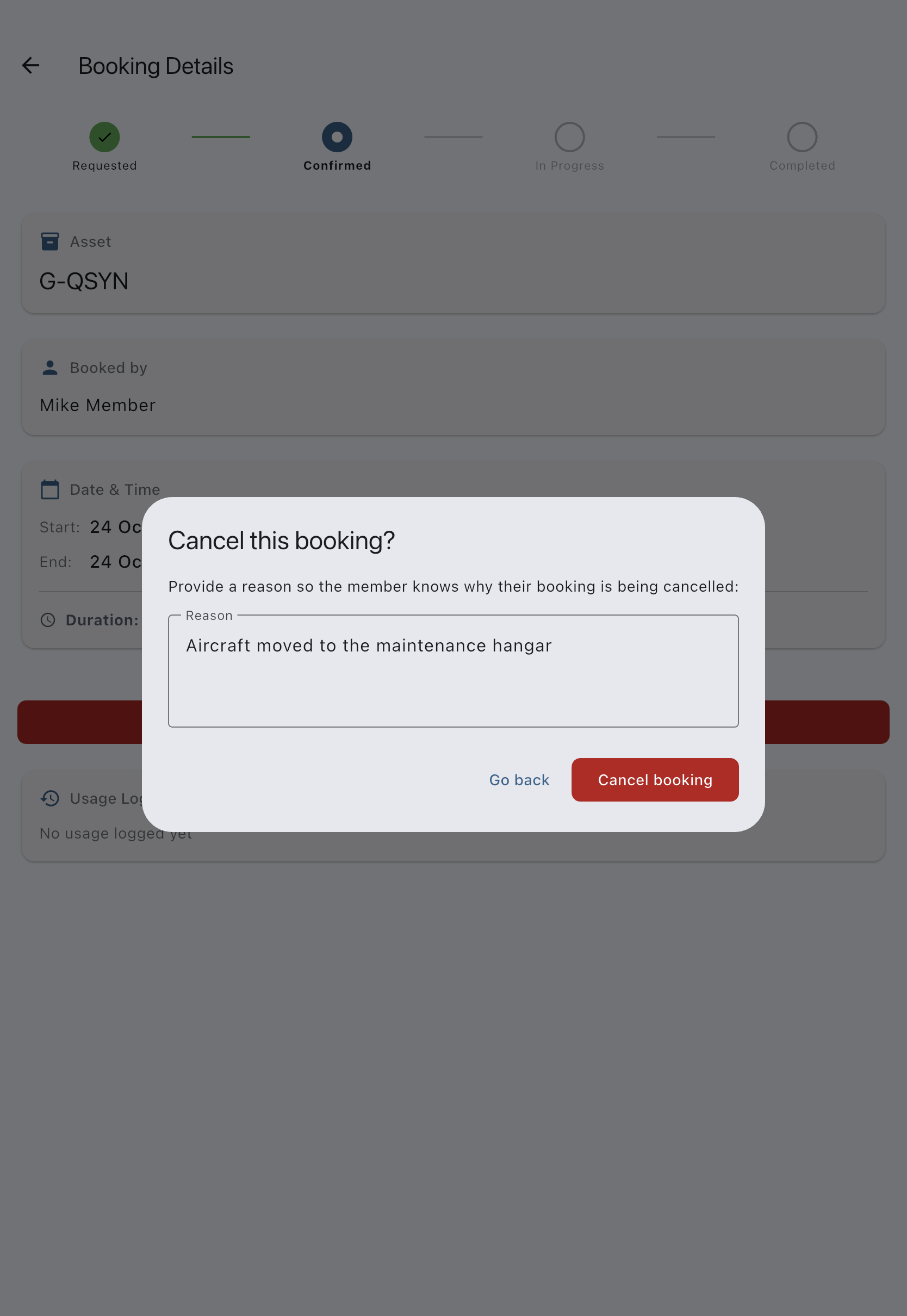
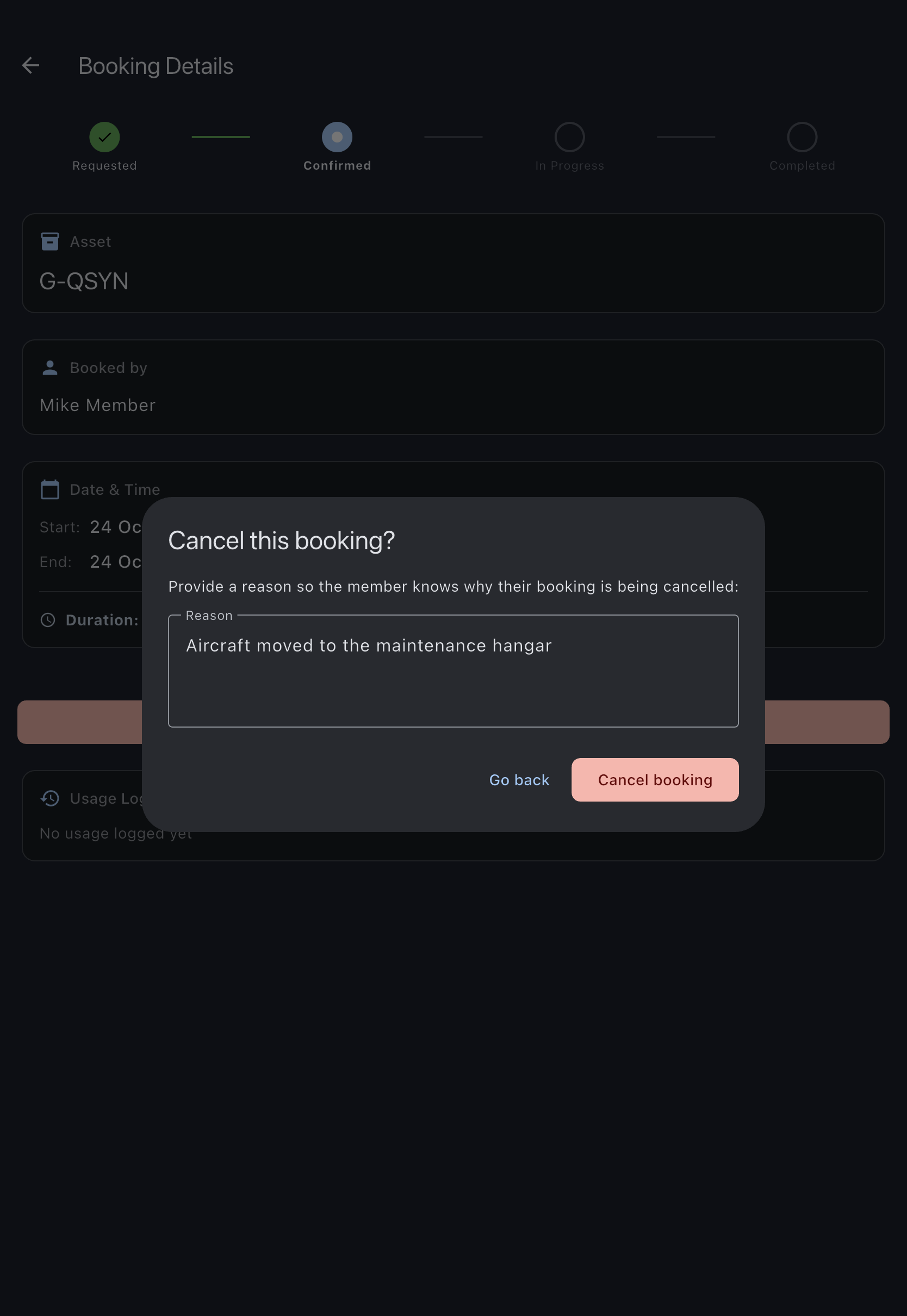
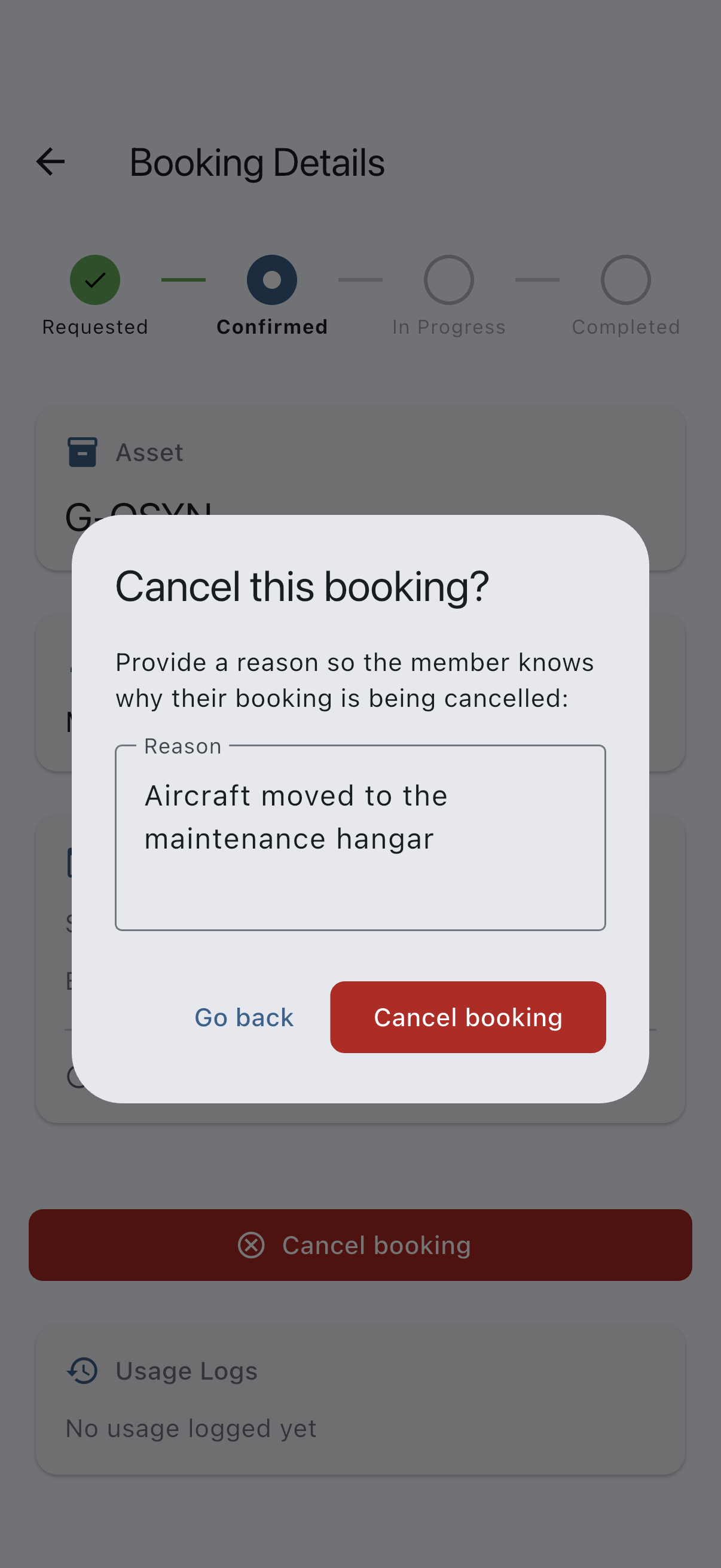
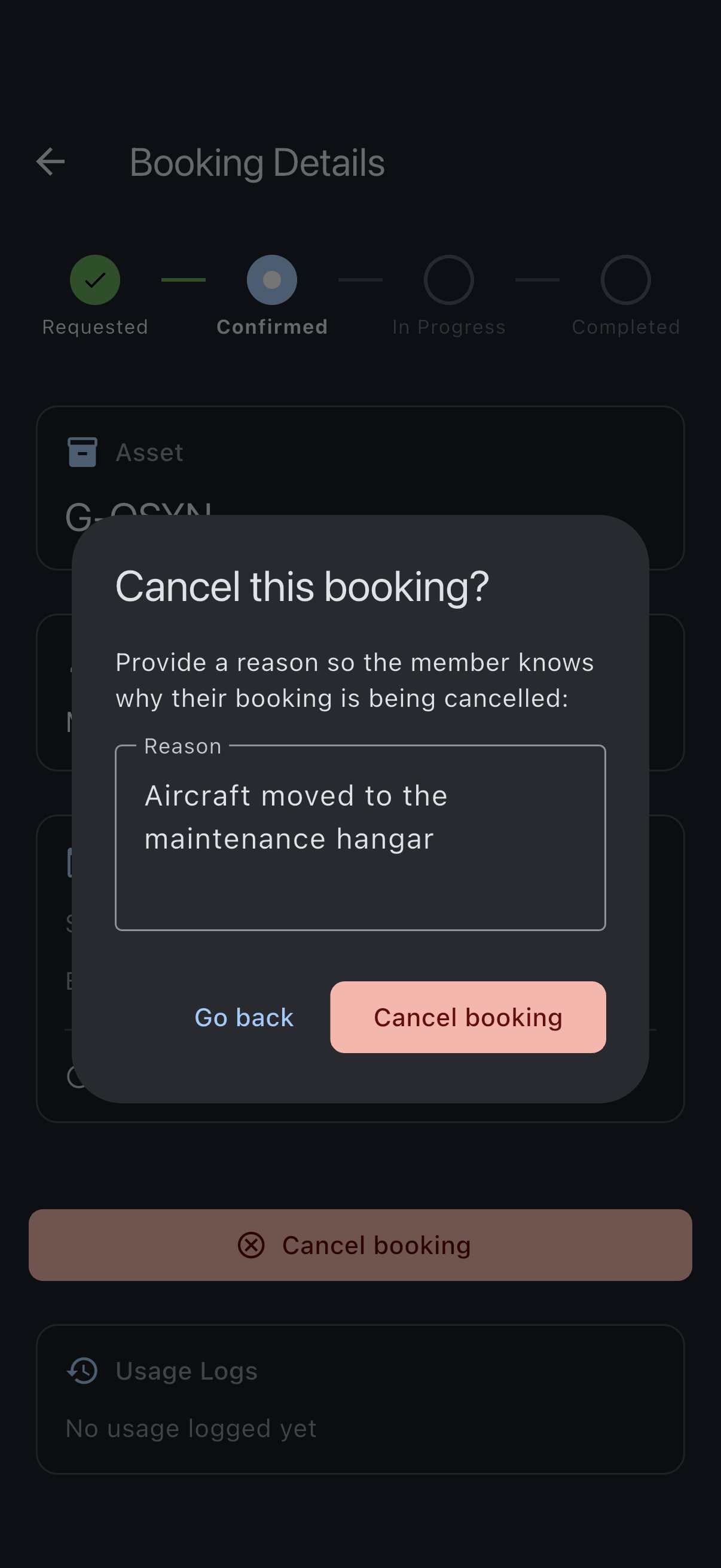
The member sees a Cancelled by an admin banner on the booking showing your reason, and they receive a notification. Cancelling your own booking does not ask for a reason; only an admin cancelling someone else’s does.
Cancel a booking that was never flown (admin)
Section titled “Cancel a booking that was never flown (admin)”A booking whose time has passed with no flight logged shows No flight logged under Needs attention on its Finalise Booking card. If the flight did happen, tap Log Usage and record it. If it did not, you can cancel the booking once a day has passed since it ended, which is the time the pilot has to log the flight. Until then the card reads Log a flight. If it was not flown, you can cancel this booking a day after it ended. and Cancel booking is not shown; from then on it reads Log a flight or review whether to cancel this booking.
- Open the booking. Cancel booking sits under the booking’s date and time, above the Usage Logs and Finalise Booking cards; Log Usage is further down, at the foot of the screen.
- Tap Cancel booking. On a member’s booking, enter a reason, as above; on your own, the confirmation asks only “Are you sure you want to cancel this booking? This action cannot be undone.”
- Tap Cancel booking to confirm, or Go back to back out.
Cancel booking is offered on an ended booking only while no flight is logged against it. Once one is, the booking is finalised instead, so the flight is billed and stays on the aircraft’s record.
Cancelling a booking that was never flown charges nothing: no minimum-usage shortfall and no other minimum charge is posted, as it would be if the booking were finalised with nothing flown. Any Booking Needs Attention notification about the booking is withdrawn.
What cancellation does
Section titled “What cancellation does”- Frees the time slot on the asset for other members.
- Records the moment of cancellation for audit. Cancelled bookings are excluded from the ICS calendar feed.
- Does not generate a charge. No usage has been logged, so no finalisation has happened.
- Sends no refund. There is nothing to refund; cancellation happens before finalisation.
If it goes wrong
Section titled “If it goes wrong”- The Cancel button is not shown. The booking’s status is
cancelled,rejected, orcompleted, or the booking has ended and you are not an admin, a flight is logged against it, or it ended less than a day ago. A member is offered Cancel only while the booking is still to come or still running; an admin also on a booking that ended at least a day ago with no flight logged. Edit disappears for everybody once the booking has ended. - The Cancel button is visible but disabled (greyed out), with a message about logged usage under it. A usage log has been filed against this booking. A booking with usage logged on it can’t be cancelled, because cancelling would take the record of that usage with it. The button remains visible so you know cancellation exists.
- On your own booking that is in progress (it has started and not yet ended), the message reads “Usage has been logged on this booking, so it can’t be cancelled. Close the booking instead to free the rest of the slot.” Close the booking: that posts the charge for what you flew and releases the time you didn’t use.
- Otherwise, including an admin looking at someone else’s booking, the message is only “Usage has been logged on this booking, so it can’t be cancelled.” The booking goes on to be finalised instead, so the usage is billed and stays on the asset’s record.
- “Your offline cancellation of the booking … was not saved: a flight has been logged on this booking”. You cancelled the booking while you were offline, and before your cancellation reached the server a flight was logged on it, for example from another device or by an admin. A booking with a flight on it is not cancelled, so the booking on the server is unchanged, it returns to your calendar when the app syncs, and it goes on to be finalised so the flight is billed.
- “Cancelling…” spinner stays forever. The local write is fine but the UI is stuck redrawing; force-close the app and reopen. Offline cancellations queue and sync when you reconnect, and the snackbar tells you so.
See also
Section titled “See also”- Booking statuses
- Edit a booking: move the booking instead of cancelling it.
- Close a booking: finish a booking you have flown and free the rest of the slot.
- Reject a member’s booking: the admin-side equivalent for pending bookings.
- Role capability matrix