
Assign a member to a rate
Assign a member to a rate
Section titled “Assign a member to a rate”Change which member rate (billing scheme) applies to a specific member. This determines their dues and the modifier applied to the asset’s base usage rate.
Before you start
Section titled “Before you start”- You must be an admin. You can change your own scheme or another member’s.
- New members are assigned to the syndicate’s default scheme when they accept their invite. Use this procedure to change them to a different scheme.
- Rate changes affect future usage logs only. Logs already written carry the rates that were in force at the time.
- Open the syndicate.
- Go to the Admin tab, then tap Members.
- Tap the member whose rate you want to change, including your own row. The edit-member screen opens.
- Under Billing Scheme, open the dropdown and pick the scheme (for example, Equity member or Renter).
- Save.
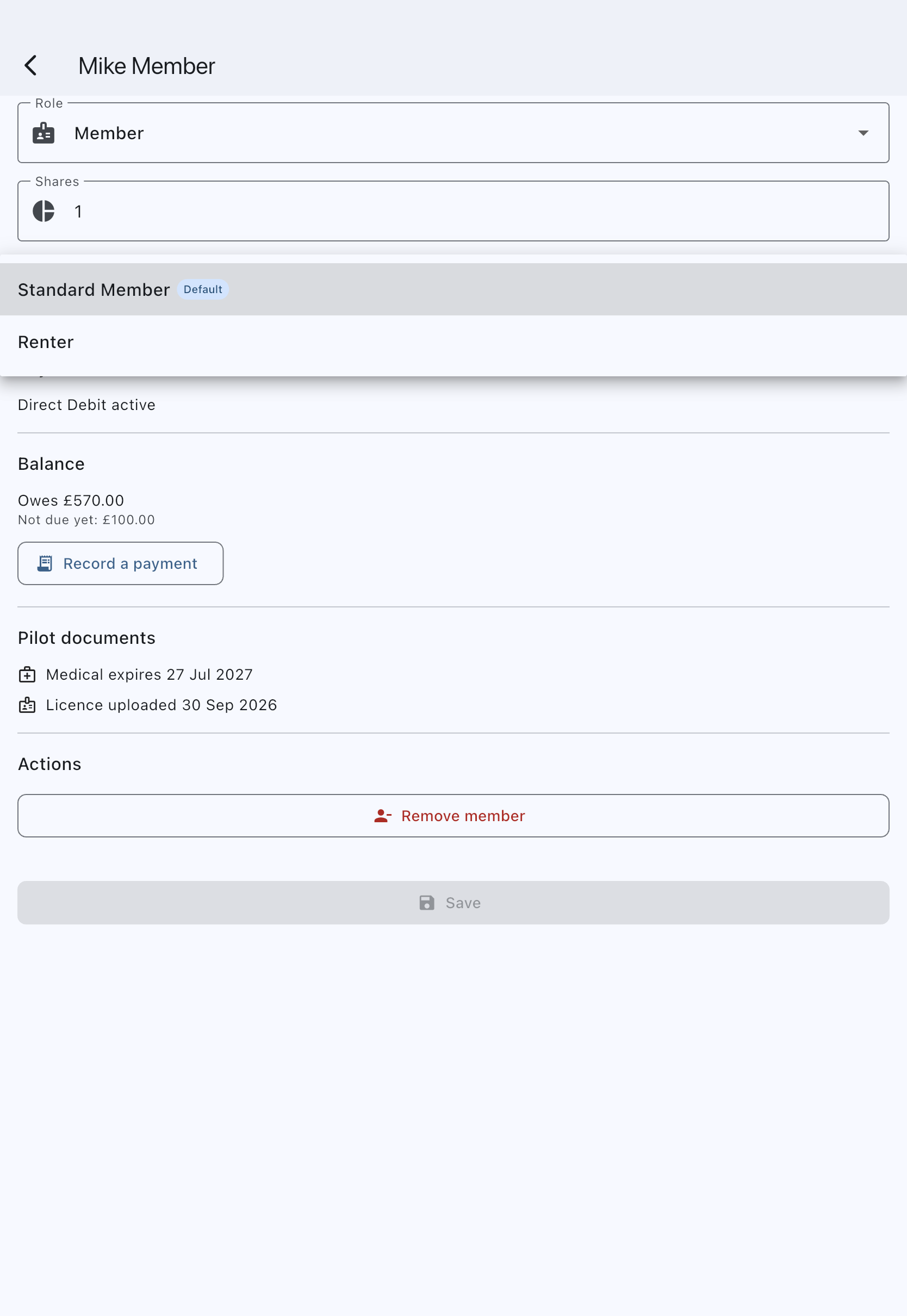
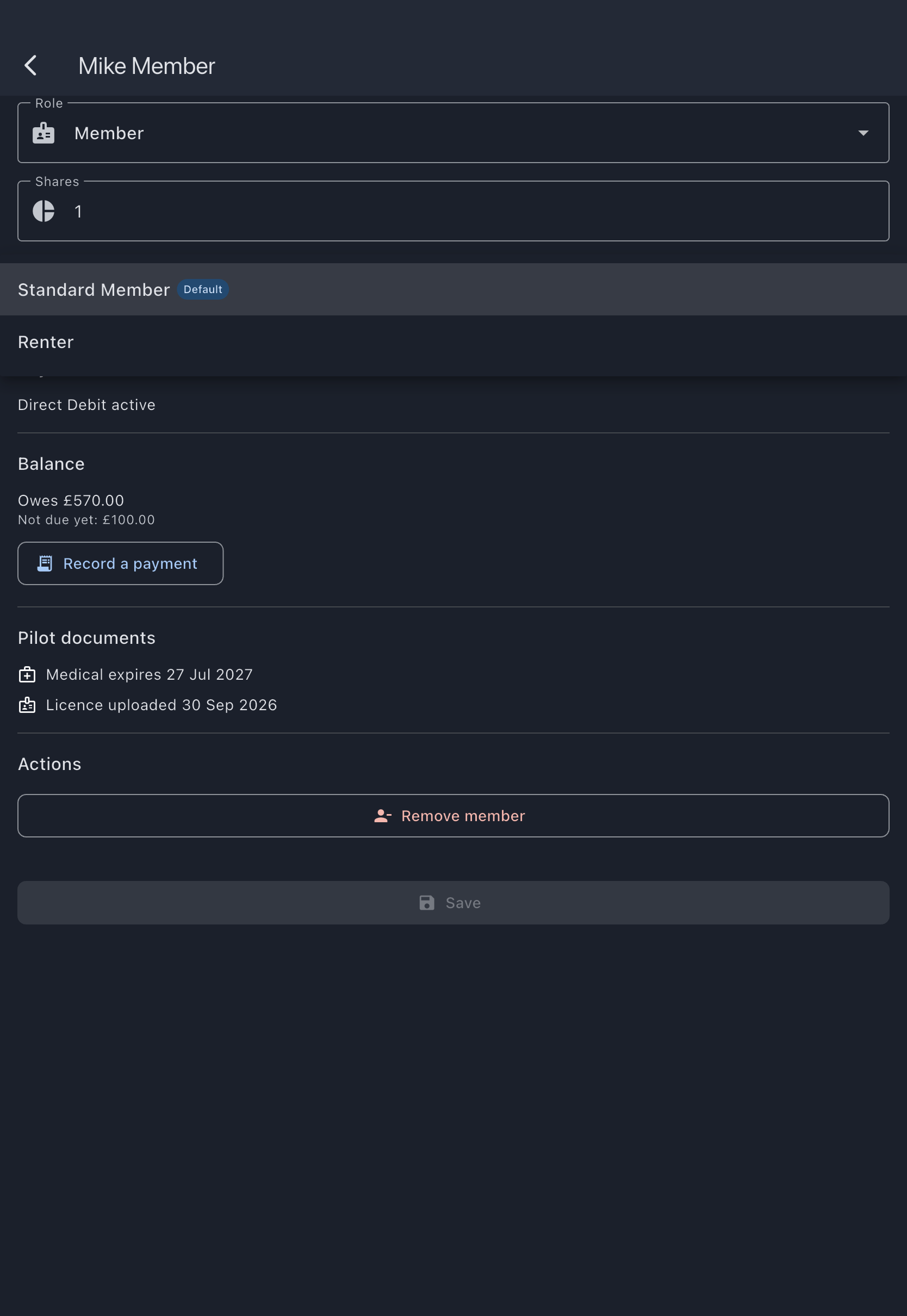
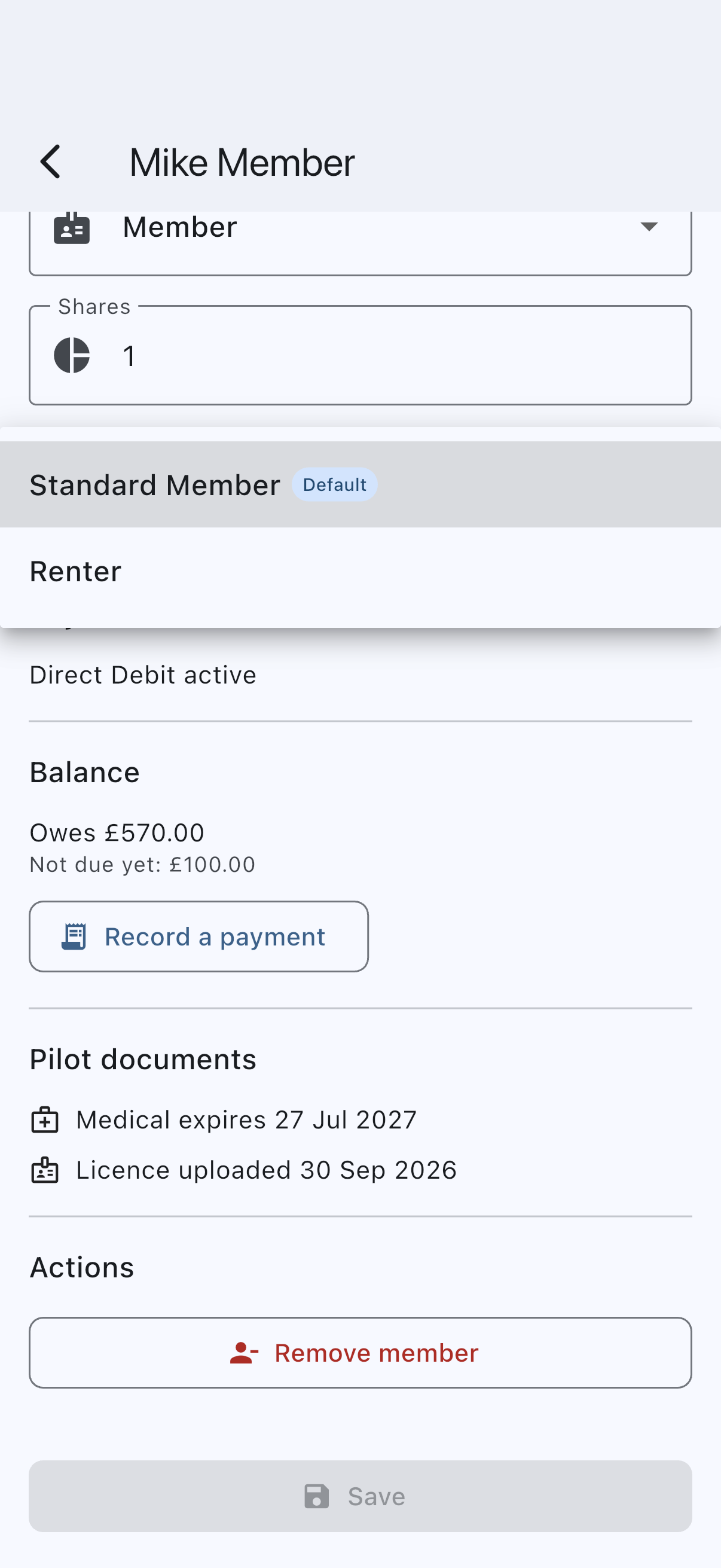
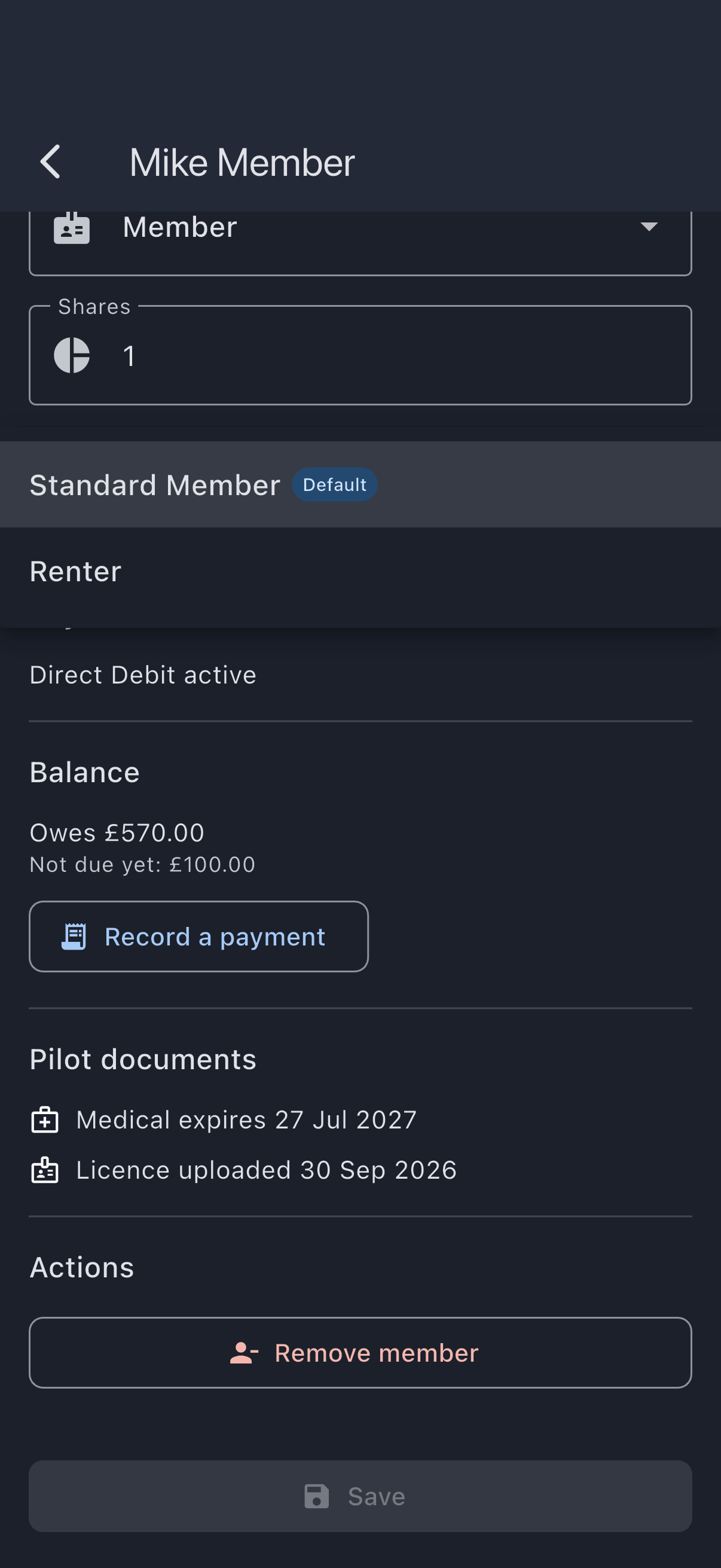
The member’s detail tile updates. Their next usage log and their next dues charge use the new scheme.
Your own page leaves an unassigned scheme blank until you choose one.
To check who is on a rate, go to Admin → Billing schemes and tap the scheme’s card. It opens a list of the members on that scheme; tap a member to go straight to their page.
If it goes wrong
Section titled “If it goes wrong”- The Billing Scheme field is missing because the syndicate has no schemes defined yet. An admin must first create at least one member rate.
- On another member’s page, you see No scheme was previously assigned; defaulted to [name].: the member had no scheme set; saving pins them to the syndicate default.
See also
Section titled “See also”- Member rates (billing schemes): what each modifier type means
- Rate resolution chain: how the scheme combines with the asset rate
- Create a member rate: define a new rate before assigning