
Defer a grounding squawk
Defer a grounding squawk
Section titled “Defer a grounding squawk”Open grounding squawks restrict bookings on an asset. If a person authorised under the applicable aircraft and operation rules has lawfully decided to defer the defect, an admin can record that deferral until the authorised date. Recording it in Syndik8 does not authorise flight; parts on order or a booked repair alone are not sufficient.
This is a different feature from deferring a maintenance limit. This one is about a reported defect. If you instead want to push out a scheduled check’s own due point — no defect involved — use Defer a maintenance limit instead.
Before you start
Section titled “Before you start”- You must be an admin to record the decision. That app role does not qualify you to make it.
- Confirm that the deferral is permitted and obtain the appropriately authorised person’s decision and any conditions before changing the record.
- Only
opengrounding squawks can be deferred. Caution and info squawks have no ground effect and do not need deferral. - Deferral requires both a reason and an expiry date (Defer Until).
- Open the asset and tap the grounding squawk to open its detail screen.
- Under Admin Actions, tap Defer.
- A date is always already filled in under Defer Until: a week from today in your profile’s timezone, or, if a repair booking is already linked to this squawk, the day after that booking ends in your calendar. The button shows that date; tap it to pick a different one. Whatever it reads is the last day the deferral is in force. The date is saved as that calendar day, and every member sees the same day whatever their timezone.
- Check that Defer Until matches the authorised decision, rather than simply accepting the suggested repair date. Enter a Reason identifying the authorised person, their decision, any conditions and the relevant basis/reference.
- Tap Submit to confirm.
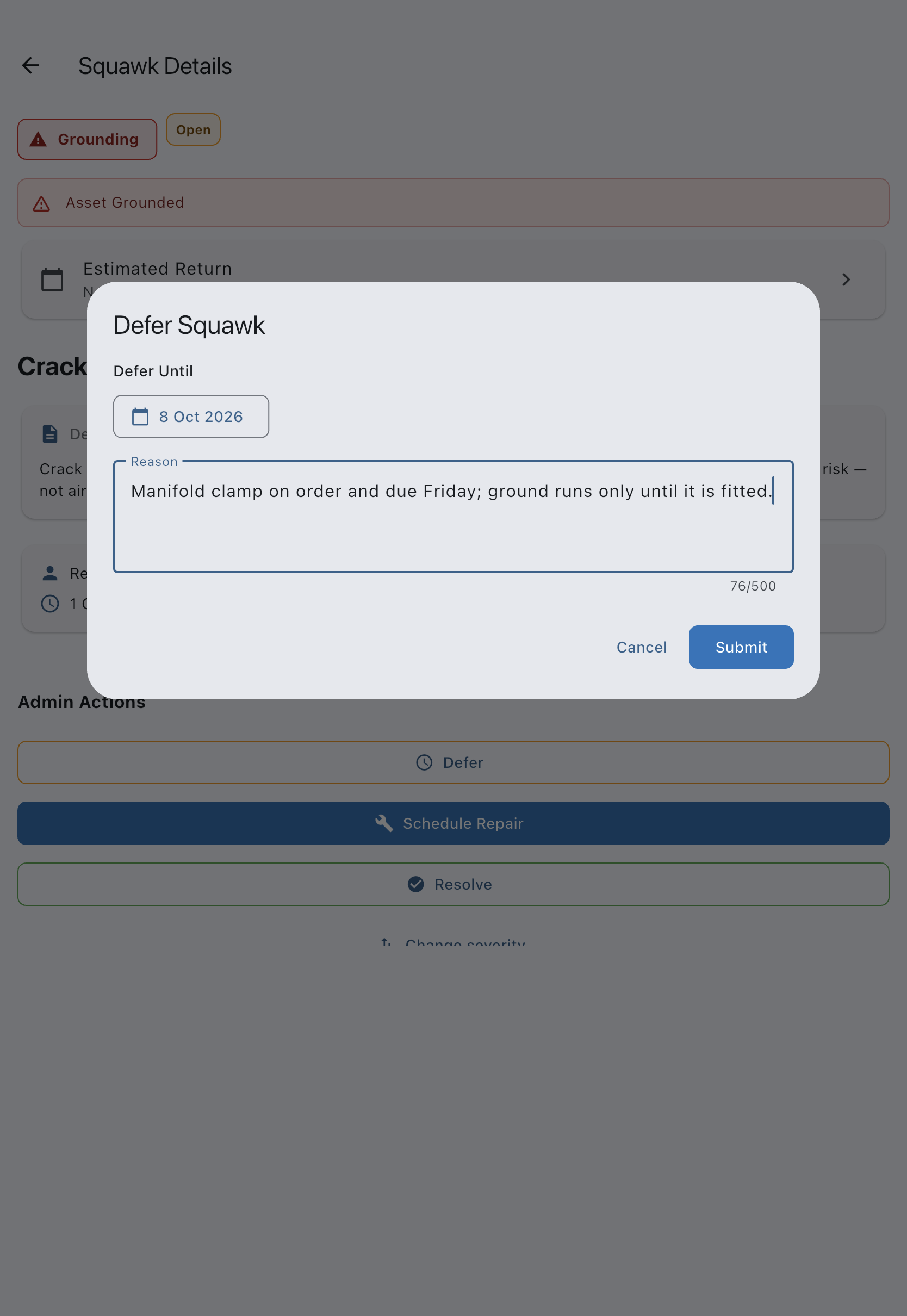
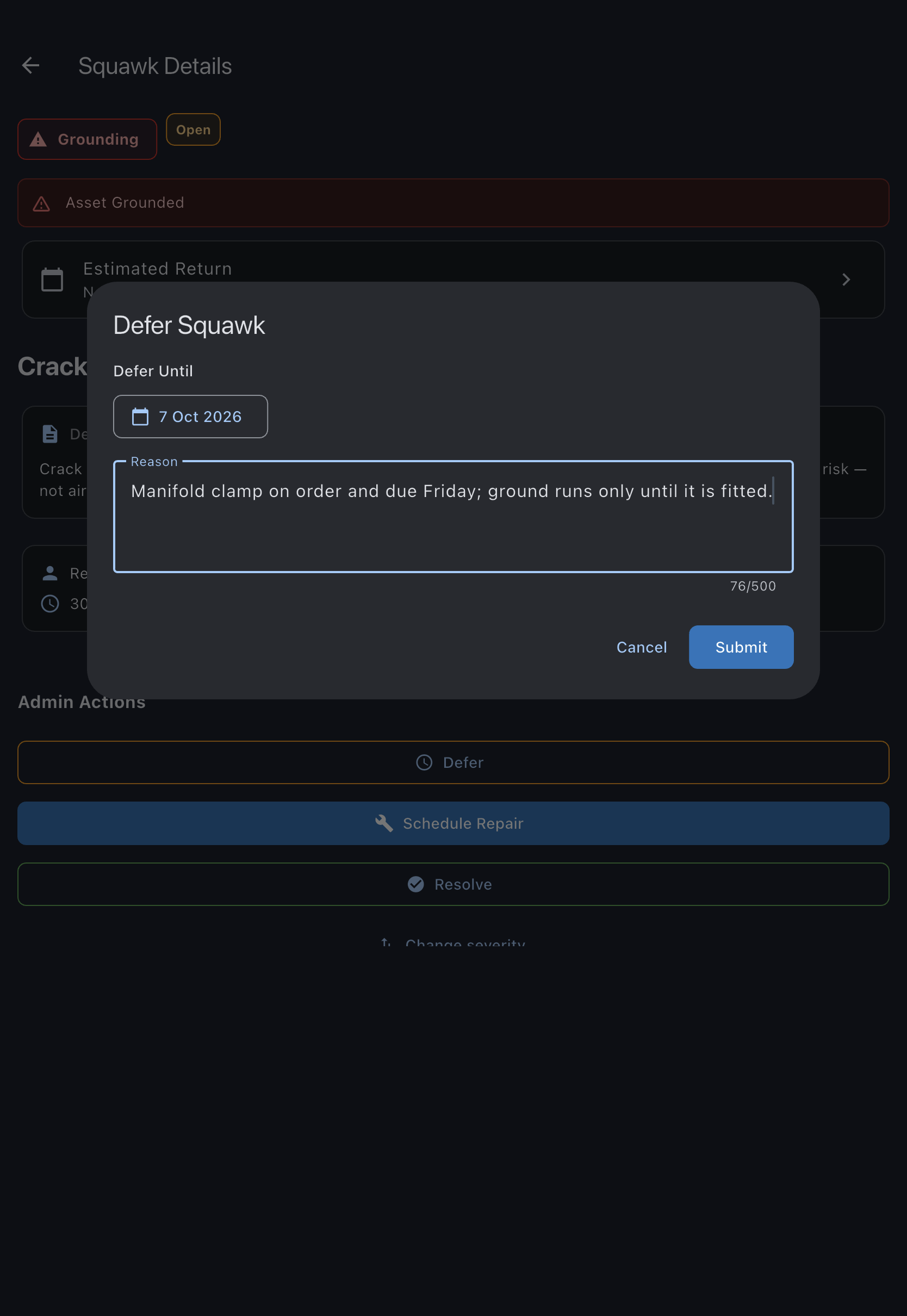
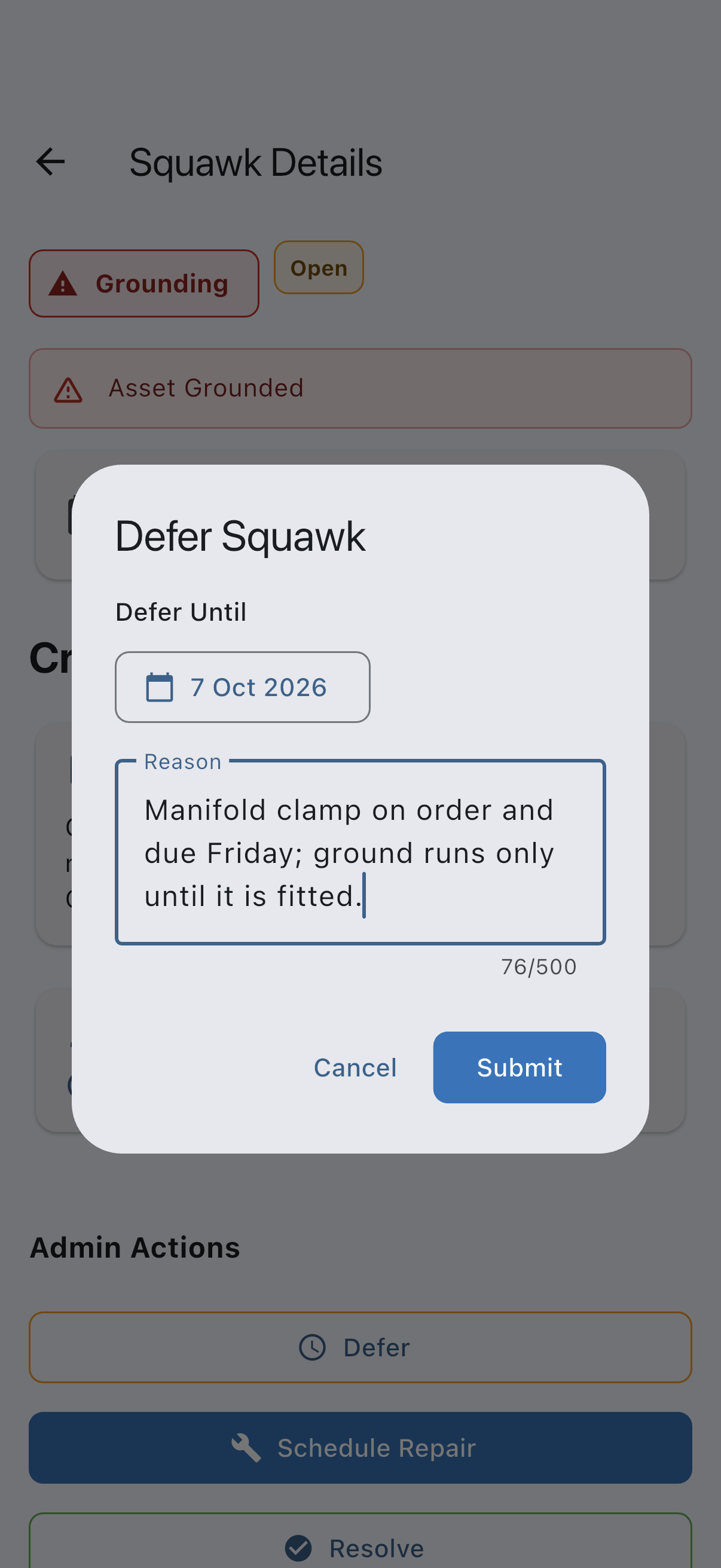
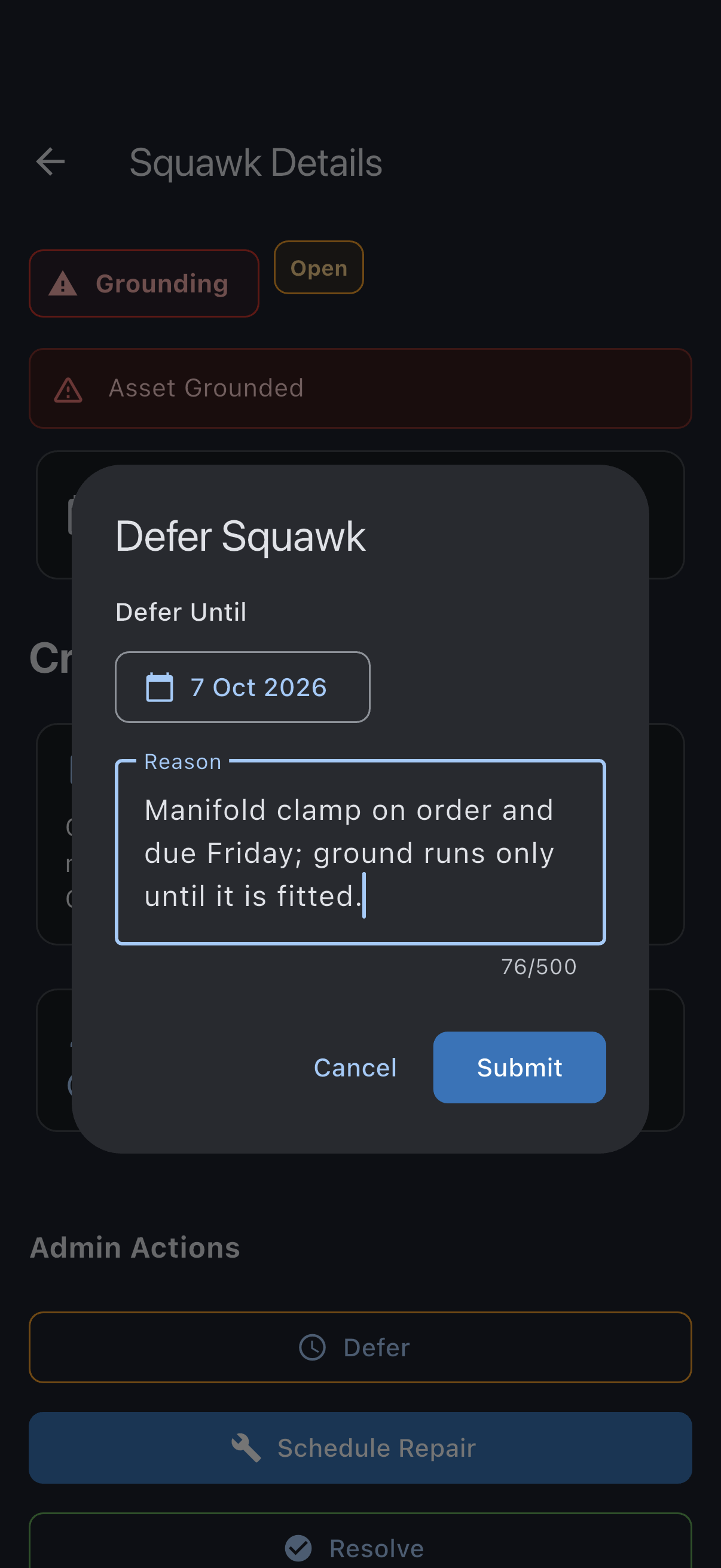
You see Squawk deferred. The squawk moves to deferred, this squawk’s booking restriction clears, and suspended bookings are restored where no other restriction or maintenance window applies. The squawk detail screen shows Deferred until: [date] and the reason.
The deferral is honoured through to the end of the date you set. The morning after it passes, the asset is grounded again automatically and the bookings spanning it suspend once more, unless you have resolved the squawk in the meantime. On the day the deferral expires, the syndicate’s admins get a Squawk Needs Closing reminder so the lapse does not catch anyone out.
If it goes wrong
Section titled “If it goes wrong”- “Reason is required”: record the authorised decision and its basis/reference in the Reason field.
- “Couldn’t defer this squawk”: nothing has changed. Check your connection and try again.
- The Defer button is not shown: the squawk is not in
openstatus, or not a grounding severity. Only open grounding squawks can be deferred.
See also
Section titled “See also”- Squawk statuses: when a squawk can move to deferred
- Squawk severities: which severities restrict bookings
- Airworthiness rules: how deferred squawks affect bookings
- Resolve a squawk: close the squawk once the work is done
- Schedule a repair for a squawk: link a repair booking to the defect record
- Defer a maintenance limit: the equivalent action for a scheduled check, not a reported defect