
Create a member rate
Create a member rate
Section titled “Create a member rate”A member rate, labelled billing scheme throughout the app, is a named package of dues and a usage-rate modifier. Every syndicate starts with a default Standard Member rate; create more when you need different terms for different groups (for example, an equity member and a renter).
Before you start
Section titled “Before you start”- You must be an admin (a treasurer needs the admin role).
- A new syndicate already has a default Standard Member rate. You do not need to create one to start.
- “Renter” is a common rate label, not a role.
- Open the syndicate and go to the Admin tab.
- Tap Billing schemes (under Money).
- Tap the Add billing scheme button at the foot of the scheme list. On a syndicate with no schemes yet the same button sits in the middle of the empty screen.
- Enter the Scheme Name (the label members see; for example, Equity member, Renter, Founder).
- Enter the Amount (dues), the Every count (for example,
1), and the Unit (Day(s), Month(s), or Year(s)). Set the amount to0if this rate has no periodic dues. - Set Next collection: tap the calendar icon beside it and pick the date the first dues should post. Dues post on that date at 9 am and then repeat every interval. It starts as Not scheduled, and a scheme left unscheduled posts no dues at all, so set a date for any rate with a dues amount.
- Choose a Usage Rate Modifier type:
- None (base rate): this rate pays the asset’s base rate with no adjustment.
- Fixed offset: adds or subtracts a fixed amount (e.g.
+40or-20). - Percentage: scales by a percentage. A minus sign makes it a discount (
-25for 25% off); a figure without one is a surcharge. The line under the box reads back what you typed, for example 25% discount on the usage rate. - Override: replaces the asset’s base rate outright.
- Enter the Modifier value required by the selected type.
- Tap Create Scheme.
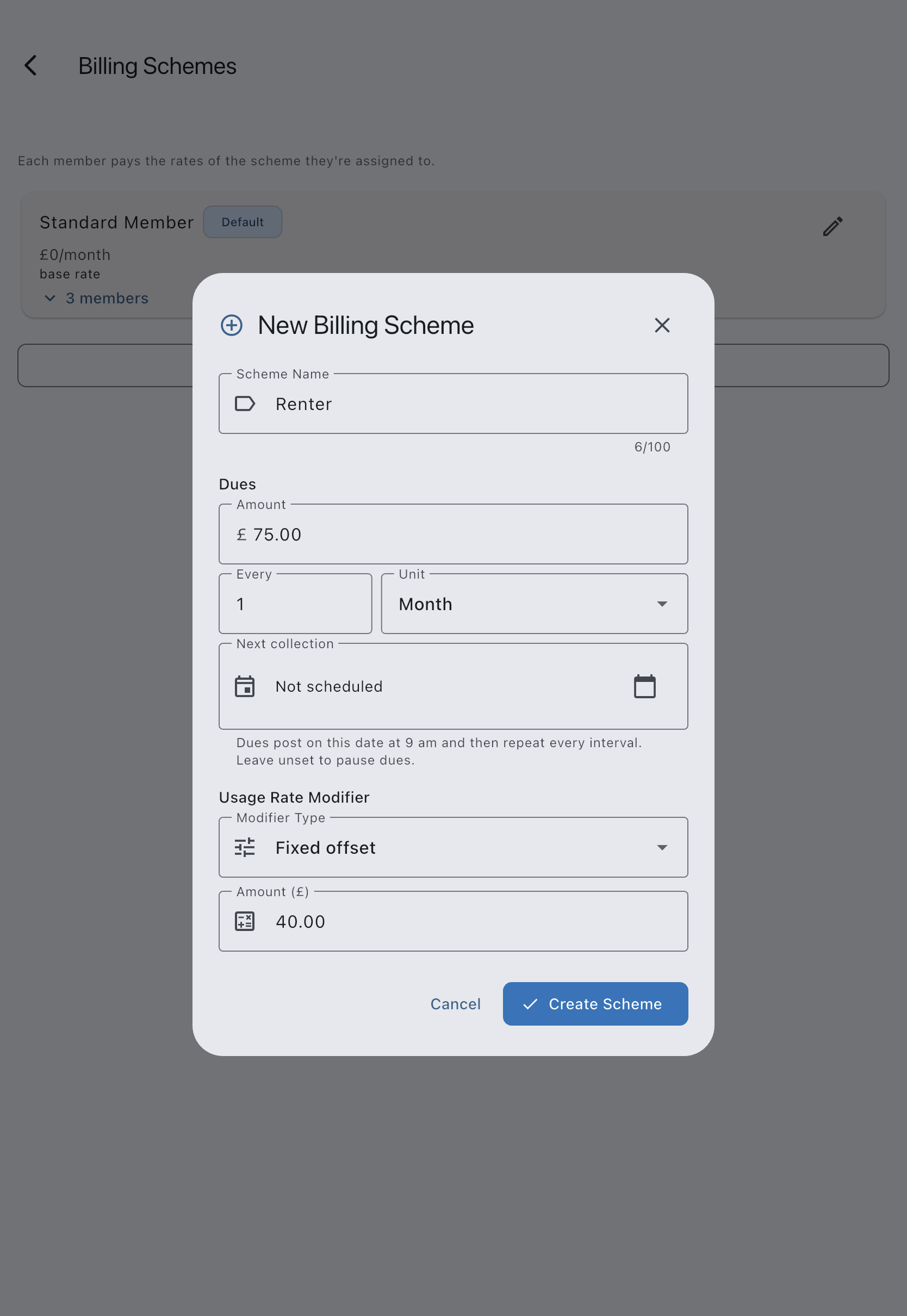
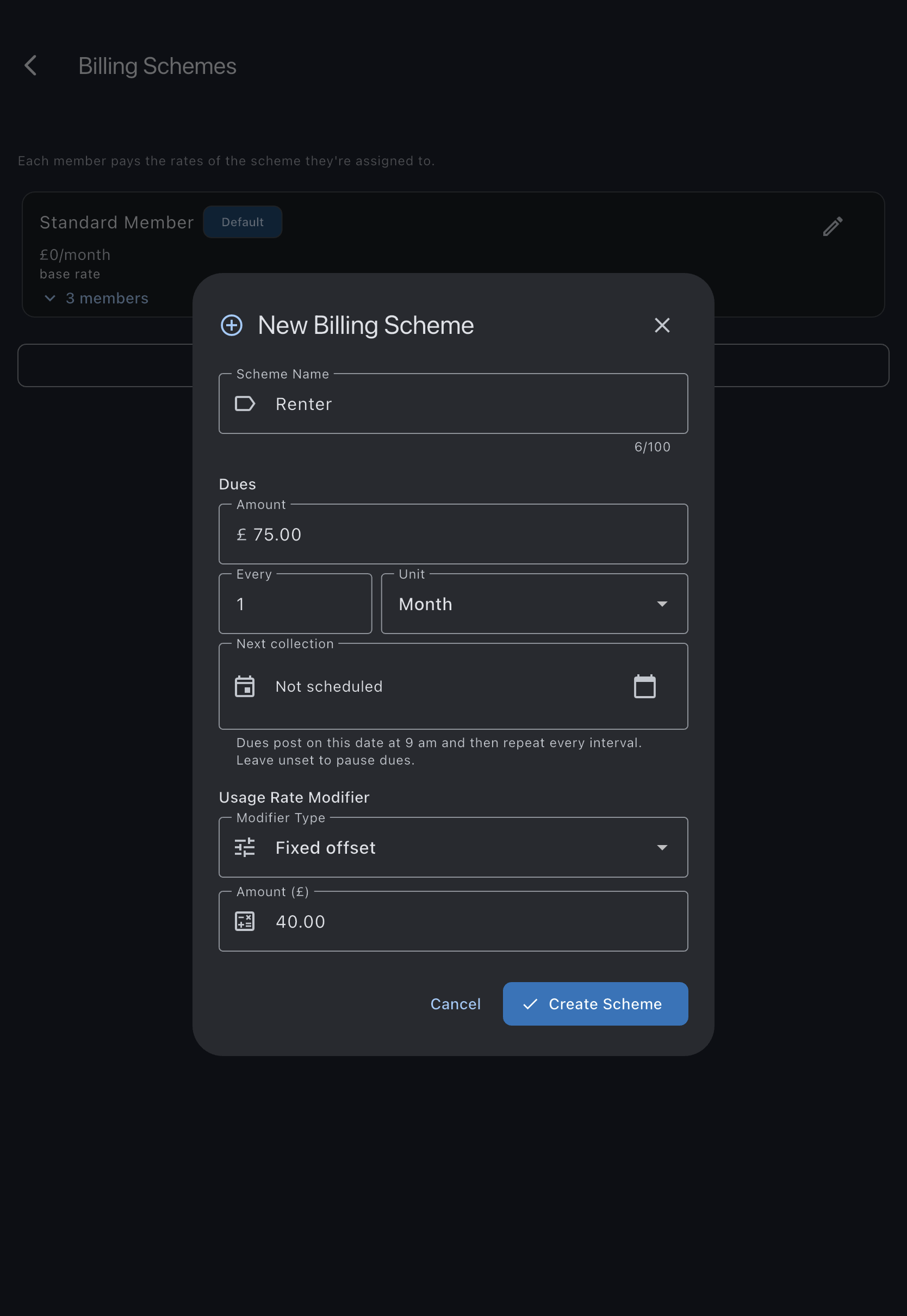
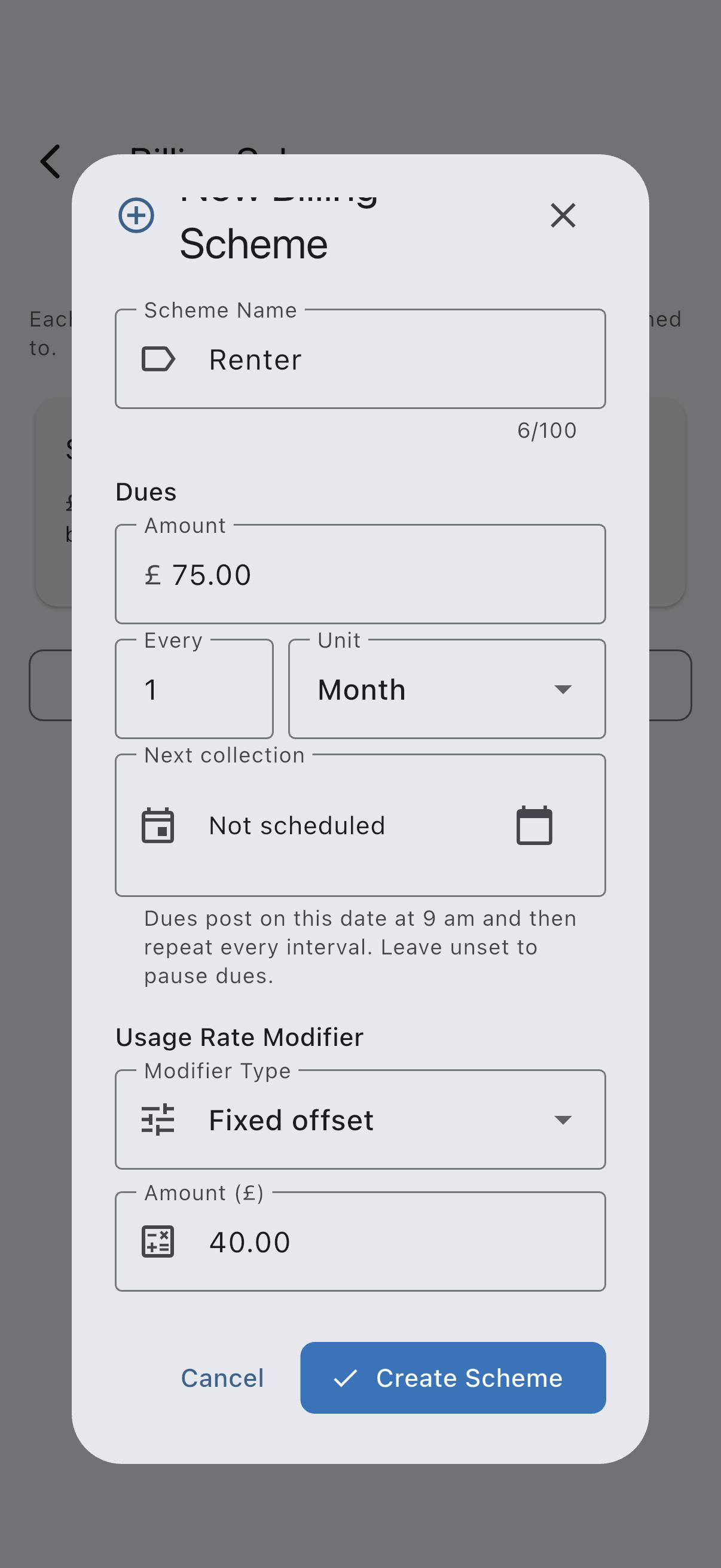
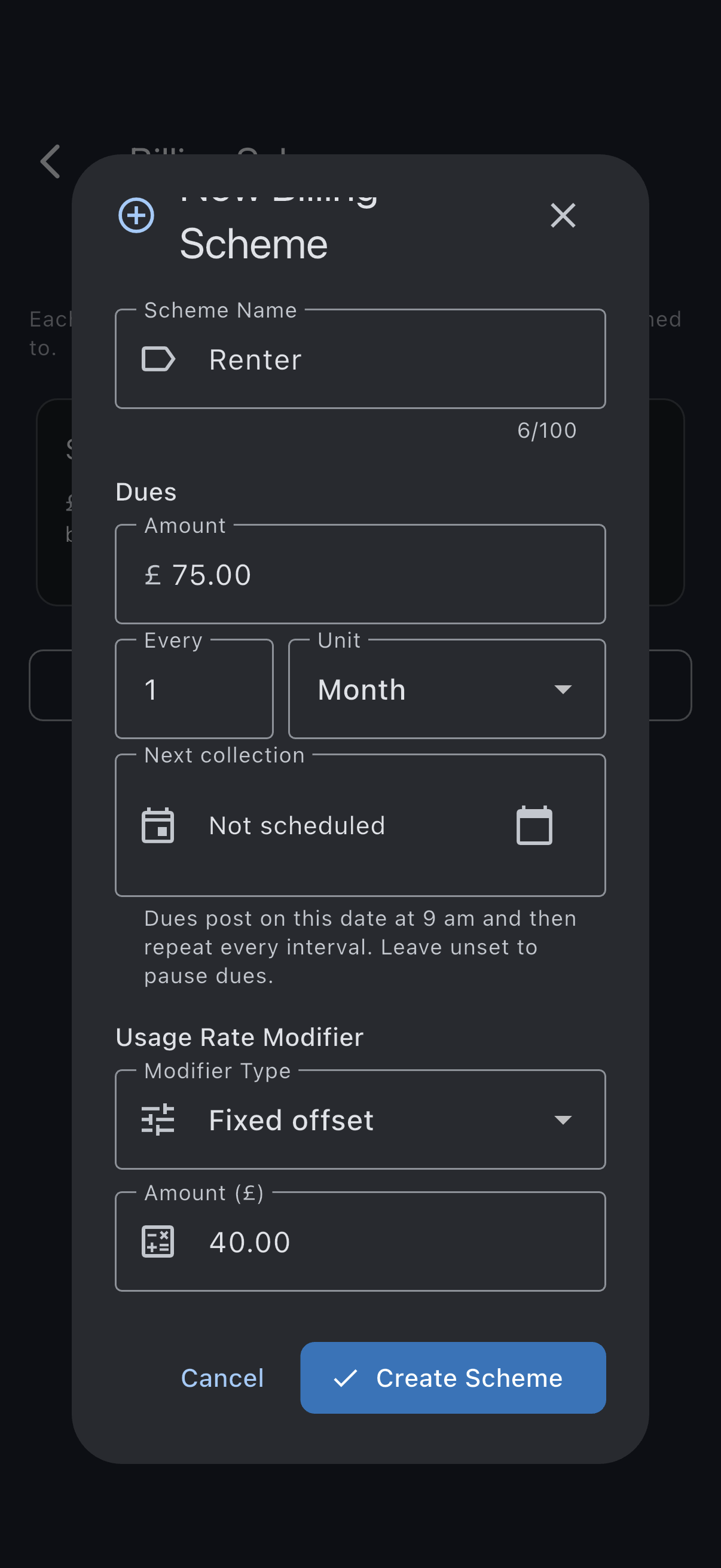
The scheme is saved. It appears on every member’s detail tile and on the Asset rates per-scheme rate table.
Make a scheme the default
Section titled “Make a scheme the default”New members are assigned to the default scheme automatically. To change which scheme is the default:
- Tap the Make default scheme icon on the scheme you want.
- Confirm in the dialog. The previously-default scheme loses its default badge.
If it goes wrong
Section titled “If it goes wrong”- You cannot delete a scheme that is currently the default. Use Make default on another scheme first.
- Deleting a scheme with members prompts to reassign them to the default scheme automatically.
See also
Section titled “See also”- Member rates (billing schemes): full semantics and worked examples
- Rate resolution chain: how modifiers combine with the asset base rate
- Payment account, Member billing and Bill members: where the Billing schemes screen is described
- Assign a member to a rate: next step