
Open a vote
Open a vote
Section titled “Open a vote”A vote lets the equity members of a syndicate decide on something share-weighted, such as buying a new tow bar, changing insurer, or agreeing next year’s hangar contract. Votes are always yes/no with a share-weighted majority threshold.
Before you start
Section titled “Before you start”- You must be an admin.
- The syndicate should have at least one active equity member for a vote to be worth opening; members with no shares never see the vote at all, and can’t cast a ballot.
- You must be online. Opening a vote sends a notification to every equity member.
- Open the syndicate.
- Go to the Admin tab and tap Votes under the Members & governance heading. Every member can also reach the same list from Votes on the My Syndicate card on the Dashboard tab. Route:
/syndicates/:syndicateId/votes. - Tap Open vote.
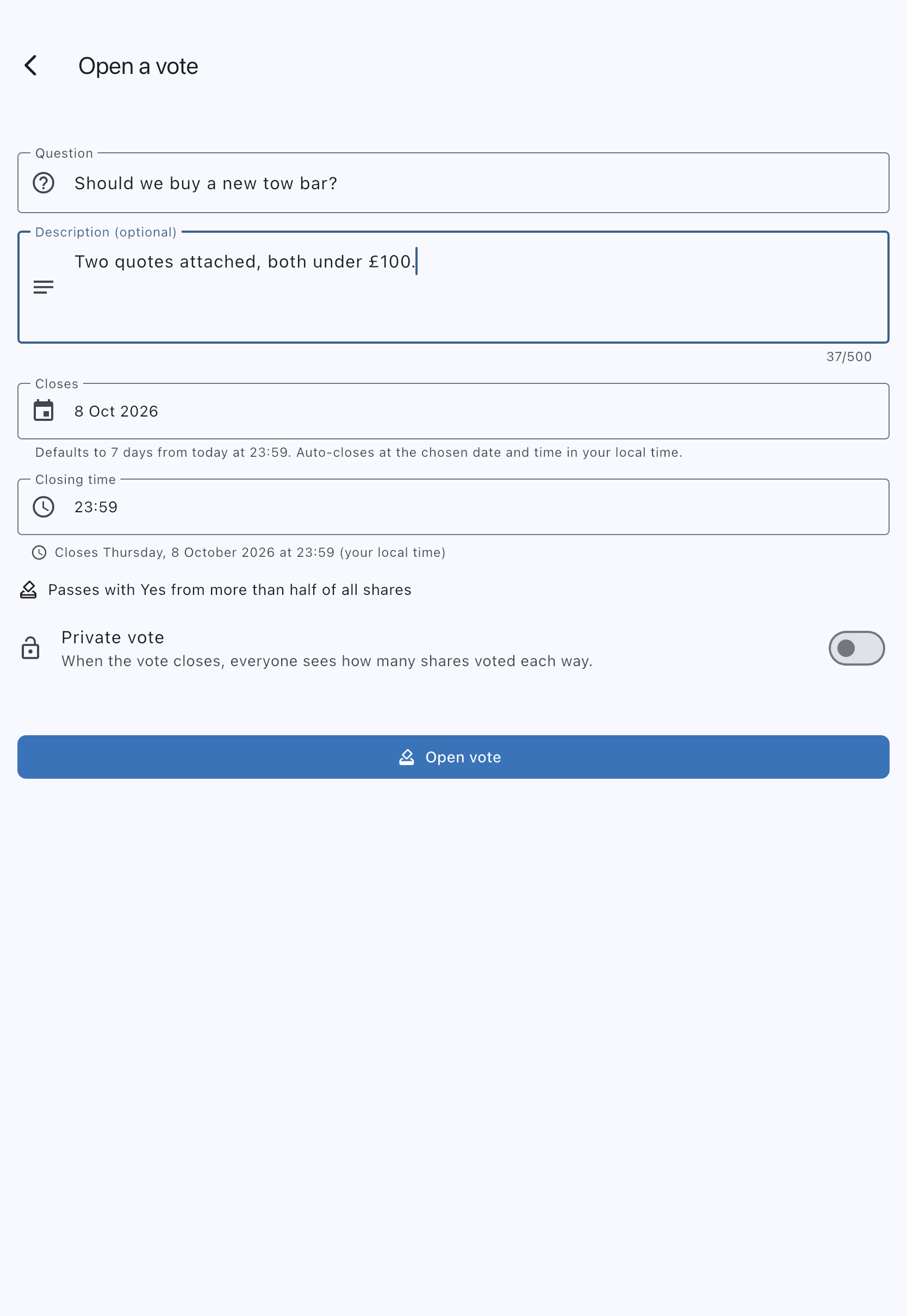
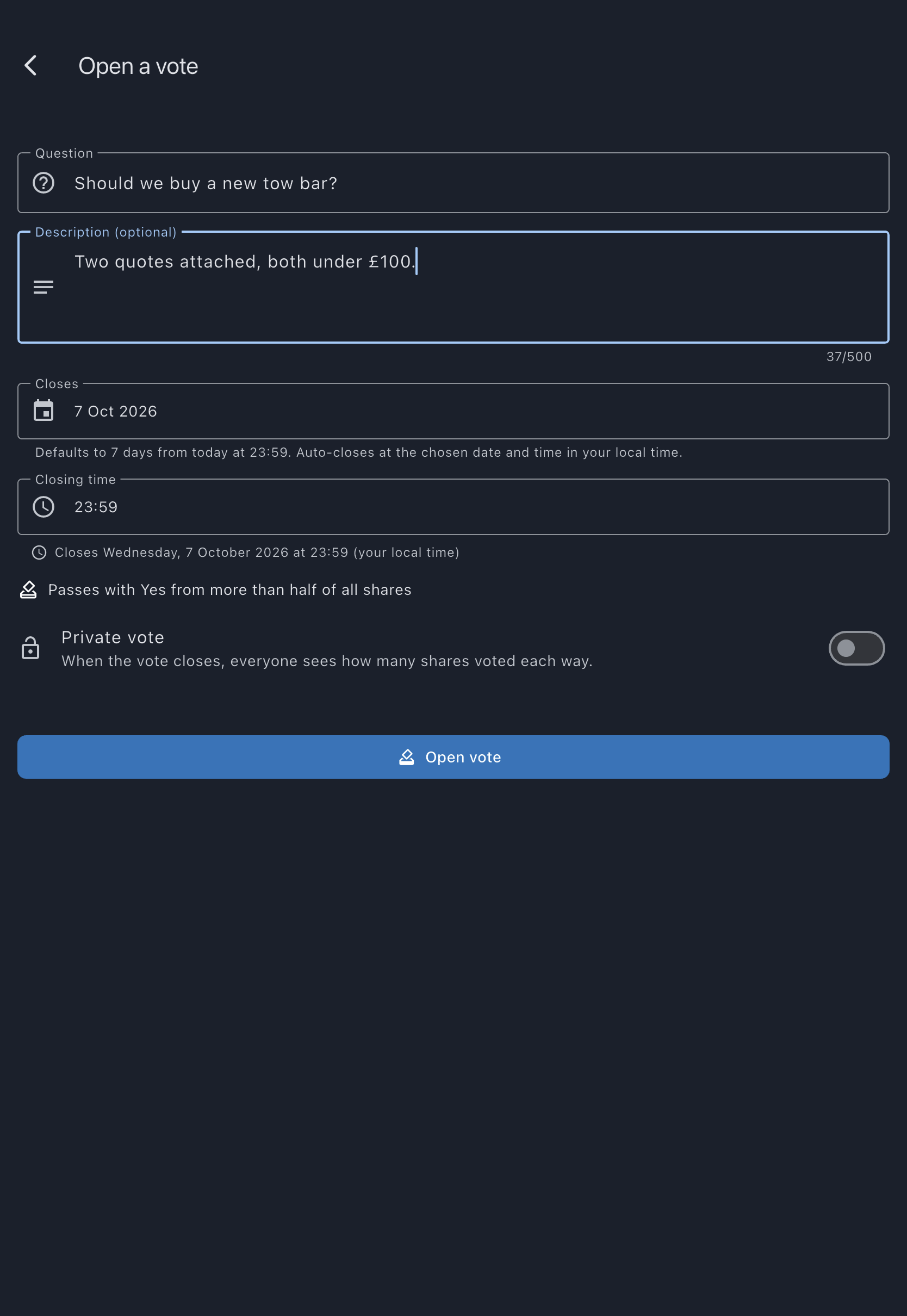
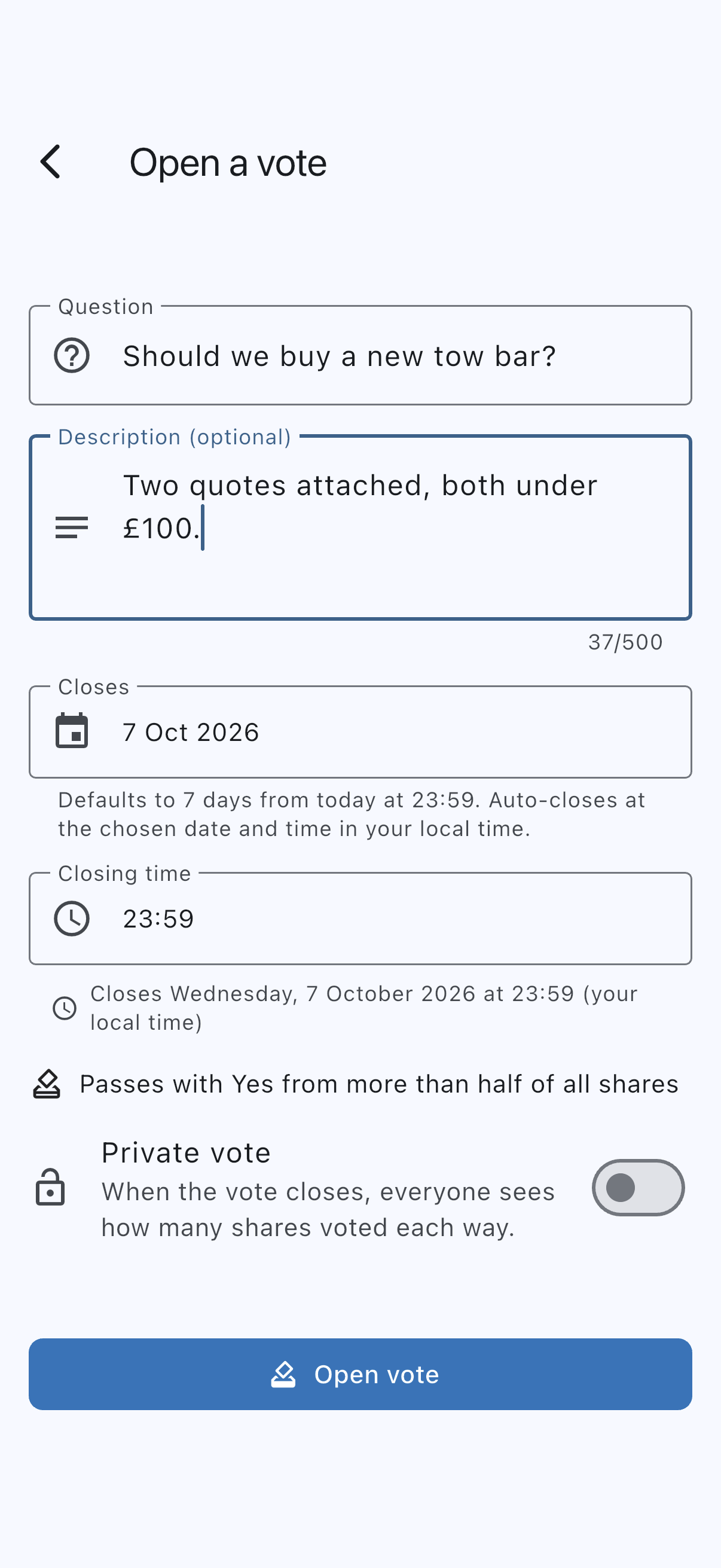
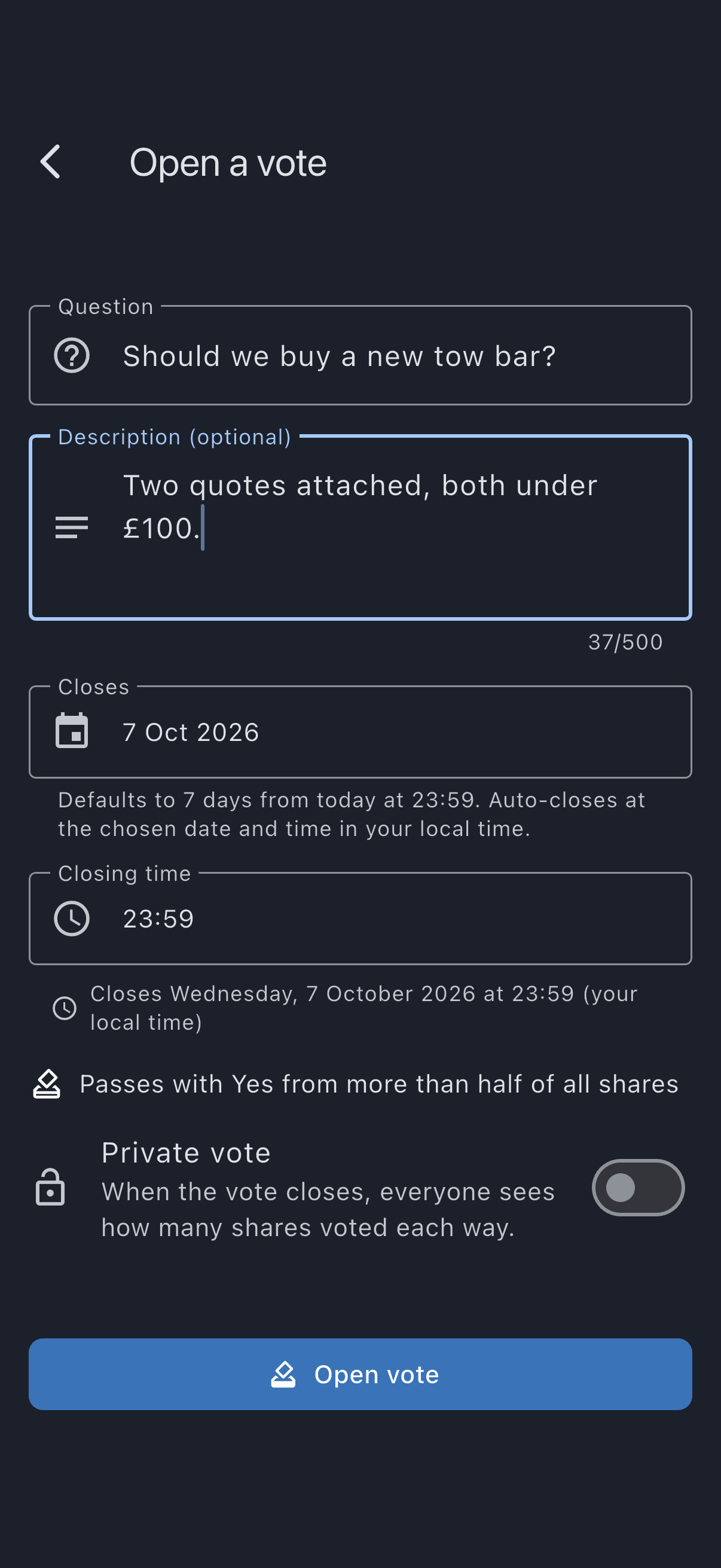
- Fill in Question (e.g. Should we buy a new tow bar?) and, if it helps, Description (optional) with context, supplier quotes, or links members need to make up their minds.
- Set when the vote closes. This is two fields, not one: Closes is a date picker and Closing time is a separate time picker. Together they default to 7 days from today at 23:59 (11:59 PM on a 12-hour clock). A preview line below them reads “Closes {date and time} (your local time)”. The vote closes at that exact moment in your own timezone, and the app tallies the result within a few minutes; you can set a closing time just a few hours away for a quick vote. Each member sees that moment in their own timezone, so a member abroad may see a different date and time for the same deadline.
- Under the closing time the form states the rule the vote is decided by: Passes with Yes from more than half of all shares. Members who do not vote count against it.
- Decide whether to make it a private vote with the toggle (off by default). Nobody sees another member’s ballot either way. When a public vote closes, everyone sees how many shares voted each way. Turn on Private vote and everyone sees only whether it carried, never how many shares voted each way.
- Tap Open vote.
- You land on the vote detail screen, and every active equity member gets a Vote opened notification (push and email by default).
While the vote is open
Section titled “While the vote is open”The vote detail screen shows the turnout, such as 1 of 3 shares have voted, and, if you hold shares, what your own ballot counts for, such as Your vote carries 1 of 3 shares. The turnout moves as members vote and as holdings change. A private vote shows the same turnout: how many shares have voted says nothing about which way anyone voted. What no vote shows while it is open is the count for each answer, so a member who has yet to vote is not swayed by the way it is going.
Nobody, admins included, sees how the vote is going by answer while it is open, so early ballots don’t sway later ones. The breakdown by answer appears only once the vote closes.
As an admin you also see a Who has voted list while the vote is open: each shareholder, marked Voted or Not voted yet, so you know who to remind. It never says how anyone voted, on a private vote or any other. The list needs a connection; offline it says it can’t show who has voted right now.
How the result is tallied
Section titled “How the result is tallied”When the vote closes (either automatically at the chosen date and time, or manually if you tap Close vote and answer Close vote; Cancel leaves it running), the result is computed live from the ballots:
- Each ballot is weighted by the member’s shares at the moment of close, not at the moment of cast.
- The vote passes if more than 50% of the total active equity shares are cast for Yes. Non-votes are an implicit No; silence isn’t agreement.
- Members who have lost shares, gone former, or been removed since the vote opened drop out of both the numerator and the denominator.
The Result row then reads Carried or Not carried (on a private vote the Outcome card shows this instead), and the Closes row becomes Closed on, giving the moment the vote actually closed: earlier than planned if you closed it by hand. It does not read No for a vote that failed: a vote can fail with nobody voting No, simply because too few shares voted Yes.
At that moment the app also saves the share counts behind the result: the total shares that could vote, the shares that did not vote and, on a public vote, the shares cast for Yes and for No. A closed vote’s Share breakdown always shows those saved counts, so a member joining, leaving or changing their shares afterwards doesn’t change how the decision is reported. A private vote shows its Outcome and the turnout it closed with, such as 2 of 3 shares voted, but never the shares cast for each answer: in a small syndicate those could reveal who voted which way.
If you change your mind about the question or the timing, tap Cancel vote on the vote’s detail screen. This is different from Close vote: Close records a result (carried or not carried) from whatever’s been cast so far; Cancel withdraws the vote entirely, records no result, and can’t be reopened.
Offline behaviour
Section titled “Offline behaviour”The Open vote button watches connectivity. When the device is offline, it disables and shows Opening a vote needs a connection. Try again when you’re online in a snackbar.
If it goes wrong
Section titled “If it goes wrong”- No equity members received the notification: only members with shares greater than zero are notified. Open Admin → Members and check that the people you expect to vote still hold shares.
- The vote closed sooner than I expected: the vote closes at the exact date and time you picked, in your own timezone; double-check the time you set, not just the date.
- I made a typo in the question: there’s no edit. Cancel the vote and open a new one with the corrected question.
See also
Section titled “See also”- Cast your vote — the member-side flow
- Vote — what a vote is, the share-weighting rule, and the auto-close behaviour