
Leave a syndicate
Leave a syndicate you’re a member of.
Before you start
Section titled “Before you start”- You cannot leave while you owe the syndicate money, or while a Direct Debit collection of yours is still clearing. Settle your balance and let any collection finish first; see your balance in My Balances.
- A card payment you started and did not finish also stops you leaving, but it is not the same wait. Nothing is clearing at a bank, so there is no “few working days” to sit through: an unfinished card attempt is cancelled automatically within a day of being started, and you can leave once it has been. The dialog says which of the two is holding you, because the answer to one is to wait for your bank and the answer to the other is simply to wait a little.
- A cash call that is not due yet does not stop you leaving. Your share of it is not on your balance yet, so there is nothing to settle: it is cancelled when you leave, with the reason “No longer a member”. Nobody else is asked for more because of it. The confirmation names each share and its due date before you confirm. A cash call already on your balance does stop you leaving, like anything else you owe: one that has fallen due, or one you started paying early and did not finish.
- You cannot leave while you still have a past booking that is confirmed but not yet finalised. Those flights need finalising into the ledger before you go; ask an admin to finalise them.
- You cannot leave while you have a booking in progress that already has a usage log against it — one that has started and has not yet ended. You can leave once it has ended and been finalised. Without this the booking you were on could be left behind on a membership you had already given up, and its charges would land on nobody.
- You cannot leave while you have a future booking that already has a usage log against it. Sort that booking out first, then leave.
- Maintenance you booked in as an admin never holds you up. Maintenance belongs to the syndicate rather than to whoever booked it, so none of the three booking checks above counts it.
- If you are the last active admin of the syndicate, you cannot leave. Promote another member to admin first; once there is another admin, leaving works normally.
- Being the syndicate’s payment representative no longer stops you leaving. If you are an admin leaving a syndicate that has a payment account, the confirmation adds a reminder: if you are or were the payment representative, make sure you’ve handed that role to someone else in Stripe first. It is a prompt, not a block.
- Leaving is not the same as closing the syndicate. The syndicate continues to exist for everyone else. Your past bookings, usage logs and financial records stay on the syndicate as part of its audit trail.
- Your future bookings on this syndicate’s calendar are cancelled when you leave. Anything you’d booked with a start time after you confirm is set to Cancelled automatically. Past bookings and the usage you logged stay with the syndicate. Maintenance you booked in as an admin is not cancelled: it belongs to the syndicate, so the aircraft stays booked in for the work, and any other admin can still move, cancel or close it.
- Your Direct Debit mandate for this syndicate is cancelled at the payment provider as part of leaving. If you rejoin later you will need to set it up again.
- Your shares go to zero when you leave. Leaving means you no longer hold a stake, so you stop counting towards the syndicate’s share total, towards a cash call, and towards a vote. The members who stay each hold a larger fraction of what is left. The shares are not passed to anybody automatically: if you have sold your stake to a particular member, an admin puts the shares onto that member separately.
- Nobody can put a new future booking in your name once you have left. An admin can still finalise and tidy up the bookings you already had, and can still record a flight that has already happened — importing a club’s history relies on that. What they cannot do is book you onto the aircraft from here on.
- Open the Profile tab.
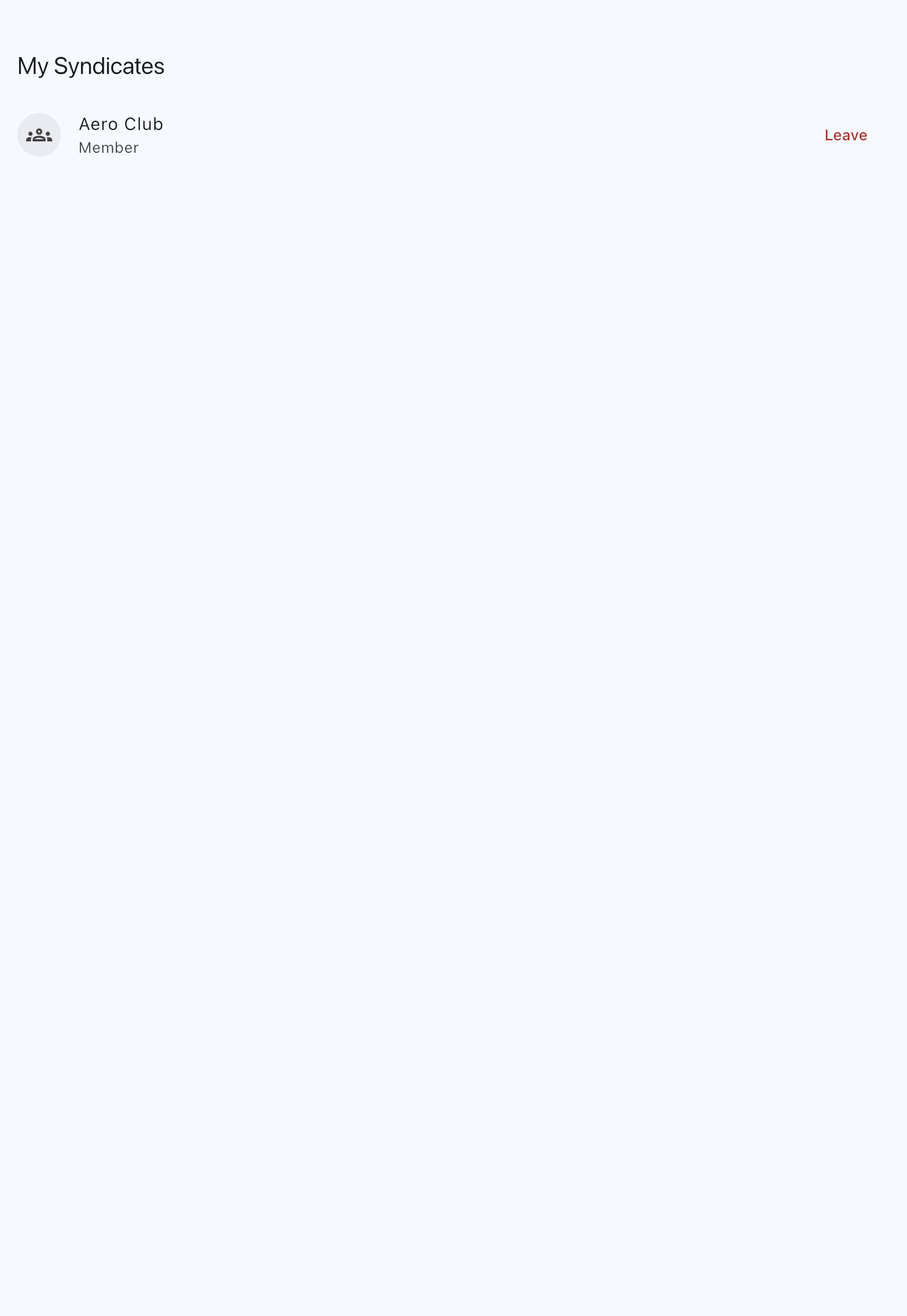
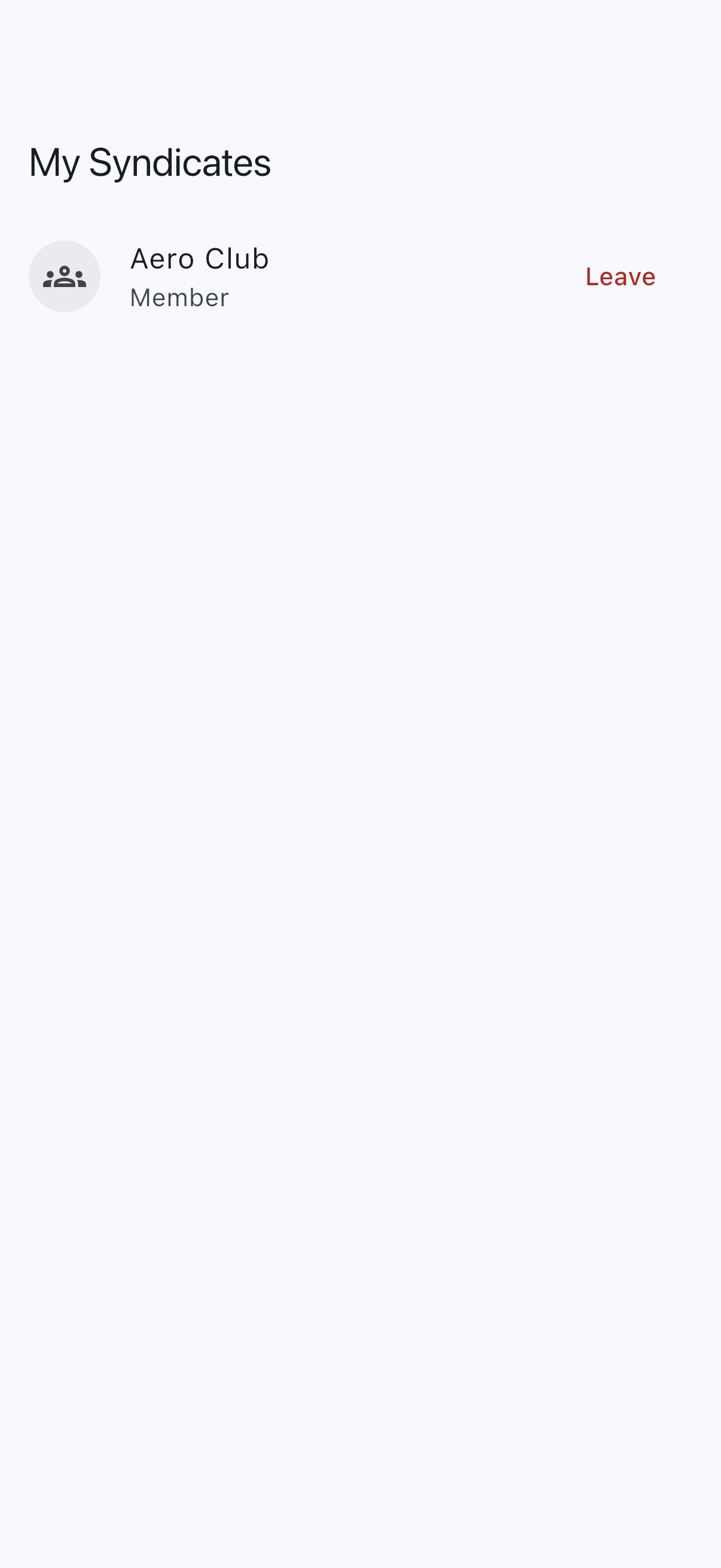
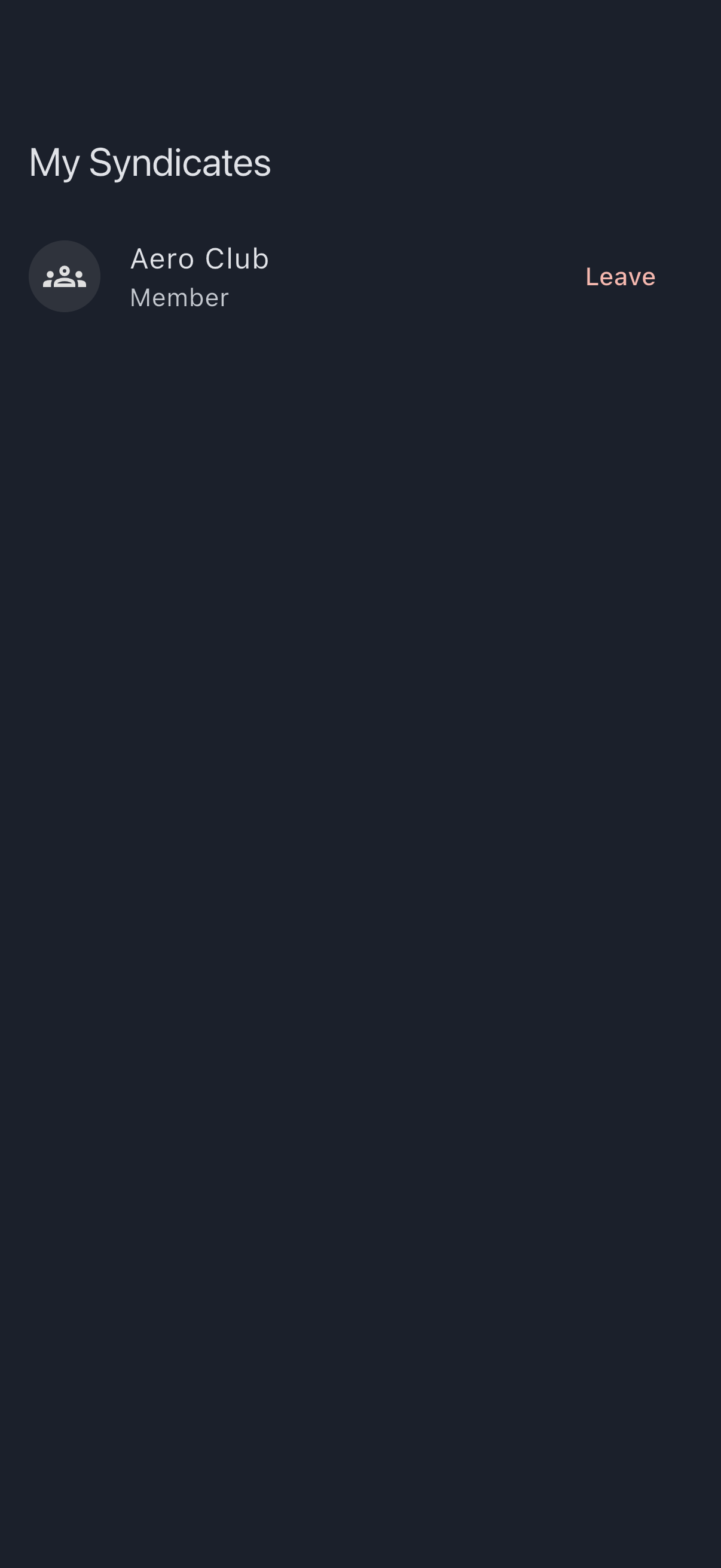
- Under My syndicates, tap Manage my syndicates. Every syndicate you belong to is listed with a Leave button on the right.
- Tap Leave next to the syndicate you want to leave.
- A confirmation dialog appears naming the syndicate. It lists what leaving affects: how many upcoming bookings will be cancelled, whether your Direct Debit mandate will be cancelled, and each cash call not yet due, for example “You have a £50.00 cash call due 20 Oct 2026. If you leave now, your share is cancelled.” If you are an admin and the syndicate has a payment account, it also reminds you to hand over the Stripe payment representative role if you hold it. Read the message and tap Leave syndicate (red) to confirm, or Cancel to back out.

After you leave, the syndicate disappears from your list. You lose access to its calendar, aircraft, and financial records immediately, with one exception: the Balances tab keeps a record of the charges the syndicate made to you, under Syndicates you no longer belong to. It shows each charge’s description, date, amount and whether it was paid. It is read-only: you cannot pay from it or open the syndicate, so contact the syndicate about anything still owed.
If that was your last syndicate, you keep the normal home screen and its Home, Balances, Bookings and Profile tabs. The home screen lists no syndicates and offers Create a syndicate, which asks whether you want the guided setup or just the syndicate. Any invitation waiting for you appears at the top. You are not sent back to the new-user setup wizard, and that stays true after you close and reopen the app.
If it goes wrong
Section titled “If it goes wrong”- A dialog says “You can’t leave yet”. It lists every reason, not the first one — so clearing them one at a time and being refused again by the next cannot happen. The reasons are: you are the only admin (promote another member to admin first); you still owe money; a Direct Debit collection of yours is still clearing; a card payment of yours was started and never finished; or you have a booking to sort out — a past one awaiting finalisation, one in progress with a usage log, or a future one with a usage log. Where money is the reason, it says how much is due now. A share of a cash call not yet due is never given as a reason: it is not on your balance, and leaving cancels it. If your syndicate bills on a set day each month, charges not yet billed are described as owed but not yet billed rather than due now; they still stop you leaving, because the money is owed either way. If you are the only admin and want to shut the syndicate down entirely, close it instead; see Close a syndicate.
- Leaving fails with an outstanding-balance error at the final step. A charge landed between the preview and your confirmation. Settle what you owe and try again.
- You changed your mind after leaving. Ask an admin to send you a fresh invitation; see Invite members. Your previous history stays on the syndicate, but rejoining starts a new membership.
If you purchased the Syndik8 subscription
Section titled “If you purchased the Syndik8 subscription”Leaving, removal or account deletion does not automatically cancel renewal or identify who owns the payment card. The recorded purchaser is emailed a cancellation route that works without syndicate admin access; [email protected] is also available. Remaining admins are asked to review the payment method and billing contact, which may need updating. Neither membership departure nor a new admin silently changes the billing email or transfers subscription responsibility.
A replacement purchaser can agree a takeover through support. Until then, the former purchaser can stop renewal and their cancellation cannot be reversed or their charges increased by another admin. Ordinary cancellation keeps paid access until the end of the billing period and does not waive outstanding charges, which may still be collected; admins are told the end date and can prepare for the free-plan limits. These subscription arrangements are separate from the syndicate’s Stripe payment account and member balances.