
Monitor member medical currency
Check which members of your syndicate have a current medical on file, and which have one approaching expiry.
Before you start
Section titled “Before you start”- You need to be an admin of the syndicate. The attention icons are hidden from members.
- Bear in mind what you can and can’t see. The list flags a member whose medical needs attention; the member’s own detail screen adds the expiry date and whether a licence is on file. Neither gives you the certificate file, the medical class, or any clinical detail. See Admin pilot-doc attention view.
- Currency is the pilot’s responsibility, not yours. Treat the icon as a courtesy nudge, not as a gate. Syndik8 does not block bookings on the basis of an expired medical, and you shouldn’t either without a deliberate policy. See Pilot-in-command responsibility.
- Open the syndicate and go to the Admin tab, then tap Members.
- Scan the right-hand end of each member row. A member whose medical needs attention carries a small red medical icon there. It has no text of its own: hover it with a pointer, or read the row with a screen reader, and it says either No medical on file or Medical expired. Those are the only two things it can say, so an in-date medical shows nothing at all, and one expiring next week looks exactly like one expiring in two years.
- Don’t read the other icons as medical. The same slot also carries an amber Direct Debit not set up icon and an amber Payment KYC pending icon. Only the red one is about medicals, and nothing on the list mentions licences at all.
- For the expiry date itself, and for whether a licence is on file, tap the member to open their detail screen. Its Pilot documents section spells out Medical expires {date} and Licence uploaded {date} as ordinary text.
- To focus on members needing attention, use the Needs attention filter chip above the list. It is labelled with a count, and it disappears entirely when nobody needs attention.
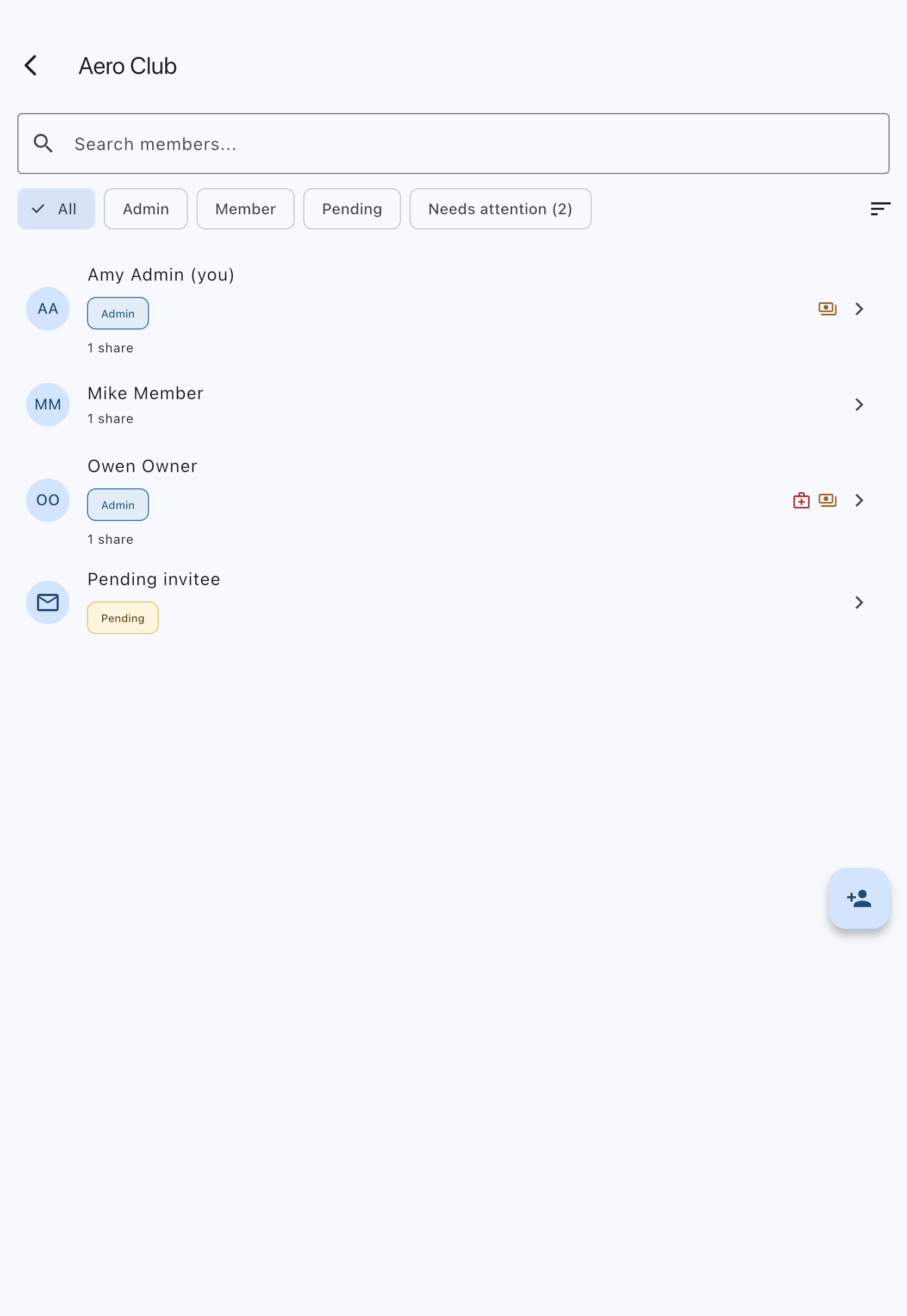
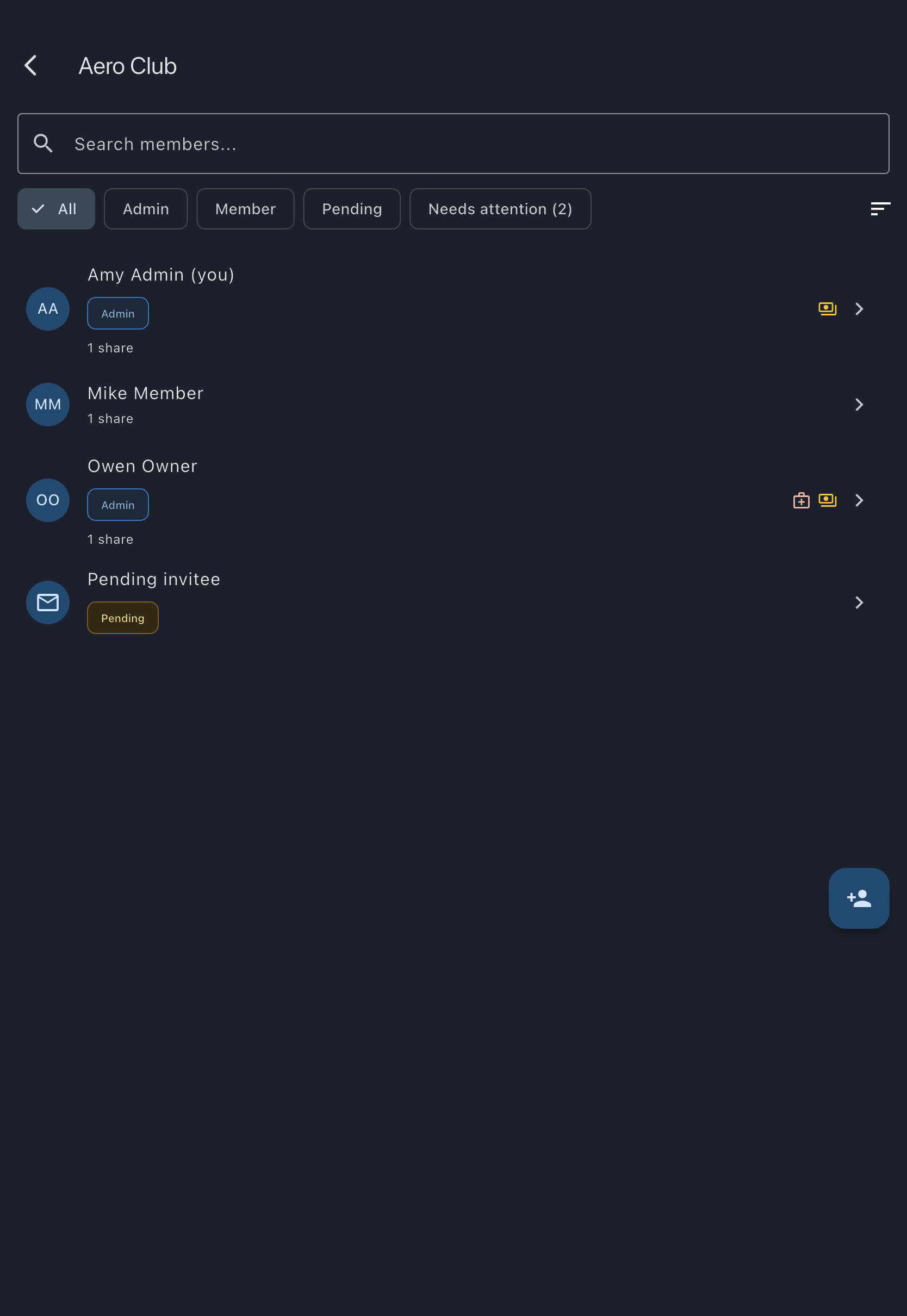
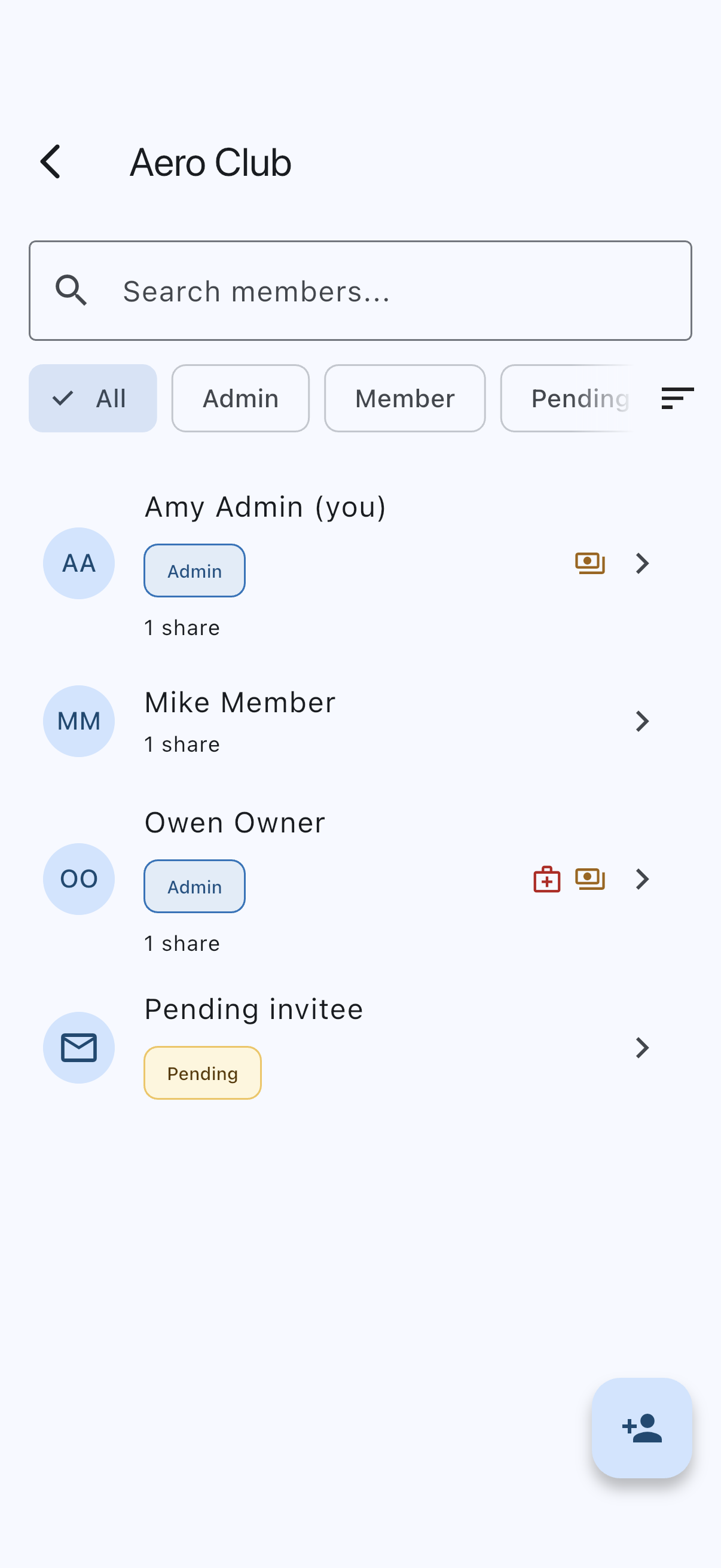
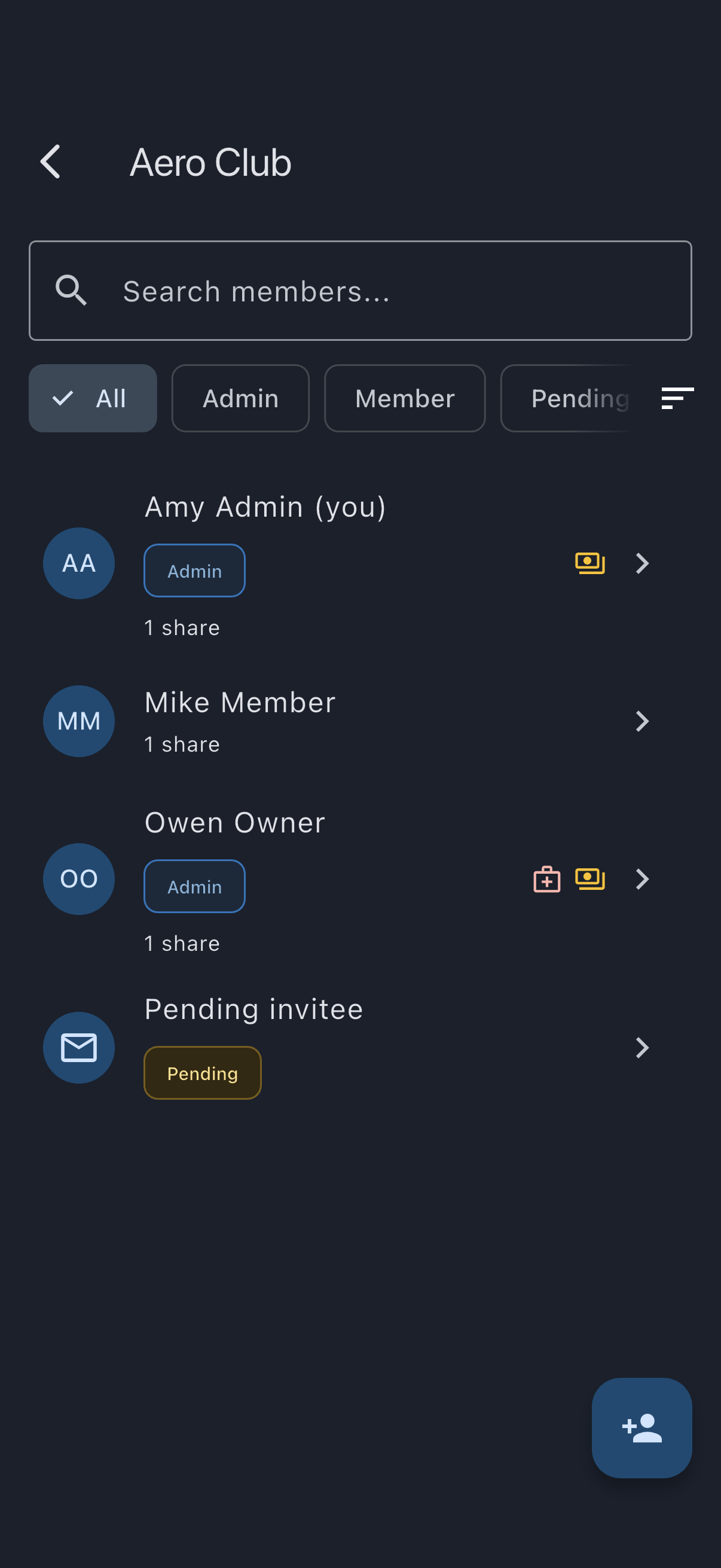
This is a passive view, not an action. There is no button to “check” a member’s medical, because there is nothing the admin can do on their behalf.
When a member’s medical is approaching expiry
Section titled “When a member’s medical is approaching expiry”You don’t need to do anything. The member receives reminders directly at 60, 30, and 7 days before expiry, and again on the day it lapses. Your job, if you have one, is on the soft-skills side: knowing the member, knowing whether they’ve already booked a renewal, deciding whether to mention it in passing. Syndik8 will not nag on your behalf.
If you want to bring it up:
- The Members list gives you an at-a-glance view of who you might want to chat to, though only once a medical has actually lapsed or gone missing.
- The member’s detail screen, one tap in, is the only place that shows the expiry date, so it is where you find out how much notice they still have.
When a member’s medical has lapsed
Section titled “When a member’s medical has lapsed”The red medical icon appears on their row, and hovering it reads Medical expired. This is the first point at which the list says anything: there is no amber warning stage beforehand. The detail screen still shows Medical expires {date} with the date now in the past.
There is no automatic consequence. The member can still book the aircraft. The member can still log flights. The member is still pilot-in-command, and their responsibility for currency is theirs, not Syndik8’s. See Pilot-in-command responsibility for the reasoning. If your syndicate has a house rule about currency, enforce it the same way you enforce everything else off-platform.
What you cannot do from here
Section titled “What you cannot do from here”- Open the certificate. You cannot view the medical itself; there is no tap-through and no admin route to the file.
- See the medical class. You get whether a medical is held and its expiry date, and nothing more.
- Push the member to renew through the app. Syndik8 doesn’t send admins a “tell your member to renew” button. See Who sees what pilot documents for why.