
Set up Direct Debit
Set up Direct Debit
Section titled “Set up Direct Debit”Authorise a Direct Debit mandate so your syndicate can collect what you owe without you paying each charge by hand.
Before you start
Section titled “Before you start”You set up a Direct Debit from Manage Direct Debit, a row on the My Syndicate card of your syndicate’s dashboard. The row appears once your syndicate collects by Direct Debit and its payment account has Direct Debit switched on; if you do not see it, your syndicate has not enabled it yet. If you reach Manage Direct Debit from a link before then, it says Direct Debit isn’t on for this syndicate yet and asks you to have an admin finish enabling it.
Once Direct Debit is switched on for your syndicate, while you have no active Direct Debit, your My Balance screen also shows a short prompt, “Pay by Direct Debit.”, with a Set up button that opens the same screen. Close it with its X if you would rather not be reminded: it stays closed for you in that syndicate on this device, and the dashboard row is still there whenever you want it.
You need a UK bank account that accepts Bacs Direct Debit. Have the account details to hand, because Stripe asks for them.
Set up your mandate
Section titled “Set up your mandate”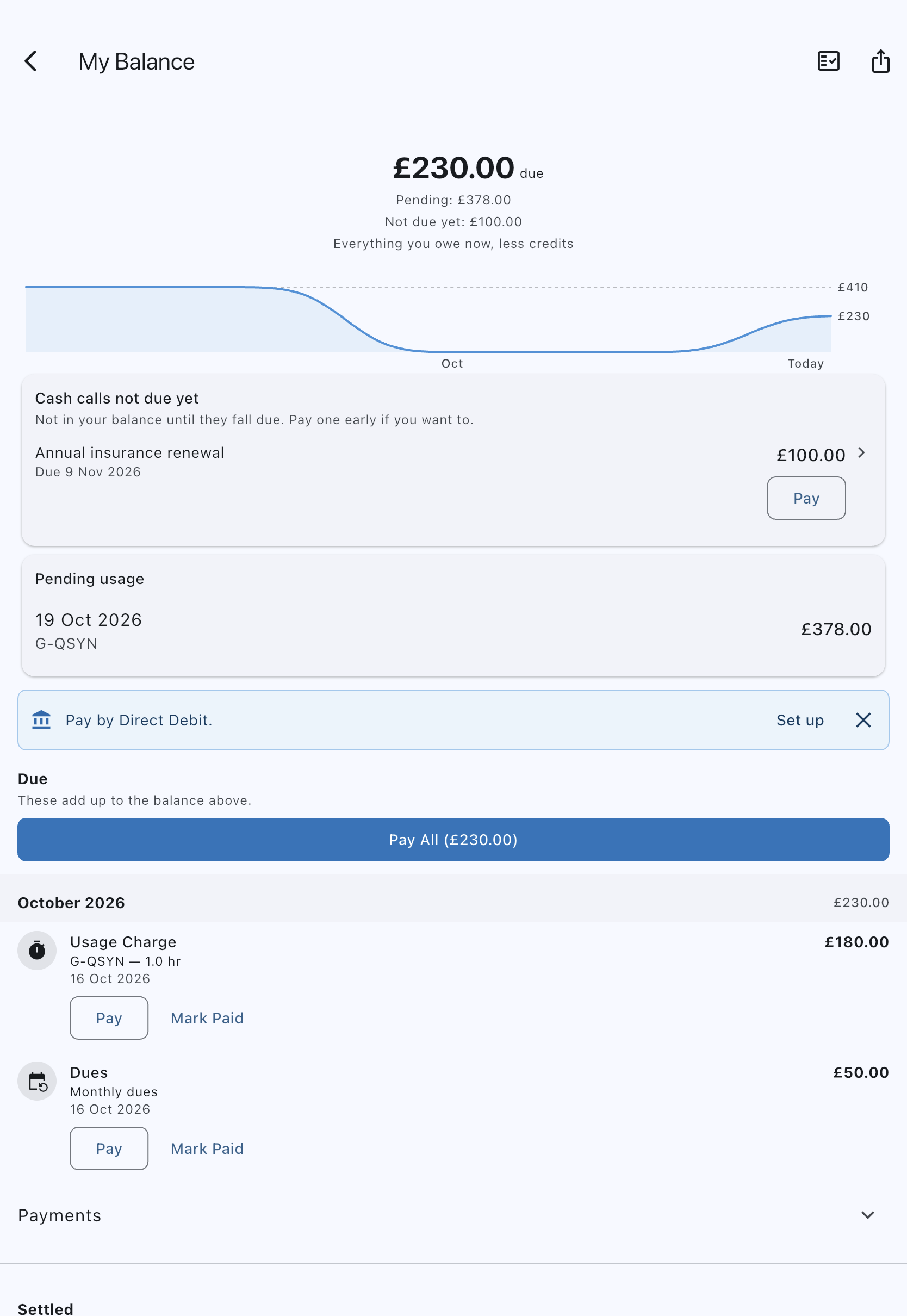
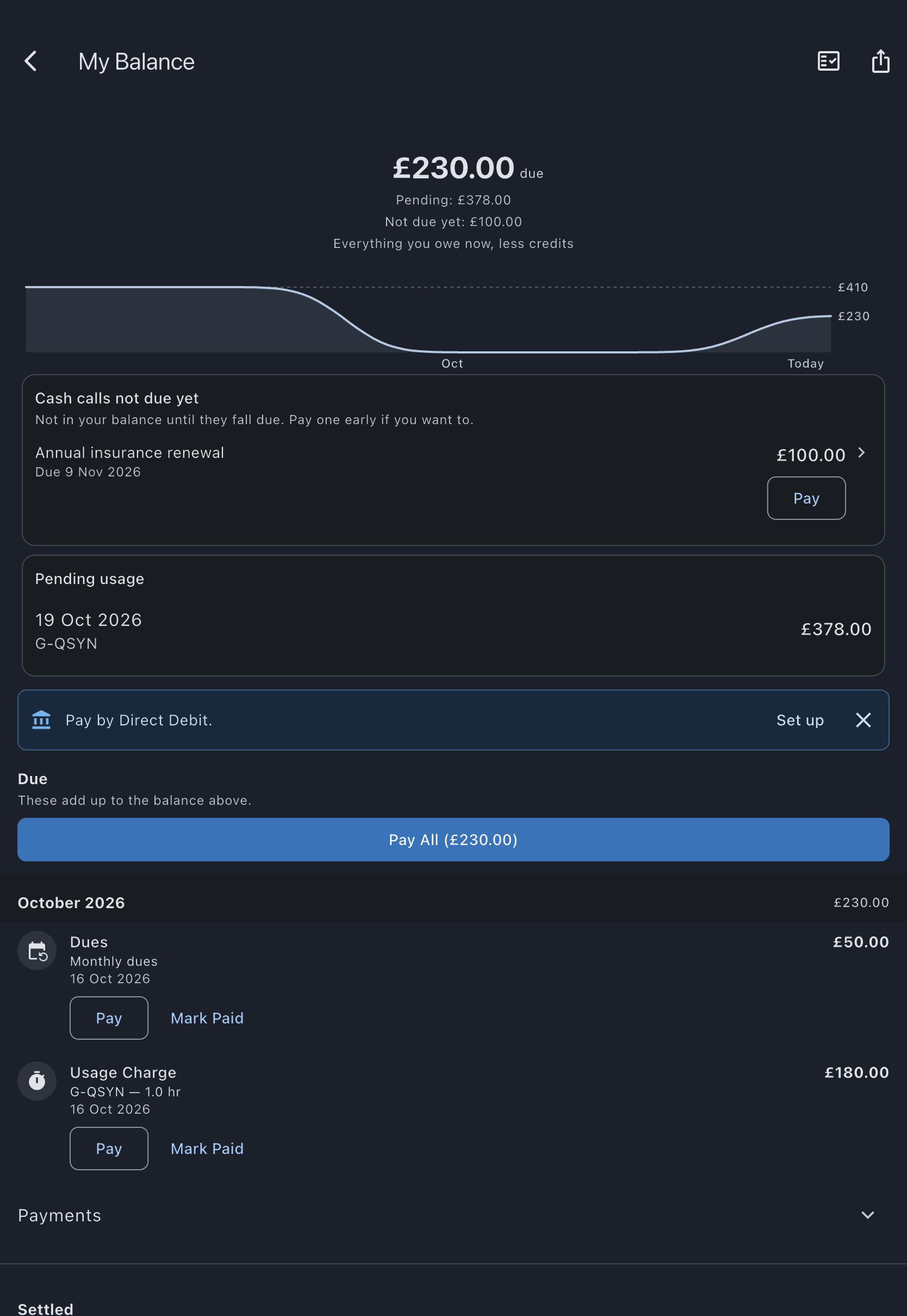
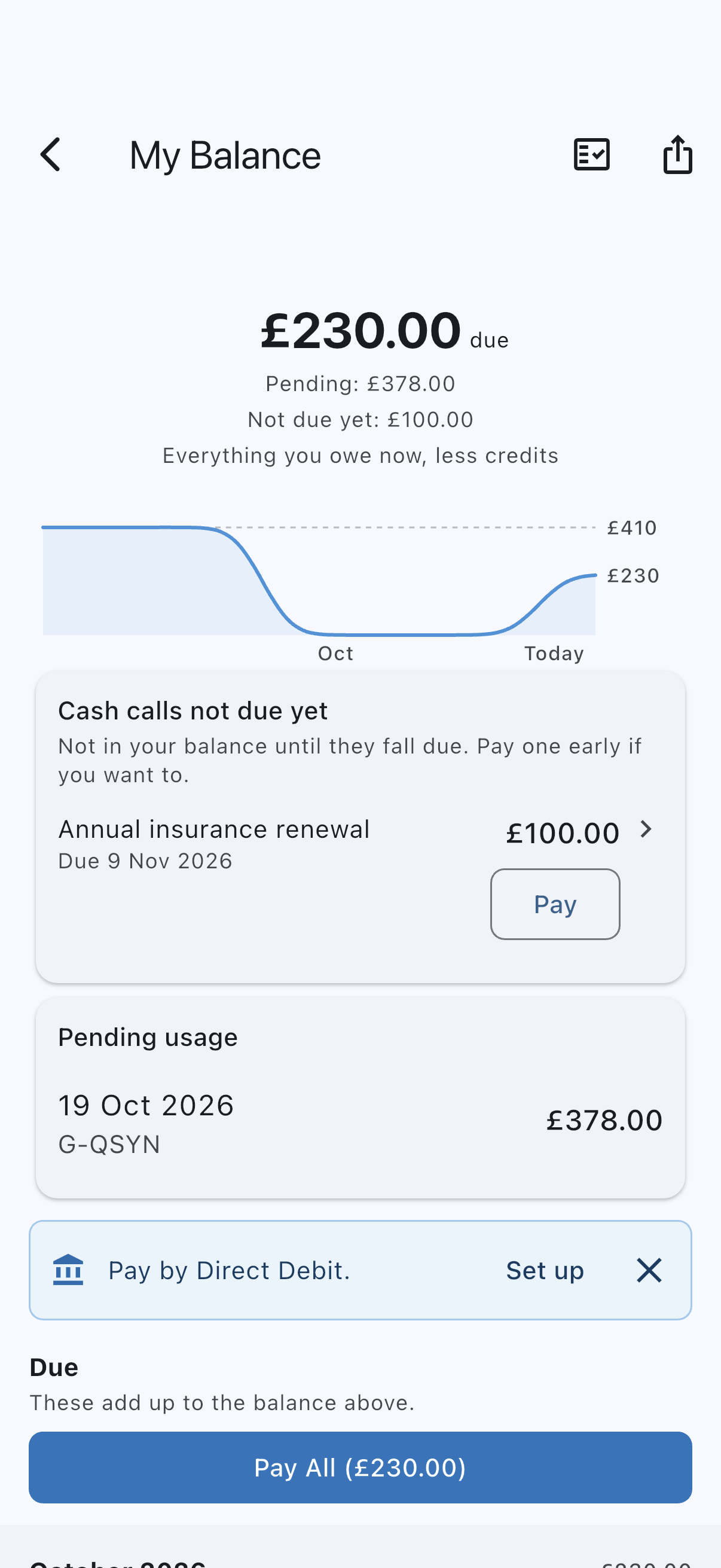
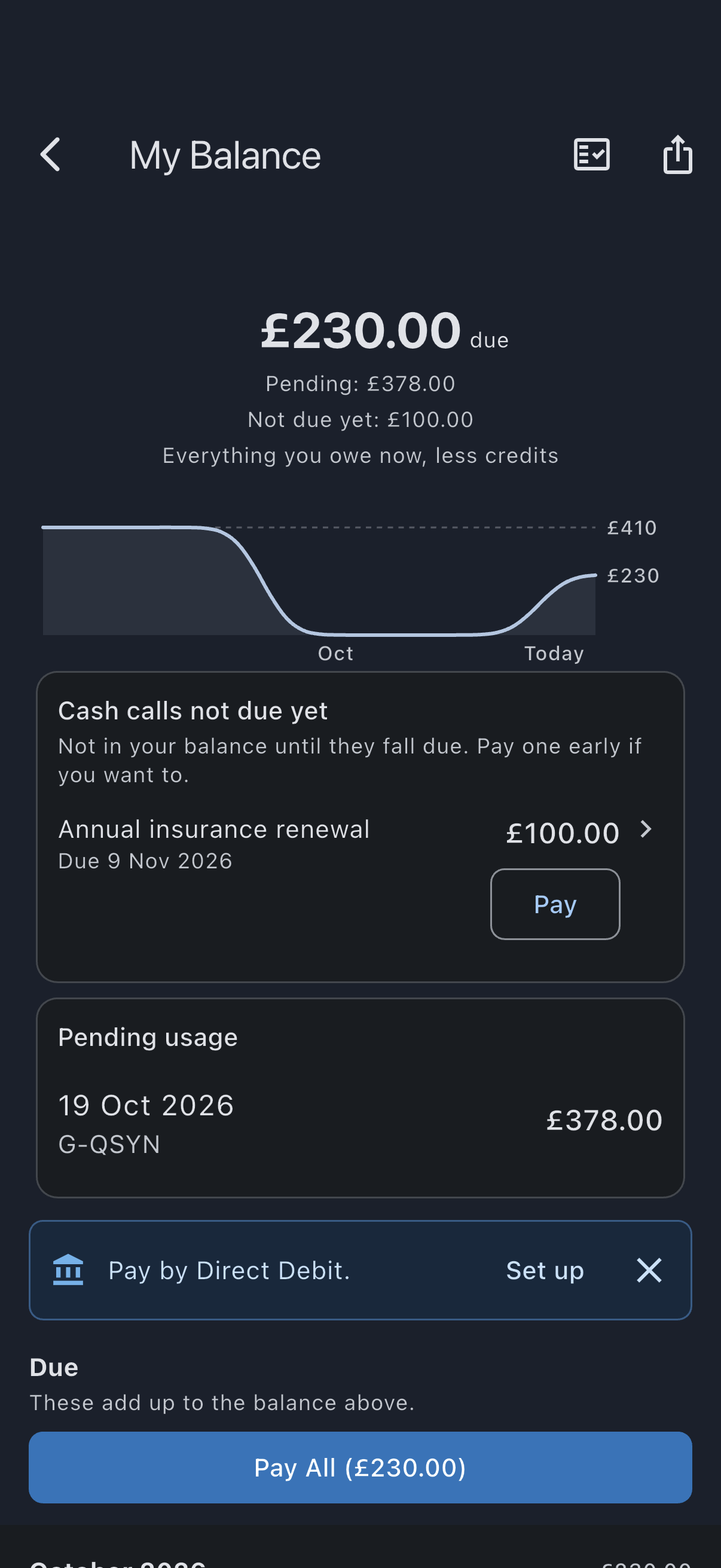
- Open the syndicate’s dashboard and, on the My Syndicate card, tap Manage Direct Debit. You can also tap Set up on the prompt on your My Balance screen, or, if an admin has sent you a prompt, follow the link in the notification or email. All three open the same screen.
- On the Manage Direct Debit screen, tap Set up Direct Debit. Stripe takes over to collect your bank details and take your authorisation for the Direct Debit. Follow the instructions there.
- Return to the app. On a phone, Stripe finishes on a Syndik8 page with a Back to Syndik8 button: tap it and the app opens on your Direct Debit screen. On the web you are taken straight back to that screen.
- The screen says “Finishing your Direct Debit setup…” while Stripe confirms your mandate to us. This usually takes under a minute, and there is nothing to do meanwhile: no email to sign, and no need to set anything up again.
- When the confirmation arrives, the screen shows your mandate as Active, with the last four digits of the bank account it debits. The prompt on your My Balance screen goes away.
If the confirmation takes more than a couple of minutes, the screen says “This is taking longer than usual.” and shows the setup button again. Your mandate still turns Active on that screen once it is confirmed, so check back there before setting up again.
Those pages are Stripe’s, not ours, so we do not walk you through them here. Stripe explains how a Bacs Direct Debit mandate is set up and what the Direct Debit Guarantee gives you in its Bacs Direct Debit documentation.
What a Direct Debit looks like on your statement
Section titled “What a Direct Debit looks like on your statement”A collection from your syndicate shows as Stripe on your bank statement, not the syndicate’s name. This is the payment provider Syndik8 uses, so the entry is expected.
Check, change or cancel your Direct Debit
Section titled “Check, change or cancel your Direct Debit”Your Direct Debit is on the Manage Direct Debit screen for as long as it is live, with the last four digits of the account it debits, so you can check the right account is on it.
- Open the syndicate’s dashboard and, on the My Syndicate card, tap Manage Direct Debit. This is the same screen you set the mandate up on.
- To stop future collections, tap Cancel Direct Debit and confirm. We ask your bank to cancel it, and the screen updates once your bank confirms.
- To move to a different bank account, cancel the current mandate and then set a new one up from the same screen.
Cancelling only stops collections from here on. It does not undo a collection that has already been taken. To claim one of those back, contact your own bank under the Direct Debit Guarantee.
You can also cancel a Direct Debit directly with your bank. We hear about that from Stripe and mark the mandate cancelled on its own, so you do not need to do anything in the app as well.
If you left the form part-way
Section titled “If you left the form part-way”If you close Stripe’s page or go back before finishing, nothing is set up and nothing is waiting to be confirmed. Just start again: tap Set up Direct Debit on the Manage Direct Debit screen.
An admin can also send you a prompt to set up Direct Debit. It arrives as a notification with a link to the same setup screen.
See also
Section titled “See also”- Direct Debit reference: how mandates, advance notices, and collections work.
- Your balance: where to see what you owe and what is being collected.
- Mandate: what a Direct Debit mandate is.