Change how dates and times look
Choose whether times show on a 12-hour or 24-hour clock, and pick the order of day, month, and year in dates. These are personal settings: they change how Syndik8 displays times and dates for you, on every device you sign in to, and never change what anyone else sees.
Before you start
Section titled “Before you start”- These settings sit on your account, not on a syndicate. You set them once and they apply across all the syndicates you belong to.
- The default is a 24-hour clock and day-month-year dates. Both can be changed at any time.
- Changing these settings only affects how existing times and dates are shown. It does not alter any booking, usage log, or report.
- Open the Profile tab.
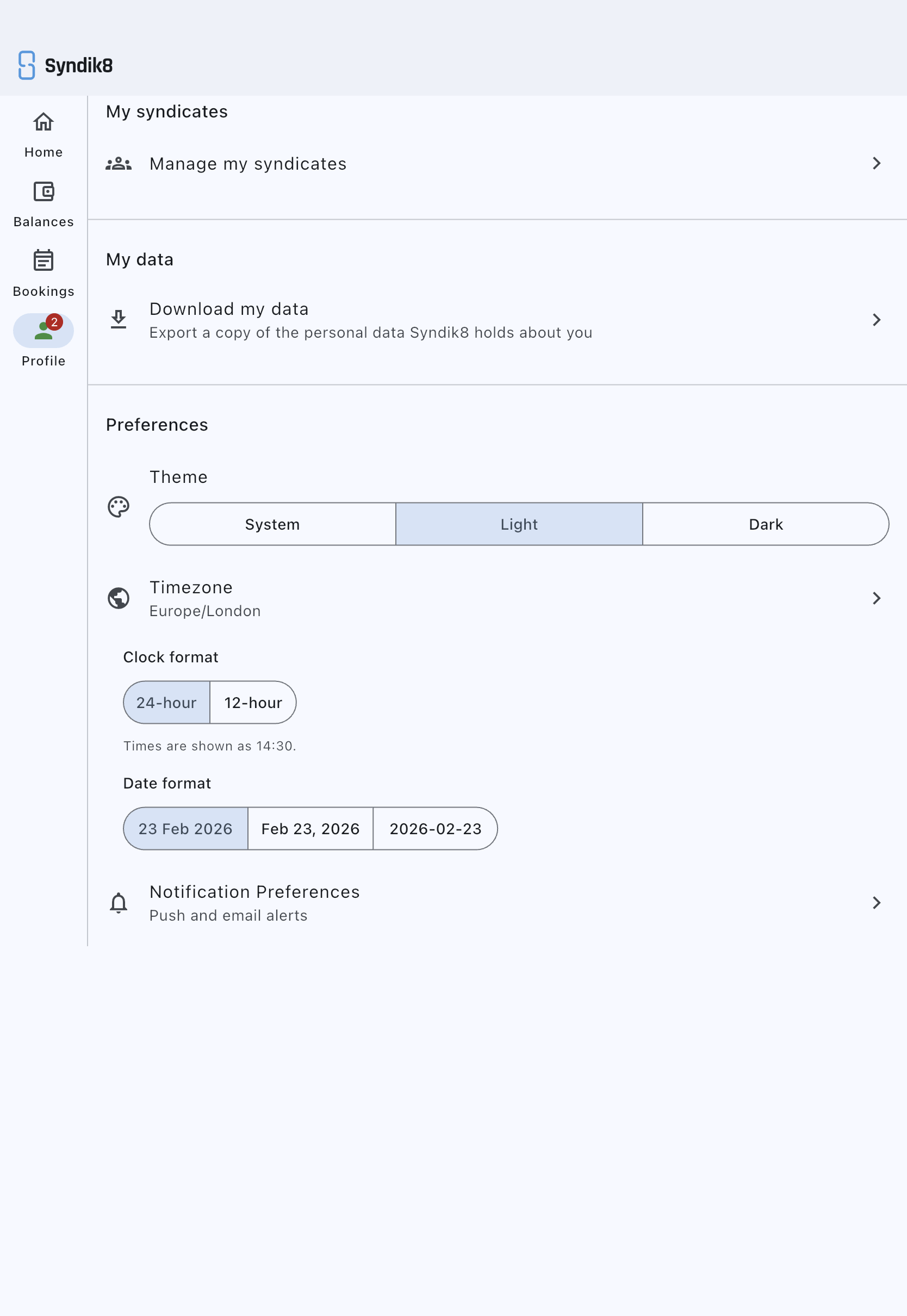
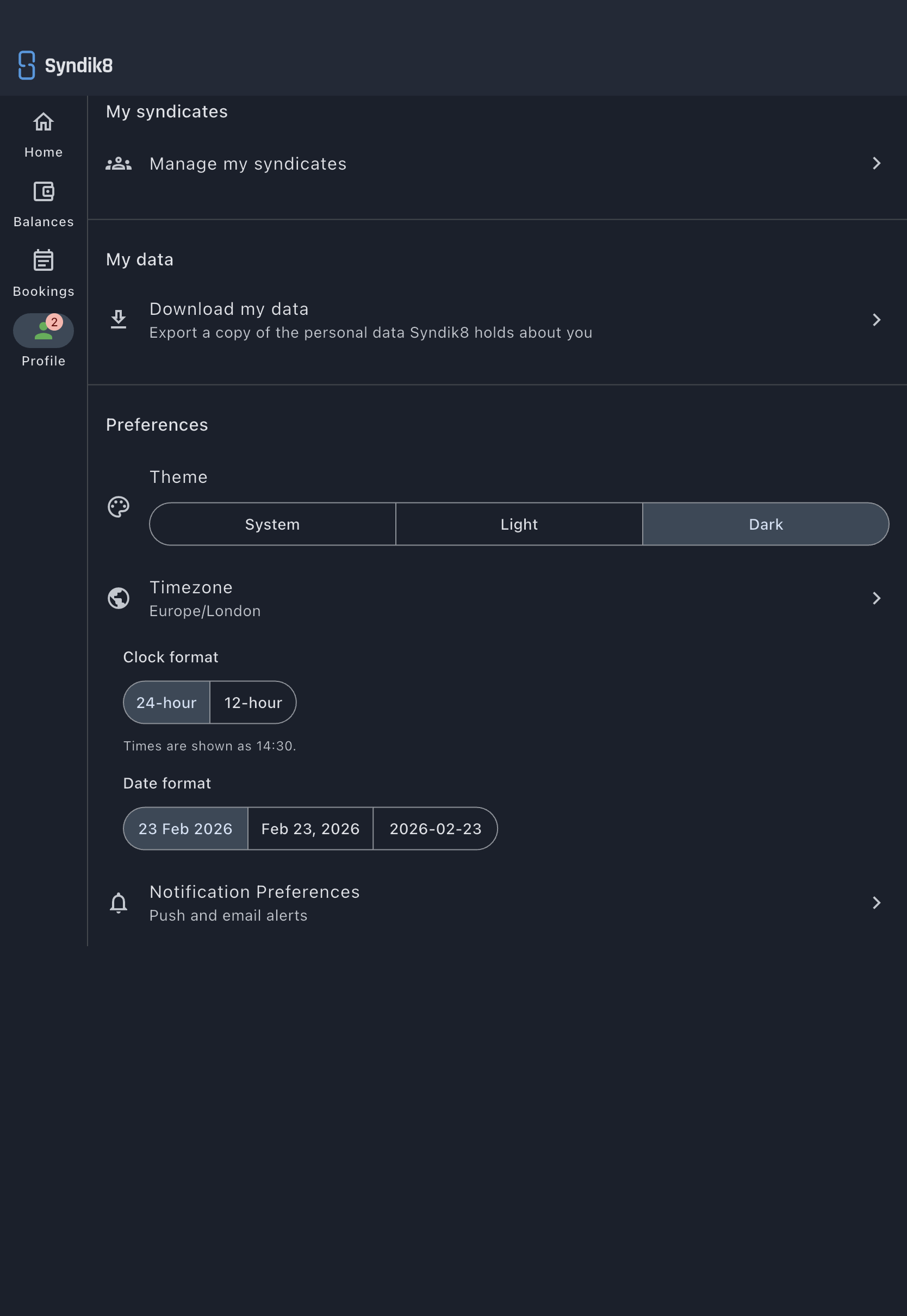
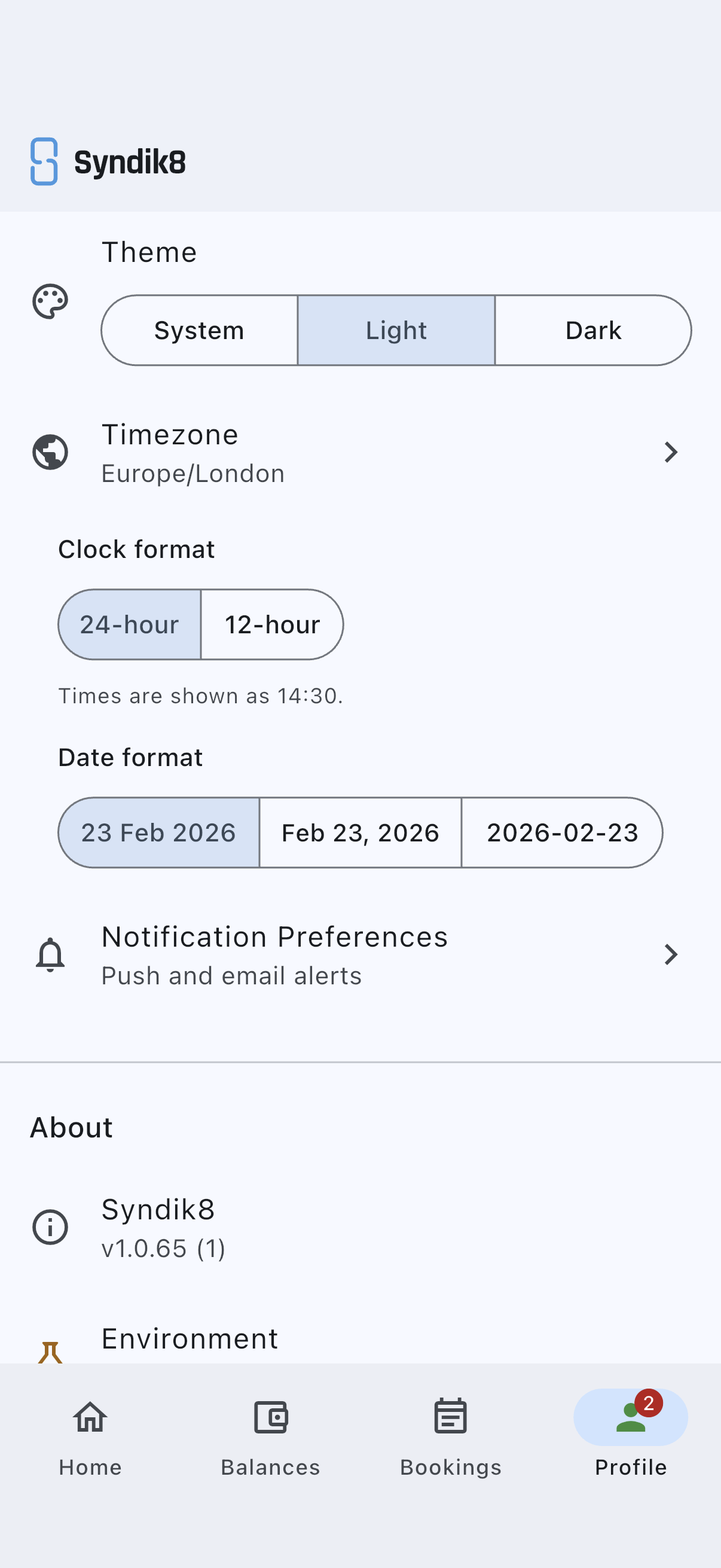
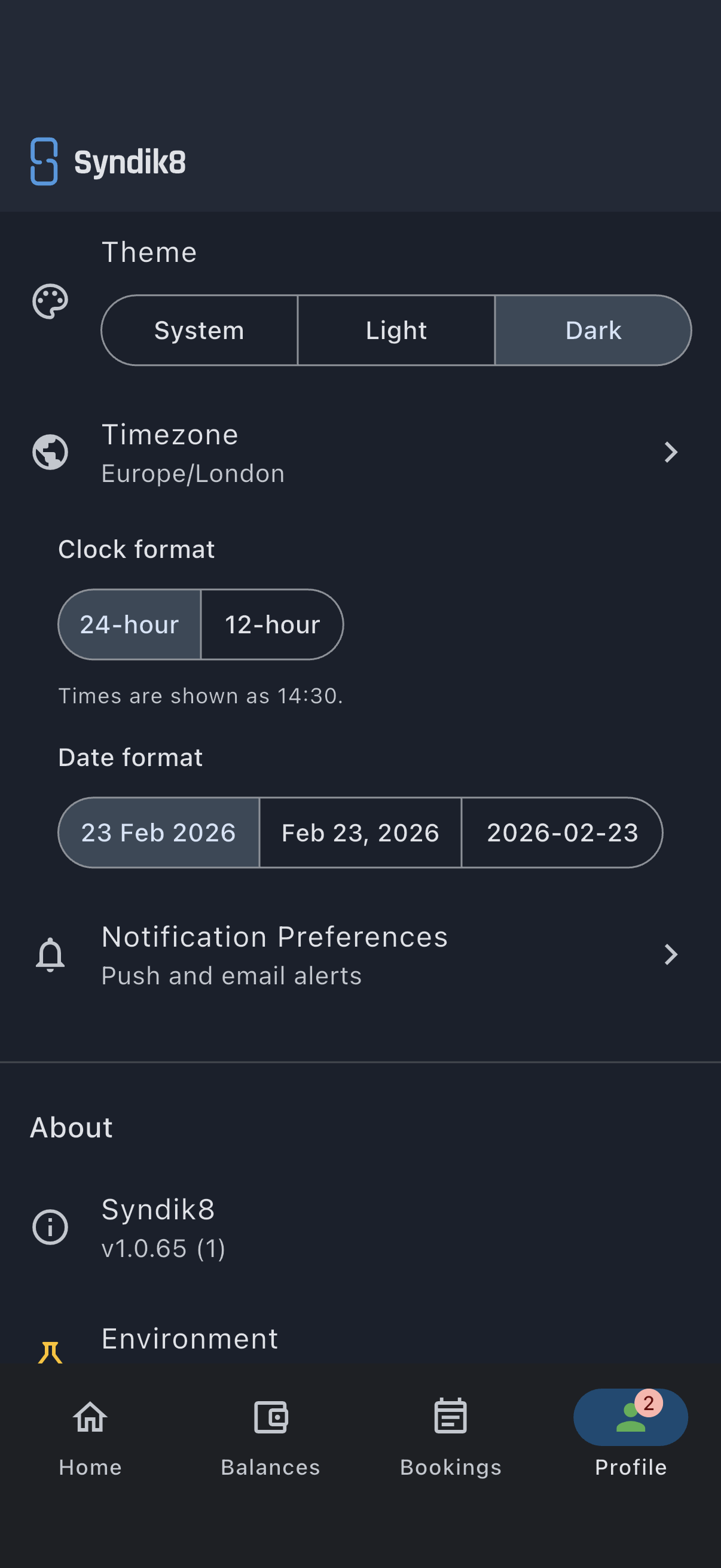
- Scroll to the Preferences section, below your display name and alongside the theme and timezone controls.
- Under Clock format, tap the option you want:
- 24-hour, times read as
14:30. - 12-hour, times read as
2:30 PMwith an AM/PM marker. The line beneath the two options shows how a time reads under the one you have chosen, and a Clock format updated confirmation appears. The change takes effect immediately.
- 24-hour, times read as
- Under Date format, tap the order you want:
- 23 Feb 2026, day, month, year (UK and European default).
- Feb 23, 2026, month, day, year (US).
- 2026-02-23, year, month, day (ISO 8601). A Date format updated confirmation appears and dates across the app re-render in the chosen order.
Dates on the app’s own screens use the format you chose, with the year, and times use your clock: 10 Mar 2026 18:00. A booking within one day reads 10 Mar 2026, 18:00 – 20:00; one that runs across days gives both ends, 10 Mar 2026 18:00 – 14 Mar 2026 07:00. Where a range has no room for one line, it breaks between whole dates and times rather than in the middle of one. Where a heading already names the day, as in the calendar, a booking shows its times alone.
A few places keep their own form:
- Dates elsewhere leave out the day of the week. The calendar names it, and so does the weekly digest’s send day (Monday).
- The watch app and the home-screen widget use a short form such as Tue 10 Mar, to fit their small space.
- Most notification and email text is worded by the server, and does not yet follow these settings.
- Tech logs and financial statements start with your normal date preference. Their export screens let you choose another date format for that export only, including ISO. Tech-log times keep a 24-hour clock.